Introduction
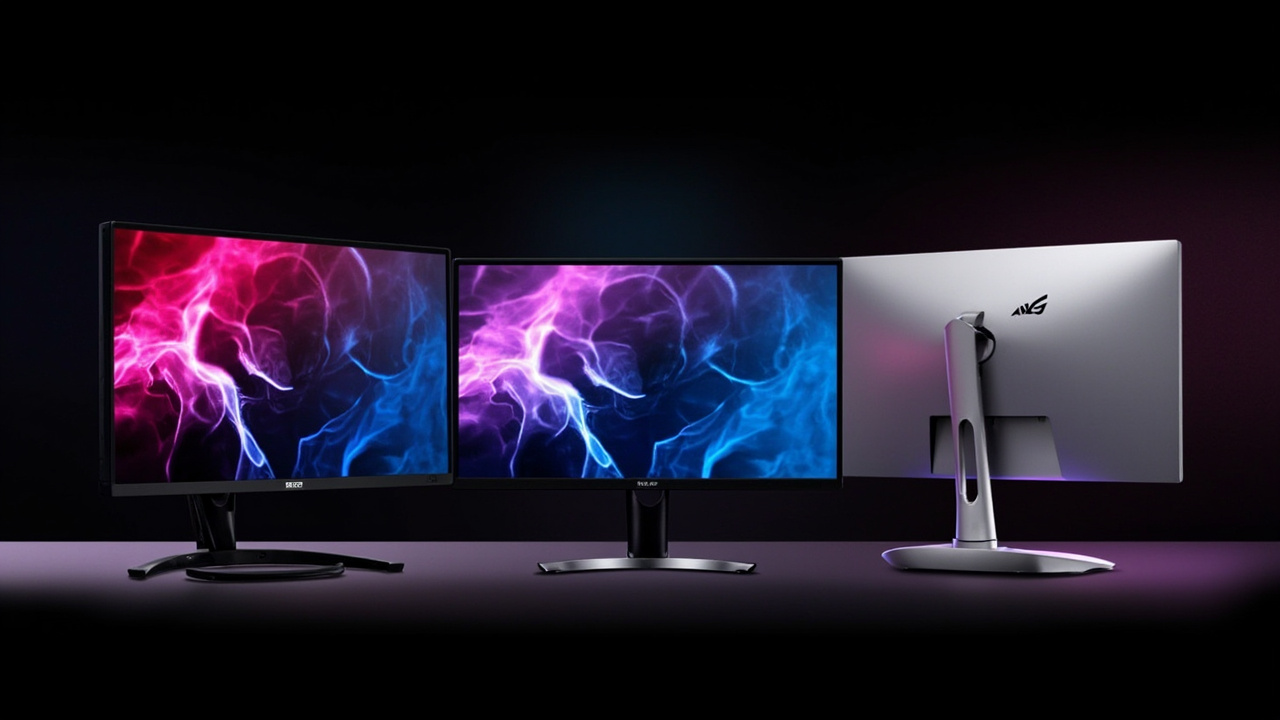
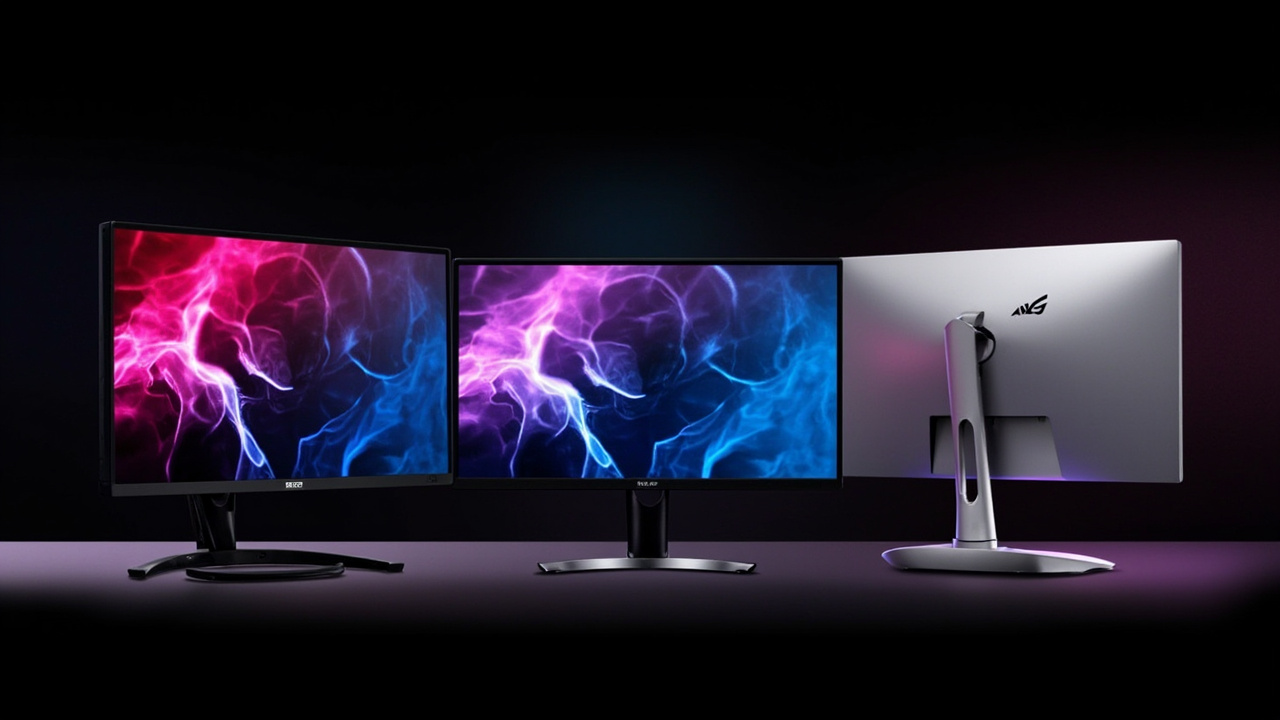
If you are about to spend $900 to $1,400 on a flagship 32-inch gaming monitor in 2026, you are staring at three very different OLED panels that all promise “the best 4K gaming experience.” They look almost identical on a spec sheet — 32 inches, 4K, 240Hz, 0.03ms response — but they are built on different panel technologies, ship with different warranty terms, and age in different ways.
The LG UltraGear 32GS95UE-B is the only monitor of the three with VESA-certified Dual Mode: it can switch between 4K at 240Hz and 1080p at 480Hz with a single button press. It uses LG’s own WOLED panel (with Micro Lens Array +), runs flat, and currently lists for $1,115.46 on Amazon as of May 22, 2026 (Source: ProductChart price tracker). MSRP was $1,399.99 at launch.
The Samsung Odyssey OLED G8 G80SD is Samsung’s flat 32-inch QD-OLED gaming monitor, also 4K at 240Hz, with Samsung’s Gaming Hub and a typical 250-nit full-screen brightness. It is currently the cheapest of the three at $899.99 (Pangoly price history, June 2026) — well below its $1,299.99 MSRP (Source: Pangoly price history).
The Alienware AW3225QF is Dell’s curved (1700R) QD-OLED flagship, the world’s first 4K QD-OLED monitor when it launched at CES 2024 (Source: Notebookcheck, CES 2024). It currently lists at $999.99 (Pangoly, June 2026), MSRP $1,199.99, and uniquely includes 3-year Advanced Exchange Service with OLED burn-in coverage at no extra cost.
The hidden cost here is not the sticker — it is panel longevity, warranty burn-in terms, and what you actually use the monitor for (single-player story games vs competitive esports vs productivity work).
The Verdict First
- Pick the LG UltraGear 32GS95UE-B (~$1,115) if you split time between immersive 4K single-player gaming and competitive esports, want the only 1080p 480Hz option in this trio, or care about the brightest sustained full-screen HDR. The catch: WOLED panel has slightly weaker text clarity for productivity, and LG’s standard 2-year warranty does not explicitly cover burn-in (you have to push for it under “pixel defect” coverage in some regions).
- Pick the Samsung Odyssey OLED G8 G80SD (~$900) if you want the lowest total spend in this tier, prefer a flat panel on a smaller desk, or live inside Samsung’s Gaming Hub / Smart TV ecosystem. The catch: 250-nit typical full-screen brightness is dimmer than the LG and Alienware, and Samsung’s warranty terms on burn-in are the least transparent of the three.
- Pick the Alienware AW3225QF (~$1,000) if you want the best warranty story (3-year Advanced Exchange with explicit OLED burn-in coverage), prefer a curved QD-OLED panel, and play a mix of HDR games + productivity. The catch: 1700R curvature is divisive for productivity, and the curved QD-OLED text fringing is slightly worse than a flat QD-OLED.
Cost score (overall value): 78/100. All three are excellent. None are budget buys. The winner for your wallet depends on whether you prioritize Dual Mode versatility (LG), lowest price (Samsung), or warranty + curved QD-OLED (Alienware).
Key Comparison Points
Price vs Real Cost Per Use
The sticker prices look similar at a glance — they are not. Over a 5-year window, the differences come from warranty terms, panel longevity, and the realistic chance of a burn-in claim.
| Cost Factor | LG UltraGear 32GS95UE-B | Samsung Odyssey OLED G8 G80SD | Alienware AW3225QF |
|---|---|---|---|
| Current street price (June 2026) | $1,115.46 (Amazon, ProductChart) | $899.99 (Pangoly) | $999.99 (Pangoly) |
| MSRP at launch | $1,399.99 | $1,299.99 | $1,199.99 |
| Lowest historical price (Pangoly) | ~$899 | $799.99 (Dec 2025) | $699.99 (Feb 2026) |
| Panel tech | WOLED (MLA+) | QD-OLED (Samsung Display) | QD-OLED (Samsung Display) |
| Refresh rate (4K) | 240 Hz | 240 Hz | 240 Hz |
| Refresh rate (1080p Dual Mode) | 480 Hz (VESA-certified) | N/A (240 Hz only) | N/A (240 Hz only) |
| Response time (GtG) | 0.03 ms | 0.03 ms | 0.03 ms |
| HDR certification | DisplayHDR True Black 400 | DisplayHDR True Black 400 | DisplayHDR True Black 400 |
| Curvature | Flat | Flat | 1700R curved |
| Warranty length | 2 years (standard) | 3 years (standard) | 3 years Advanced Exchange |
| Burn-in coverage in warranty | Region-dependent (US: typically not explicit) | Region-dependent (US: typically not explicit) | Yes, explicit OLED burn-in coverage |
| Pixel density | 137.7 PPI (4K) | 137.7 PPI (4K) | 137.7 PPI (4K) |
Cost per year over a 5-year hold (assuming a $50 extended warranty buy on the LG / Samsung to match Alienware’s burn-in coverage):
| 5-Year Cost Line | LG 32GS95UE-B | Samsung G80SD | Alienware AW3225QF |
|---|---|---|---|
| Purchase | $1,115 | $900 | $1,000 |
| Extended warranty (burn-in rider) | ~$80 | ~$80 | $0 (included) |
| 5-year total | ~$1,195 | ~$980 | ~$1,000 |
| Effective hourly cost (4 hr/day, 365 days) | ~$0.16/hr | ~$0.13/hr | ~$0.14/hr |
The Samsung wins on raw sticker, the Alienware wins on out-of-the-box protection, and the LG is the most expensive once you add a real burn-in warranty. If you are a heavy productivity user (browser, code, Office) with a static taskbar, the Alienware’s included burn-in coverage is worth ~$80-$150 in peace of mind.
Build Quality and Durability
| Build Factor | LG 32GS95UE-B | Samsung G80SD | Alienware AW3225QF |
|---|---|---|---|
| Panel type | WOLED with MLA+ | QD-OLED (3rd-gen Samsung Display) | QD-OLED (3rd-gen Samsung Display) |
| Subpixel layout | WOLED (RWBG) — known slight text fringing | QD-OLED (RGB triangle) — cleanest text | QD-OLED (RGB triangle) |
| Curvature | Flat | Flat | 1700R curved |
| Anti-glare coating | Matte (slight haze, low reflectivity) | Semi-glossy (more reflective but punchier) | Matte |
| Stand adjustments | Tilt, height, swivel, pivot | Tilt, height, swivel | Tilt, height, swivel |
| VESA mount | 100×100 mm | 100×100 mm | 100×100 mm |
| Weight (with stand) | ~22.5 lb (10.2 kg) | ~16.5 lb (7.5 kg) | ~21.6 lb (9.8 kg) |
| Speakers | 2× 7 W (basic) | 2× 5 W (basic) | None (no built-in speakers) |
| Ports | 2× HDMI 2.1, 1× DP 1.4, 2× USB-A, 1× 3.5 mm, SPDIF | 1× HDMI 2.1, 1× mini-DP, 2× USB-C, 1× USB-B upstream | 1× DP 1.4, 2× HDMI 2.1, 4× USB-A, 1× USB-B upstream, 3.5 mm |
| RGB lighting | Hexagon backlight (RGB) | CoreSync + CoreLighting+ (rear halo) | AlienFX (logo + rear ring) |
On panel longevity: All three are 3rd-generation OLED panels with significantly better burn-in resistance than the 2022-2023 generation. RTINGS.com’s accelerated longevity tests (publicly tracked) suggest modern QD-OLED panels running desktop UI 8 hours/day should reach 5+ years before noticeable burn-in, and LG’s WOLED with the 2025+ MLA+ refresh sits in the same range. The 1700R curve on the Alienware does not affect panel life; it only affects viewing geometry.
On text clarity: QD-OLED’s RGB subpixel layout is noticeably sharper for text than WOLED’s RWBG layout. If you spend 6+ hours a day reading code, spreadsheets, or documentation on this monitor, the Samsung or Alienware will look better than the LG in productivity apps — this is the single biggest reason some reviewers pick QD-OLED for mixed-use setups. (Sources: RTINGS QD-OLED vs WOLED explainer, multiple user reports on r/Monitors.)
On build: LG and Alienware both ship with sturdier metal stands; Samsung’s stand is functional but lighter. All three support VESA 100×100 mm mounting if you want to ditch the stand entirely.
Feature Breakdown
| Feature | LG 32GS95UE-B | Samsung G80SD | Alienware AW3225QF |
|---|---|---|---|
| Smart TV / Streaming apps | No (monitor only) | Yes (Samsung Tizen, Gaming Hub, Netflix/Disney+/GeForce Now) | No (monitor only) |
| KVM switch | No | No | No |
| PiP / PbP | Yes (basic) | Yes | Yes |
| G-SYNC Compatible | Yes | Yes (native G-SYNC) | Yes (native G-SYNC) |
| FreeSync Premium Pro | Yes | Yes | Yes |
| HDR peak brightness (10% window, claimed) | ~1,300 nits | ~1,000 nits | ~1,000 nits |
| Sustained full-screen brightness | ~275 nits (WOLED MLA+) | ~250 nits | ~250 nits |
| DCI-P3 coverage | ~98.5% | ~99% | ~99% |
| Dual Mode button (4K 240 ↔ 1080p 480) | Yes (VESA-certified) | No | No |
| Console support (PS5 / Xbox) | HDMI 2.1, 4K@120 | HDMI 2.1, 4K@120 | HDMI 2.1, 4K@120 |
| Fan noise | Yes, very quiet active cooling | Passive (no fan) | Passive (no fan) |
| Warranty registration | LG.com | Samsung.com | Dell.com (Premier login) |
The Dual Mode is the real differentiator. If you play a mix of slow-paced RPGs (4K@240Hz) and competitive shooters like Valorant or CS2 (where 480Hz at 1080p gives a real edge over 240Hz), the LG is the only monitor in this trio that does both without compromise. PC Gamer’s review explicitly calls the LG the most versatile 32-inch OLED on the market thanks to Dual Mode (Source: PC Gamer LG 32GS95UE review).
Samsung’s Tizen smart platform is the real differentiator for console / living-room-PC setups — you can run Netflix, GeForce Now, and Xbox Cloud Gaming without booting a PC.
Alienware’s HDR + G-SYNC native support is the cleanest “plug in and game” experience for Nvidia GPU owners. Dell’s firmware updates are also the most reliable of the three over multi-year horizons.
Pros and Cons
LG UltraGear 32GS95UE-B (~$1,115)
Pros
- Only 32-inch 4K OLED with VESA-certified Dual Mode (4K 240Hz + 1080p 480Hz)
- Highest peak HDR brightness (~1,300 nits claimed) of the three
- MLA+ WOLED panel has the deepest blacks and cleanest motion handling
- 2× HDMI 2.1 + DP 1.4 — easy dual-PC / console setup
- Tall, stable metal stand with full ergonomic adjustments
Cons
- Most expensive of the three
- WOLED RWBG subpixels show slight text fringing (a real issue for productivity)
- 2-year warranty; burn-in coverage is region-dependent and not always honored
- Active cooling fan (very quiet but it does exist)
- Heavier than Samsung by ~6 lb with the stand
Samsung Odyssey OLED G8 G80SD (~$900)
Pros
- Lowest price of the three (often under $900 on sale)
- QD-OLED RGB subpixel layout — cleanest text for productivity
- Tizen smart TV + Gaming Hub for console/cloud gaming
- Lightest and most desk-friendly of the three
- Native G-SYNC + FreeSync Premium Pro
Cons
- Dimmer sustained full-screen brightness (~250 nits vs LG’s 275)
- Stand is functional but light; less stable for big desk pushes
- Burn-in warranty coverage is the least transparent of the three
- No Dual Mode — fixed at 4K 240Hz
- No VESA-mount-friendly cable management
Alienware AW3225QF (~$1,000)
Pros
- Best warranty in this class (3-year Advanced Exchange with explicit OLED burn-in coverage)
- QD-OLED panel with sharpest text for productivity
- Curved 1700R is immersive for flight sims, racing, and single-player RPGs
- 4× USB-A hub for keyboard / mouse / headset
- No fan (passive cooling only — silent)
Cons
- Curvature is divisive — not ideal for productivity or shared viewing
- QD-OLED text fringing is slightly worse than flat QD-OLED due to the curve
- No built-in speakers (minor)
- 1700R + 32-inch requires more desk depth (~28+ inches) for comfortable viewing
- Alienware Command Center software is heavier than LG’s OnScreen or Samsung’s Tizen
Best For / Skip If
Best for the LG UltraGear 32GS95UE-B:
- Competitive esports players who also enjoy 4K single-player — Dual Mode is genuinely the only “best of both worlds” option in this class
- Owners of an Nvidia RTX 4080/5080 or higher who can drive 240 fps at 4K in modern titles
- Buyers who care more about peak HDR brightness than text clarity (mostly HDR-movie or AAA-game-only users)
Best for the Samsung Odyssey OLED G8 G80SD:
- Budget-conscious buyers who want QD-OLED at the lowest possible price
- Productivity + gaming mixed users — QD-OLED’s text clarity is the cleanest of the three
- Users who want a smart TV / streaming experience without an extra device
- Small desks — the G80SD is the lightest and most compact of the three
Best for the Alienware AW3225QF:
- Buyers who want burn-in coverage included without paying for an extended warranty
- Single-player / immersive sim fans (Cyberpunk 2077, Microsoft Flight Simulator, Forza Horizon) who benefit from the curved QD-OLED
- Owners of an Alienware / Dell ecosystem who already use Alienware Command Center for peripheral sync
- Long-term holders (5+ years) who value warranty + Dell’s US-based advanced exchange
Skip all three if:
- You mostly play indie 2D games or older esports titles — a 27-inch 1440p 240Hz IPS for $400-$500 is a better value
- You need multi-display setups — all three are 32-inch and only one can replace dual 27-inch monitors at best
- You do heavy static-UI productivity (spreadsheets, trading, programming) — a 27-inch 4K IPS for $600-$800 is safer for OLED burn-in
- You sit more than 36 inches from the screen — at typical desk distances, 32-inch 4K is wasted pixel density (a 27-inch 4K looks identical)
Bottom Line
All three of these monitors — the LG UltraGear 32GS95UE-B, the Samsung Odyssey OLED G8 G80SD, and the Alienware AW3225QF — are genuinely excellent 32-inch 4K OLED gaming displays. None of them are bad purchases. The right answer depends on what you play, where you sit, and how long you plan to keep it.
If you want the most versatile panel with Dual Mode and the brightest HDR, and you can stomach the $1,115 price plus an extended warranty for peace of mind, the LG wins on capability per dollar.
If you want the lowest total spend, the cleanest text, and a built-in smart TV experience, the Samsung wins on value.
If you want the best warranty, a curved QD-OLED panel, and silent passive cooling for a 5+ year hold, the Alienware wins on protection and long-term cost.
Either way, you are spending $900 to $1,400 on a monitor you will likely keep 4-6 years. Make sure the panel tech, warranty, and form factor match your use case, not the reviewer’s. “Buy smart. Get more value” means matching the monitor to how you actually game, work, and sit.