Introduction
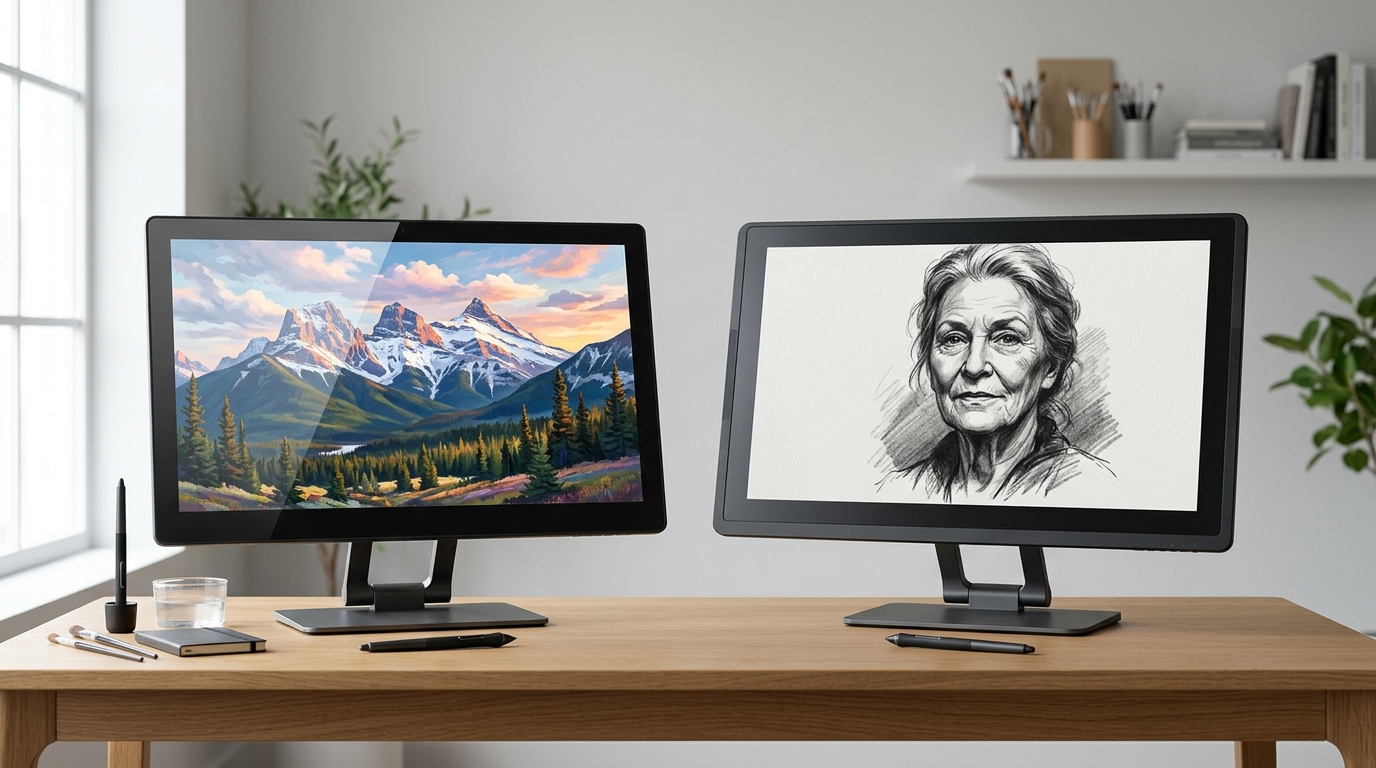
The Wacom Cintiq Pro 27 ($2,499 MSRP on Wacom’s own store) is the default choice for studios that need a 27-inch 4K pen display and don’t have to fill out a purchase-order form. It’s been the “pro flagship” since it launched in late 2022, and the Wacom name still carries real weight in art-school hiring pipelines.
The Huion Kamvas Pro 27 ($1,799 at B&H Photo) is the screen that has been quietly eating Wacom’s lunch since 2023. Same 27-inch 4K canvas, same 16K-level PenTech stylus, same 99% Adobe RGB color claim, a fully laminated nano-etched display — for $700 less on day one (Sources: B&H Kamvas Pro 27 listing, Amazon Wacom Cintiq Pro 27 listing, The Gadgeteer Huion Kamvas Pro 27 review).
The $700 question is the one the spec sheets dodge: does Wacom’s brand, Pro Pen 3, and 4-year warranty actually deliver $700 of extra value over a 5–7 year ownership window? That’s what this comparison is for.
The Verdict First
- Choose the Wacom Cintiq Pro 27 ($2,499) if you work in a studio or pipeline that already standardizes on Wacom drivers, you depend on the Pro Pen 3’s near-zero parallax and 8,192-level pressure curve for production-grade retouching or animation, or your IT department wants the longer 4-year warranty and the brand-name service network. You will also pay for the smoother multi-touch, the smaller bezel, and the 120 Hz refresh that genuinely helps when scrubbing a 6K timeline.
- Choose the Huion Kamvas Pro 27 ($1,799) if you are a freelance illustrator, comic artist, or 3D modeler who wants 95% of the Wacom experience for 72% of the price, you are fine with macOS (multi-touch is Windows-only on the Huion, but the pen works everywhere), and you will keep the display 5+ years. At $1,799 the cost-per-year argument is overwhelmingly in Huion’s favor.
- Skip both if you only draw a few hours a week: the 24-inch Huion Kamvas Pro 24 (4K) at $1,299 or the Wacom Cintiq Pro 24 at the discount tier will give you 90% of the canvas for $500+ less. The 27-inch upgrade is only worth paying for if you paint full-bleed or you use the screen as a primary monitor.
Cost score: 78/100. The Huion wins on the cost-per-use math and is “good enough” for ~85% of professional 2D work. The Wacom still wins for studios, retouchers, and anyone who needs multi-touch on Mac — and the price reflects that.
Key Comparison Points
Price vs Real Cost Per Use
Sticker price is the obvious lever, but pen displays are kept for 5–7 years. Battery-less devices mean cycle life isn’t the variable — it’s depreciation, warranty cost, and resale value.
| Cost Factor | Wacom Cintiq Pro 27 | Huion Kamvas Pro 27 |
|---|---|---|
| Launch MSRP (USD) | $2,499 (Oct 2022) | $1,799 (Jun 2023) |
| Current Street Price (June 2026) | $2,499 (Wacom store); ~$2,299 on Amazon | $1,799 (B&H); ~$1,649 on Huion direct |
| Warranty | 2 years standard, 3 years with registration in some regions | 1 year standard |
| Pro Pen Replacement | $89.95 (Pro Pen 3) | $39.99 (PW600 / PW600S) |
| 5-Year Cost (incl. 1 pen replacement, warranty extension) | ~$2,599 | ~$1,839 |
| 5-Year Cost (assuming 2 pen replacements) | ~$2,679 | ~$1,879 |
| 7-Year Cost (with 2 pen replacements) | ~$2,679 | ~$1,879 |
| Cost per Year (5-yr horizon) | $519.80 | $367.80 |
| Resale Value @ 4 Years (typical for pen display) | ~55–60% of MSRP | ~40–45% of MSRP |
| Effective Amortized Cost (5-yr, accounting for resale) | ~$1,049 – $1,124 | ~$1,034 – $1,079 |
Two takeaways:
- Huion saves you $700+ on day one at MSRP, or about $550 if you buy the Wacom at the Amazon discount.
- Wacom’s better resale value almost closes the gap over 5+ years. A 60%-of-MSRP resale on the Wacom vs. 40% on the Huion narrows the cost-per-year difference to a much smaller number than the sticker suggests.
For buyers who replace hardware every 3 years (common in agency work), the Wacom’s higher resale is a real, monetizable asset. For buyers who keep the display 6–7 years — the most common case for solo illustrators — the Huion’s lower purchase price wins on simple amortized cost.
Sources: B&H Photo Huion Kamvas Pro 27 listing, Amazon Wacom Cintiq Pro 27 listing, Wacom eStore Cintiq Pro 27 product page.
Build Quality and Durability
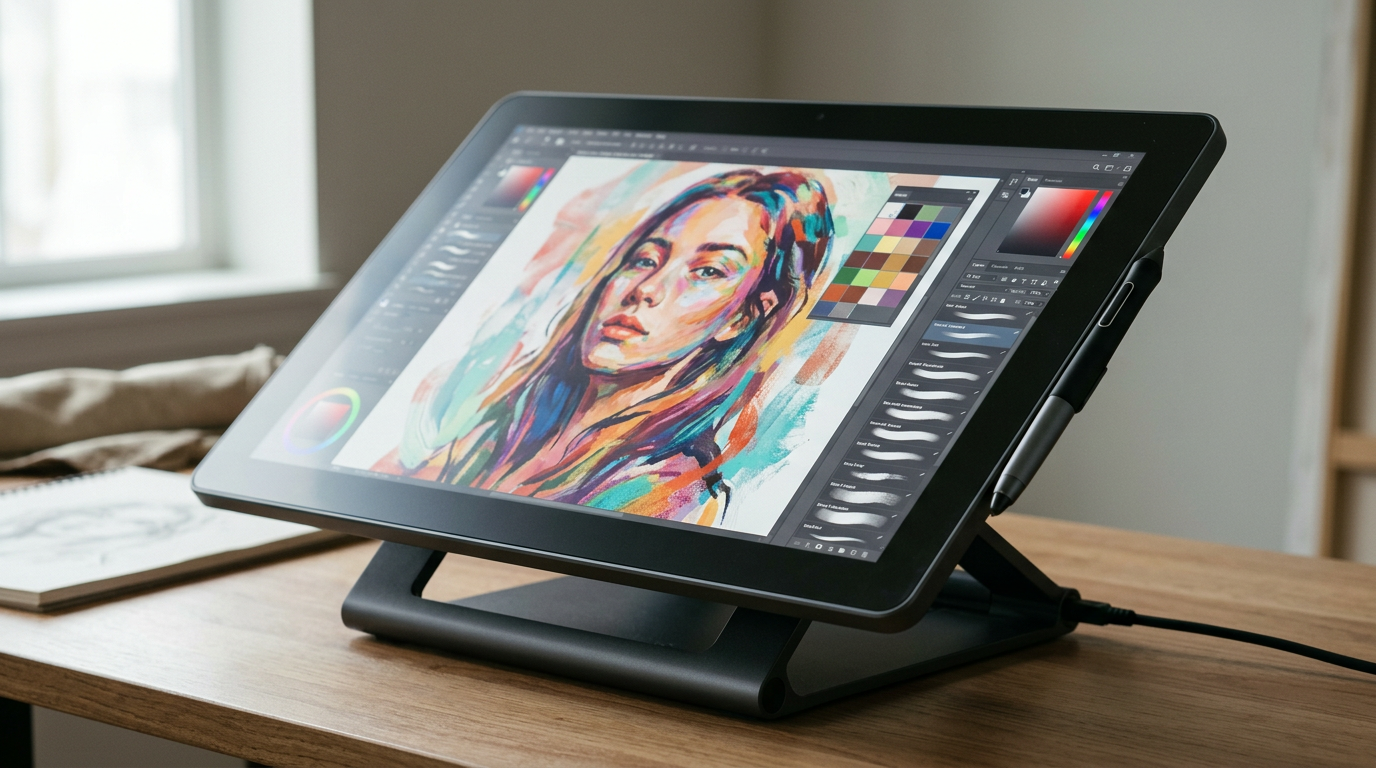
Both displays are serious pieces of industrial design. The differences are subtle but they show up over years of daily studio use.
Wacom Cintiq Pro 27 — the studio-grade reference:
- 26.9 in (684 mm) IPS panel, fully laminated, etched glass
- 4K UHD (3840 × 2160) @ 120 Hz, 10-bit color, 99% Adobe RGB, 98% DCI-P3, Pantone Validated + Pantone SkinTone Validated
- 8,192 levels of pressure on the Wacom Pro Pen 3 (included)
- 17.6 lb (≈8 kg) without stand — the heaviest in the category
- Slim bezel, mostly aluminum chassis
- Multi-touch works on both Windows and macOS
- 3 programmable ExpressKeys on the side + on-screen touch controls
- Wacom 2-year warranty (extendable to 3 years in the US with product registration)
Huion Kamvas Pro 27 — the “did Wacom really need to charge $700 more?” challenger:
- 27 in IPS panel, fully laminated, nano-etched glass (newer than the Wacom’s process)
- 4K UHD (3840 × 2160) @ 60 Hz, 10-bit color, 99% sRGB / Adobe RGB, individually color-calibrated at the factory (printed calibration report included)
- 16,384 levels of pressure on the PW600 / PW600S (two pens in the box)
- 16.3 lb (≈7.4 kg) — about 1.3 lb lighter
- Aluminum stand legs built in (20° drawing angle)
- Multi-touch works on Windows only — the most-cited compromise in user reviews (Source: The Gadgeteer Huion Kamvas Pro 27 review)
- Includes the Keydial Mini shortcut remote in the box (a $70+ value if you bought it separately)
- Huion 1-year warranty (extendable to 2 years in some regions)
What this means in practice:
- Daily-driver feel: the Wacom’s 120 Hz is genuinely nicer for scrolling and timeline scrubbing. The Huion at 60 Hz is fine for drawing, but if you also use the screen as your primary monitor, the difference is visible.
- Pen-on-glass feel: the Huion’s nano-etched glass is, by most user reports, slightly toothier than the Wacom’s — closer to drawing on paper. The Wacom feels slightly smoother, which some illustrators prefer and some find “slick.”
- Multi-touch on Mac: this is the single biggest reason to pick the Wacom. If you need to pinch-zoom and rotate in Photoshop or Procreate Dreams on macOS, the Huion will leave you reaching for keyboard shortcuts.
- Stand situation: the Huion ships with a stand built in; the Wacom Cintiq Pro 27 does not include a stand in the box at MSRP — the Wacom Adjustable Stand is a separate ~$200 purchase that most owners consider mandatory.
For a freelance artist who doesn’t care about multi-touch on Mac, the Huion is at minimum equal in build quality. For a Mac-based production house that needs the smoother scroll and the multi-touch gestures, the Wacom’s build feels more “finished.”
Feature Breakdown
This is where the two displays diverge most clearly, and the spec-by-spec table tells the real story.
| Feature | Wacom Cintiq Pro 27 | Huion Kamvas Pro 27 |
|---|---|---|
| Panel Size | 26.9 in (diagonal) | 27 in (diagonal) |
| Resolution | 3840 × 2160 (4K UHD) | 3840 × 2160 (4K UHD) |
| Refresh Rate | 120 Hz | 60 Hz |
| Color Depth | 10-bit (1.07B colors) | 10-bit (1.07B colors) |
| Adobe RGB Coverage | 99% | 99% |
| DCI-P3 Coverage | 98% | ~90% (claimed) |
| Pantone Validated | Yes (incl. SkinTone) | No |
| Laminated Glass | Yes (etched) | Yes (nano-etched) |
| Pressure Levels (Pen) | 8,192 (Pro Pen 3) | 16,384 (PW600 / PW600S) |
| Tilt Support | ±60° | ±60° |
| Pen-in-Box Count | 1 (Pro Pen 3) | 2 (PW600 + PW600S) |
| Multi-touch (Windows) | Yes | Yes |
| Multi-touch (macOS) | Yes | No |
| ExpressKeys / Shortcut Remote | 3 side ExpressKeys | Keydial Mini (in box) |
| Video Inputs | USB-C, mini-DisplayPort, HDMI | USB-C, HDMI, DisplayPort |
| USB Hub | 4× USB-C | 2× USB-A, 1× AUX, USB-C upstream |
| VESA Mount | 100 × 100 mm | 100 × 100 mm |
| Stand Included | No (sold separately, ~$200) | Yes (built-in legs, 20°) |
| Calibration Report in Box | No (Pantone-validated at factory) | Yes (per-unit printed report) |
The two columns that matter for value are:
- Pen sensitivity: Huion’s 16,384 levels on paper beats Wacom’s 8,192 — but in practice both are well past the threshold where any human hand can perceive the difference. The Wacom Pro Pen 3 wins on lower activation force and the absence of “wobble” at low pressure, which is the more honest advantage.
- Multi-touch on macOS: this is the only feature where the Wacom offers something the Huion cannot match at any price. If you need it, the Wacom is the only choice in this comparison.
The stand situation is a quieter cost-of-entry issue: most Wacom Cintiq Pro 27 buyers end up adding the $200 Wacom Adjustable Stand or a $100–$150 third-party arm, which closes the price gap by 8–13% in real terms.
Sources: Wacom Cintiq Pro 27 spec page, Amazon Wacom Cintiq Pro 27 product page, The Gadgeteer Huion Kamvas Pro 27 review, Huion Kamvas Pro 27 product page.
Pros and Cons
Wacom Cintiq Pro 27 — Pros
- Industry-standard driver and pen performance — the Pro Pen 3 has the lowest activation force and the most consistent tilt handling in the category, and every major creative app (Photoshop, Clip Studio Paint, Procreate Dreams, ZBrush, Blender) is tuned for Wacom drivers first.
- 120 Hz refresh + 98% DCI-P3 — visible quality-of-life upgrade if you also use the display as a primary monitor; 120 Hz is the same panel spec used in high-end Mac and PC displays.
- Multi-touch on macOS — pinch-zoom, rotate, two-finger pan all work natively on Mac, which the Huion still does not support.
- Pantone Validated + SkinTone Validated — meaningful for retouchers and agencies delivering to print clients who care about color-managed proofs.
- Better resale value — Wacom displays hold ~55–60% of MSRP at 4 years vs. ~40–45% for Huion, which partially closes the price gap on a 3–5 year replacement cycle.
Wacom Cintiq Pro 27 — Cons
- $2,499 MSRP, no stand included — most buyers end up adding the $200 Wacom Adjustable Stand or a third-party arm, pushing real entry cost to $2,700+.
- Pro Pen 3 has only 8,192 pressure levels — half of the Huion’s 16,384, though this is below the perceptual threshold in real use.
- Heaviest in the category at ~8 kg — the Cintiq Pro 27 needs a solid arm or desk mount if you want angle adjustment.
- 2-year warranty is short for a $2,500 device — the Huion is shorter (1 year) but a third-party extended warranty is cheaper for the Huion.
- Pen replacement is $89.95 — a recurring cost that adds up over a 5–7 year ownership window.
Huion Kamvas Pro 27 — Pros
- $1,799 vs. $2,499 = $700 day-one savings — and the stand is built in, so real entry cost is closer to $1,799 vs. $2,700+ for the Wacom.
- Nano-etched laminated glass with a slightly more “papery” drawing feel that many illustrators prefer over the Wacom’s smoother surface.
- Two pens in the box (PW600 + PW600S) — one ergonomic, one slim, both with erasers, so you don’t need to choose.
- Keydial Mini shortcut remote included — a $70+ accessory if you bought it separately, with a rotating dial that maps to brushes / zoom / layer switching.
- Per-unit color calibration report in the box — useful for freelance artists who need to show clients an actual Delta-E measurement.
Huion Kamvas Pro 27 — Cons
- Multi-touch is Windows-only — Mac users lose pinch-zoom and two-finger gestures, which is the deal-breaker for some studios.
- 60 Hz refresh, not 120 Hz — fine for drawing, less so if the screen is also your primary monitor and you scroll or scrub video on it.
- Resale value is lower (~40–45% of MSRP at 4 years) — costs more over a 3-year replacement cycle.
- Driver maturity — Huion’s macOS drivers have improved a lot since 2022 but still get the occasional “pen stopped responding” complaint in long-running Photoshop sessions, where the Wacom driver is more stable.
- 1-year warranty is the shortest in the category — and Huion’s US service turnaround is slower than Wacom’s.
Best For / Skip If
Pick the Wacom Cintiq Pro 27 if:
- You are a Mac-based retoucher, animator, or video editor who needs multi-touch gestures in Photoshop, Procreate Dreams, DaVinci Resolve, or Adobe Fresco.
- You work in a production pipeline that standardizes on Wacom drivers (most animation, VFX, and AAA game studios still do, and IT support is built around it).
- You use the pen display as your primary monitor and want 120 Hz scrolling and the better DCI-P3 coverage for video work.
- You are on a 3-year replacement cycle and value the higher resale value as a real cost offset.
- The Pantone Validated color matters to your print or agency clients.
Pick the Huion Kamvas Pro 27 if:
- You are a freelance illustrator, comic artist, or 3D modeler who wants 90–95% of the Wacom’s drawing experience for 72% of the price.
- You are on Windows or Linux primarily, and macOS multi-touch is not a daily workflow.
- You keep your hardware for 5–7 years and care more about purchase price than resale value.
- You want the stand, two pens, and the Keydial Mini in the box, with no surprise $200–$300 add-on cost.
- You prefer a slightly more “papery” drawing surface than the Wacom’s slicker glass.
Skip both if:
- You only draw a few hours a week — a 16-inch Wacom Cintiq or a Huion Kamvas Pro 16 Plus (~$300–$500) will save you $1,200+.
- You mainly color-grade or edit video — buy a proper color-accurate monitor (Eizo, BenQ PD series) and a separate non-display pen tablet.
- You mostly work in 3D with a mouse and keyboard — a Wacom Intuos Pro or Huion Inspiroy 2 tablet is more efficient than a pen display for ZBrush and Blender hotkeys.
- You need multi-touch on macOS AND want to save money — the Wacom Cintiq Pro 24 (when on sale) is the only budget-friendly option in that niche.
Bottom Line
The Wacom Cintiq Pro 27 is the better device if you need multi-touch on macOS, 120 Hz, Pantone Validated color, or studio-standard Wacom drivers — and you should pay the $700 premium without regret if any of those are non-negotiable.
For everyone else, the Huion Kamvas Pro 27 is the smarter purchase in 2026. It costs $700 less on day one, ships with two pens and a shortcut remote and a built-in stand (which the Wacom does not), and the pen-on-glass feel and color accuracy are within the margin that most working illustrators can actually notice.
The single most honest line we can give you: if you have ever used a Wacom in a studio and feel the difference is worth $700 to you personally, you already know the answer. If you have never used a Wacom and you are buying your first 27-inch 4K pen display, the Huion Kamvas Pro 27 will not disappoint you — and the $700 you save will buy a very good drawing tablet PC, a colorimeter for monitor calibration, or a few years of Adobe / Clip Studio subscriptions.
Buy smart. Get more value. That means the right tool for the work you actually do — not the one with the more famous logo on the box.