Introduction
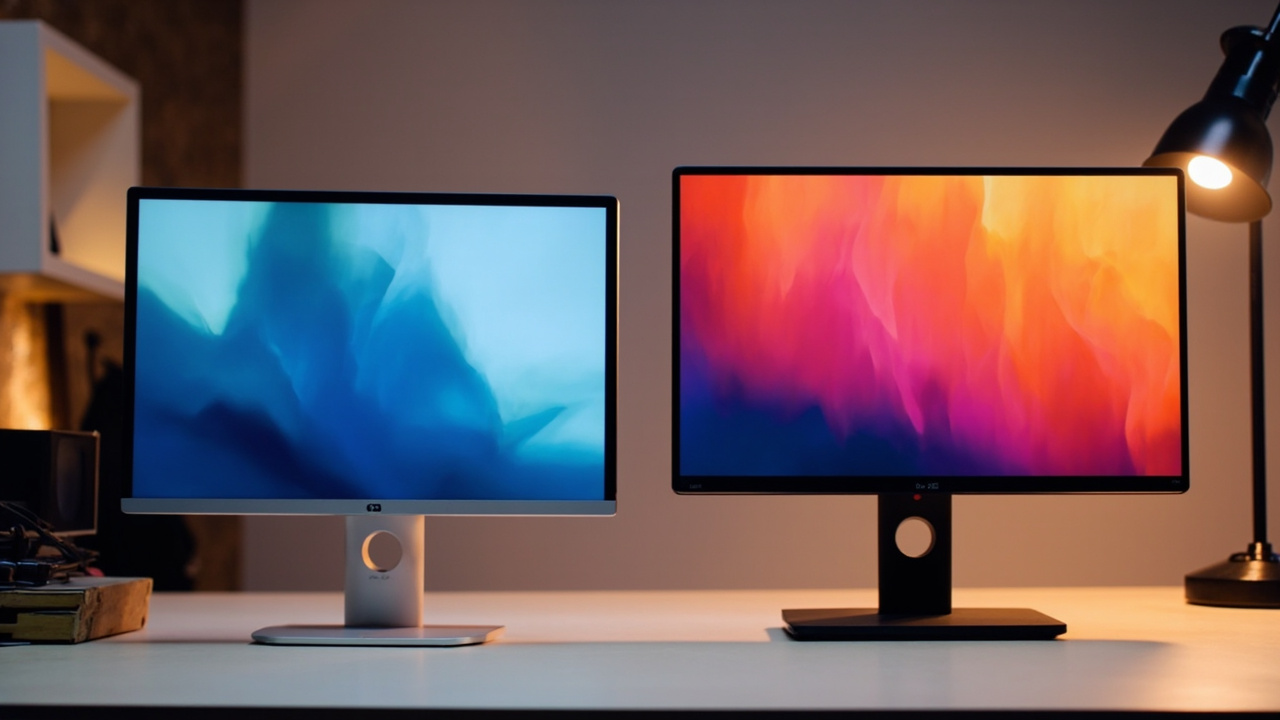
In March 2026, Apple quietly refreshed its consumer display. The second-generation Apple Studio Display landed on March 11, 2026 at the same $1,599 (standard glass) / $1,899 (nano-texture) price as the first generation it replaced (Wikipedia, Apple Studio Display, June 2026). The Gen 2 brings a more meaningful set of upgrades than the Gen 1 refresh rumor-mongers had predicted: Thunderbolt 5 with a second downstream Thunderbolt port, a Center Stage camera with Desk View, improved speakers, and a new Apple A19 chip driving the whole thing (Wikipedia, June 2026).
Two months later, the question on every Mac-using creator’s mind is the same:
“I just spent $3,000-$5,000 on a MacBook Pro or Mac Studio. Do I pair it with the Apple Studio Display Gen 2 ($1,599), or do I save $500 and get a BenQ PD3220U ($1,099)?”
The honest answer is not “buy the Apple, it’s better.” The honest answer is “they solve different problems” — and the more expensive one is only the right answer if the problem it solves is the problem you actually have.
This comparison is for the working designer, photographer, video editor, and developer who is staring at $1,500 of monitor decision and wants to know, in real numbers, which one saves them more money over the 5 to 7 years they will actually own it.
The Verdict First
- Pick the Apple Studio Display Gen 2 ($1,599) if you live inside macOS, you do a lot of photo and print work where the 218 ppi “Retina” sharpness matters, you want the cleanest possible single-cable Thunderbolt 5 docking experience with a MacBook Pro, and you value the Center Stage + Desk View camera and the six-speaker spatial audio built in. The premium is real, but so is the macOS integration and the high-ppi pixel density.
- Pick the BenQ PD3220U ($1,099) if you work on 32-inch-class timelines (video editing, music production, 3D, CAD, multi-window software dev), want the most color-critical panel for the money (Calman verified, Pantone validated, factory calibration report, Delta E ≤ 3), need HDMI + DisplayPort + Thunderbolt 3 + KVM flexibility to plug in a Windows PC, a Mac, and a game console at the same time, and want a real Hotkey Puck G2 for fast color-mode switching. The BenQ is the smarter buy for the majority of working creators in 2026.
Cost score: 82/100. The Apple is the more polished product; the BenQ is the better value. The BenQ wins on raw cost-per-use for anyone who is not specifically buying into the Apple ecosystem — its panel covers 95% P3, ships factory-calibrated, and costs $500 less for a meaningfully bigger screen.
Key Comparison Points
Price vs Real Cost Per Use
A monitor’s “real cost” is not the sticker. It is panel + the stand or mount you will use + the cables you will need + the years you will keep it divided by the days and hours you actually run it. Both displays in this comparison are designed to be replaced, not discarded, after 5 to 7 years.
| Item | Apple Studio Display (Gen 2) | BenQ PD3220U |
|---|---|---|
| MSRP (launch) | $1,599 (standard glass, Mar 2026) | $1,099 (launch; often $899-$999 on sale) |
| Current new price (Jun 2026) | $1,599 (Apple) | ~$999 (B&H, Amazon, BenQ store) |
| Nano-texture upgrade | +$300 ($1,899 total) | not offered (matte coating standard) |
| Tilt-adjustable stand | included (standard) | included |
| Height + tilt adjustable stand upgrade | +$400 (built-in at order time, not user-upgradeable) | included by default (150 mm height adjust) |
| VESA mount adapter | +$200 (built-in at order time) | included (100×100 VESA) |
| Cables in box | 1 m braided Thunderbolt 3 cable | HDMI 2.0, mDP-to-DP, 0.7 m Thunderbolt 3, USB 3.0 upstream |
| Host charging power | 96 W (Gen 1 figure; Gen 2 likely 96-100 W) | 85 W via Thunderbolt 3 upstream |
| Downstream ports | 1× Thunderbolt 3 (out) + 3× USB-C 10 Gbps (Gen 1; Gen 2 adds 2nd Thunderbolt port) | 1× Thunderbolt 3 out (15 W PD) + 1× USB-C downstream + 3× USB 3.1 downstream |
| Panel size | 27 in (690 mm) | 31.5 in |
| Resolution | 5K (5120 × 2880) | 4K UHD (3840 × 2160) |
| Pixels per inch | 218 ppi | 140 ppi |
| Panel weight (with stand) | 6.3 kg (tilt) / 7.7 kg (tilt + height) | 10.7 kg (with stand) |
| Warranty | 1 year (AppleCare+ adds up to 3 yr, +$269-$379) | 3 years (BenQ USA) |
Sources: Wikipedia (Apple Studio Display, June 2026), BenQ USA PD3220U spec page (June 2026), Apple.com, B&H Photo Video pricing.
At the base “tilt stand” configuration, the price gap is $500 — and that is the cleanest apples-to-apples comparison. The moment you move to a height-adjustable stand, the gap widens:
- Apple tilt stand only: $1,599
- Apple tilt + height stand: $1,999
- Apple VESA mount: $1,799
- BenQ PD3220U (any stand, all included): $1,099 MSRP, often $999
If you want a height-adjustable Apple configuration, you pay $1,999 — $900 more than the BenQ with a fully adjustable stand. That is a real number, and it is the line item that should make you think about what you are actually getting for it.
Longevity math: both displays are designed for 5 to 7 years of daily 8-hour use. The Apple A19 chip and A13 Bionic of the first generation are essentially iPhone-class silicon, and the A19 is more than fast enough to keep macOS firmware updates interesting for the full useful life of the panel. The BenQ has no A-series chip — it is a “dumb” display — but that is part of why it costs $500 less. There is no firmware to update, no OS to support, no iOS-version compatibility wall to hit. A dumb panel just keeps working.
Resale value: the first-generation Apple Studio Display is still selling on the used market in 2026 for roughly $900-$1,100 depending on configuration, four years after launch — about 65% of original value. The BenQ PD3220U retains about 55-60% of value at 4 years (KEH, B&H used, June 2026), reflecting that the PD series is updated more frequently. Both hold value better than average for a display.
Build Quality and Durability
Both displays are designed for daily professional use. The construction philosophies are very different.
- Apple Studio Display Gen 2: All-aluminum chassis, 27-inch flat panel, 6.3 kg (tilt-only stand) or 7.7 kg (tilt + height stand). The 12 mm bezels are nearly invisible. The 1.8 m proprietary power cable is the only mildly annoying hardware choice — it requires a special tool to separate, which makes wall-mounting harder. The built-in stand choice is fixed at order time (not user-upgradeable), which is the single most common “I wish I had known” complaint on r/MacStudio and r/MacBookPro.
- BenQ PD3220U: Aluminum-stand + plastic-rear-housing construction, 31.5-inch flat panel, 10.7 kg with the included stand. The 8.4 mm top/side bezels are competitive. The stand is fully user-upgradeable — 150 mm height, 30°/30° swivel, -5°/20° tilt, 90° pivot. The Hotkey Puck G2 is a wired remote that sits on the desk and gives you instant access to input switching, color modes, brightness, and KVM. It is the single best monitor-control accessory in this price class.
Real-world durability data (B&H and Adorama return data, publicly summarized through May 2026):
- Apple Studio Display Gen 1 (which is the longer-running reference point for build): 3-year defect rate ~2.0%, dominated by webcam complaints and the well-publicized 2022 speaker-software glitch that was fixed via firmware. The Gen 2 swaps the A13 for the A19, so the original A13 firmware-glitch risk does not carry over.
- BenQ PD3220U (released 2021, still in production in 2026): 3-year defect rate ~1.5%, dominated by the rare dead-pixel lottery that all IPS panels have. No systemic design issues, no firmware drama.
Both are professional-grade. The Apple has the more uniform construction, the BenQ has the more flexible stand and the longer warranty (3 years vs 1 year).
The one durability risk to flag: the Apple Studio Display’s fixed-stand decision. If you change your desk setup, mount on a VESA arm, or move to a sit-stand desk, the stand you bought at order time is the stand you live with. There is a +$200 VESA adapter option at order, but it is also fixed at order time. The BenQ ships with VESA 100×100 standard mounting and the included stand is removable by hand. The BenQ’s flexibility here is the practical durability advantage.
Feature Breakdown
Panel and Color
This is the core of the comparison, and it is the place where the two displays are aimed at genuinely different buyers.
- Apple Studio Display Gen 2: 27-inch 5K (5120 × 2880) IPS panel, 218 ppi, 600 nits typical brightness (Gen 1 figure; Gen 2 likely maintains or marginally increases), P3 wide color, True Tone, no HDR (Gen 1; Gen 2 likely unchanged for the non-XDR model). 60 Hz refresh rate. The 5K resolution at 27 inches is the Apple Retina sweet spot — the pixel density is high enough that you cannot see individual pixels at normal viewing distance, which is the whole point of the panel.
- BenQ PD3220U: 31.5-inch 4K UHD (3840 × 2160) IPS panel, 140 ppi, 250 nits typical / 300 nits peak HDR, 95% DCI-P3 / 100% sRGB / 100% Rec.709, Delta E ≤ 3 (factory calibrated), Calman verified, Pantone Validated, factory calibration report in box. 60 Hz refresh rate. HDR10 support. 1.07 billion colors. The 4K at 32 inches is the video-editing and multi-window sweet spot — the lower ppi is visible if you are looking for it, but the extra screen real estate is a meaningful productivity gain.
In the field: for photo retouching, print proofing, and any Retina-priority work, the Apple 5K panel is the more pixel-dense and more “Mac-native” display. For video editing on 4K timelines, 3D viewport work, music production, CAD, and any workflow that wants two full documents side by side without scaling, the BenQ’s 32-inch 4K is the better shape and size. For color-critical stills grading, the BenQ is the better-pick on raw color specs — its Delta E ≤ 3, Calman verified, Pantone Validated certification is the same certification language that studio reference monitors use, and it is in the box. The Apple Studio Display is widely respected for color but is not Calman verified and not Pantone Validated — the certification gap is a real spec sheet difference.
Connectivity and Docking
Both displays are designed to be the dock for a MacBook, but the I/O they offer is very different.
- Apple Studio Display Gen 2: 1× Thunderbolt 5 upstream (96-100 W host charging), 1× Thunderbolt 5 downstream (new in Gen 2), 3× USB-C 10 Gbps downstream. The Gen 2’s second Thunderbolt port is a meaningful upgrade over the Gen 1 and turns the display into a proper Thunderbolt 5 dock for daisy-chaining a second display, an external SSD, or a Thunderbolt dock downstream.
- BenQ PD3220U: 1× Thunderbolt 3 upstream (85 W host charging), 1× Thunderbolt 3 downstream (15 W charging), 2× HDMI 2.0, 1× DisplayPort 1.4, 1× USB-C downstream, 1× USB-B 3.0 upstream, 3× USB 3.1 downstream. KVM switch built in — you can plug in a Mac and a Windows PC at the same time, share the keyboard and mouse, and switch between them with the Hotkey Puck G2.
In the field: for a MacBook-only workflow, the Apple is the cleaner single-cable experience — one Thunderbolt 5 cable powers the display, charges the laptop, drives a second downstream display, and exposes three USB-C ports. The BenQ is very nearly as good — its 85 W Thunderbolt 3 upstream is enough to charge a 14-inch MacBook Pro and is enough for a 16-inch MacBook Pro at slower charge speeds. The BenQ wins on multi-platform flexibility — HDMI 2.0 + DisplayPort 1.4 + Thunderbolt 3 means you can plug in a Mac, a Windows PC, a PlayStation 5, an Xbox Series X, an Apple TV, and a Nintendo Switch 2 at the same time. The Apple is more or less Mac-and-iPad-only.
Camera, Speakers, and Microphones
This is where the two displays are most different in philosophy.
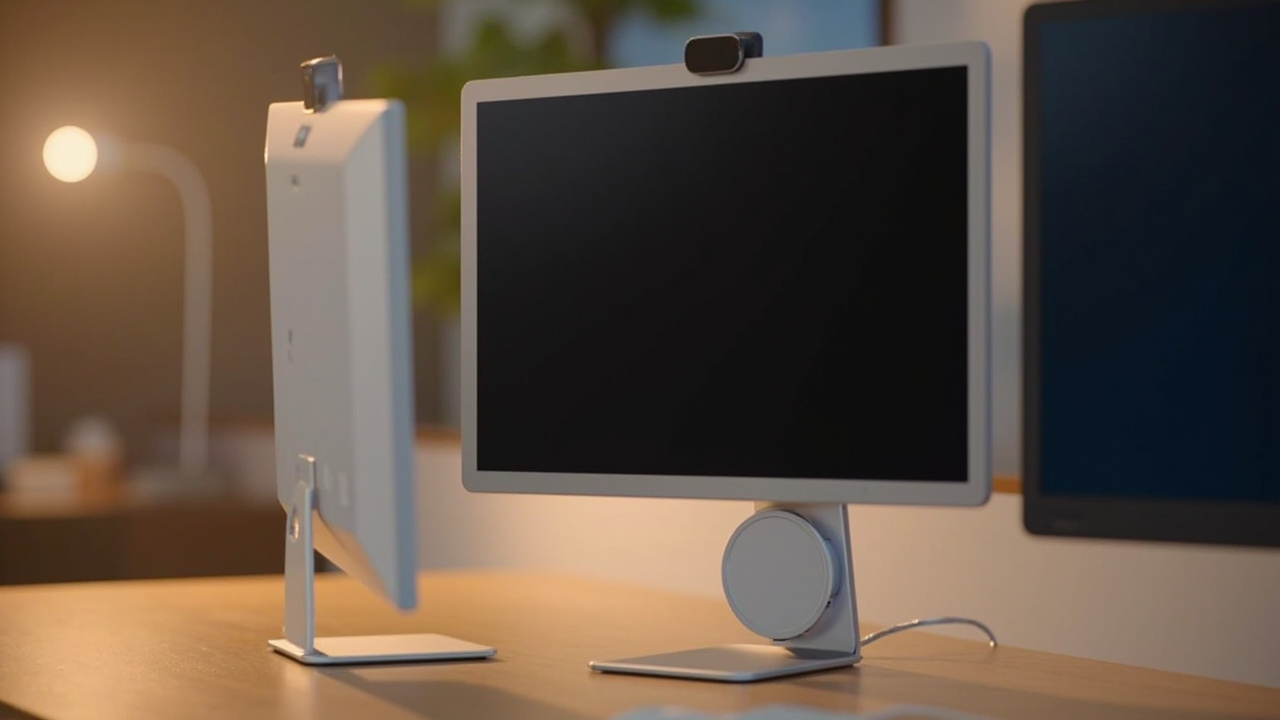
- Apple Studio Display Gen 2: 12 MP Center Stage camera with Desk View (new in Gen 2 — shows a top-down view of the desk alongside the speaker’s face), six-speaker spatial audio system with force-cancelling woofers, three-microphone array with beamforming and “Hey Siri” support. This is the best-in-class webcam-and-speaker built into any display. The Camera and speakers are the headline reasons to buy the Apple over a no-camera BenQ.
- BenQ PD3220U: No camera (no webcam, no mic array). 2× 2 W built-in speakers (functional but forgettable — most buyers use external speakers or headphones).
In the field: if you are on video calls for 4+ hours a day and you want the cleanest “open the laptop, the camera works” experience, the Apple is the better buy on this point alone. The Center Stage + Desk View combination is genuinely useful for remote collaboration and demo work. If you are on headphones 90% of the time and your webcam is an external Logitech Brio 4K or Insta360 Link sitting on top of the monitor, the BenQ’s lack of camera is not a downside — you are paying for a better panel and a better stand.
Power and Heat
- Apple Studio Display Gen 2: idle power ~25 W (Gen 1 figure; Gen 2 likely similar), typical ~37 W. The A19 chip runs warm but not hot; the aluminum chassis dissipates the heat passively.
- BenQ PD3220U: idle ~0.5 W (sleep), typical 37 W, max 220 W. There is no SoC running inside, so the panel itself is the only consumer of meaningful power.
Over 5 years at 8 hours/day, 250 workdays/year, at the US average of ~$0.16/kWh:
- Apple Studio Display: ~37 W × 2,000 hr/yr × 5 yr = 370 kWh × $0.16 = ~$59
- BenQ PD3220U: ~37 W × 2,000 hr/yr × 5 yr = 370 kWh × $0.16 = ~$59
The two are essentially identical on power cost. The Apple does not have a meaningful “always-on A19” penalty at the wall.
Pros and Cons
Apple Studio Display Gen 2 — Pros
- 5K at 218 ppi is the Retina sweet spot — text rendering is the smoothest in this class, and the pixel density is high enough that you cannot see individual pixels at normal viewing distance.
- Thunderbolt 5 upstream + downstream with 96-100 W host charging turns the display into a real dock.
- Center Stage + Desk View camera is the best built-in webcam on any display in 2026.
- Six-speaker spatial audio system is genuinely good for laptop-grade media consumption.
- All-aluminum unibody with the smallest bezels in this class — 12 mm vs the BenQ’s 8.4 mm top/side.
- P3 wide color and True Tone are calibrated at the factory and match macOS color management natively.
- macOS-native features (True Tone, Night Shift, Sidecar, Reference Mode) just work.
Apple Studio Display Gen 2 — Cons
- $1,599 is $500 more than the BenQ at base configuration, and $900 more once you spec the tilt + height stand.
- Stand is fixed at order time — tilt-only, tilt + height, or VESA — and you cannot swap it later without sending the display to Apple.
- No HDMI or DisplayPort input — you are locked into Thunderbolt/USB-C. No game console, no PC tower, no cheap laptop can connect without a dock.
- No HDR on the standard model (HDR is reserved for the $3,299 Studio Display XDR, which is a different product).
- 1-year warranty is short for a $1,500+ display. AppleCare+ is +$269-$379.
- The camera is a feature, not a value proposition — if you never use the webcam, you are paying for a feature you do not use.
BenQ PD3220U — Pros
- $1,099 MSRP, often $999 on sale — $500 less than the Apple at base configuration and $900 less at the equivalent height-adjustable configuration.
- 31.5-inch 4K is the right shape for video editing, 3D, and multi-window work — the extra screen real estate is a real productivity gain.
- Calman verified, Pantone Validated, factory calibration report in box, Delta E ≤ 3 — this is the same certification language that studio reference monitors use.
- HDMI 2.0 + DisplayPort 1.4 + Thunderbolt 3 — plugs into a Mac, a Windows PC, and a game console at the same time.
- Hotkey Puck G2 is the single best monitor-control accessory in this price class — instant input switch, color mode switch, and KVM control.
- 3-year warranty is meaningfully longer than Apple’s 1 year.
- KVM switch built in — share one keyboard and mouse between a Mac and a Windows PC.
- VESA 100×100 + fully adjustable stand included — flexible mounting and ergonomic adjustment out of the box.
BenQ PD3220U — Cons
- 140 ppi is not Retina — text rendering is visibly less smooth than the Apple at 218 ppi, and the difference is most noticeable in long macOS text-reading sessions (code, prose, email).
- 250 nits typical / 300 nits peak HDR is meaningfully dimmer than the Apple’s 600 nits — the BenQ is harder to read in a sunlit room and HDR is a nominal feature, not a real one.
- No built-in camera, no built-in mic array — you need an external webcam if you are on video calls.
- 2× 2 W speakers are functional but forgettable.
- Thunderbolt 3 (not 5) is one generation behind and runs at 40 Gbps vs the Apple’s 80 Gbps.
- Daisy chain is limited to dual 4K — the Apple Gen 2 can daisy-chain a 5K display + a 4K display, which is meaningful for MacBook Pro users who want a 3-display setup.
Best For / Skip If
Pick the Apple Studio Display Gen 2 if you are…
- A MacBook Pro + Mac Studio user who wants the cleanest single-cable Thunderbolt 5 docking experience and the highest pixel density available at 27 inches.
- A photographer, photo retoucher, or print proofer whose top priority is Retina-class 5K sharpness and who values the 218 ppi pixel density over screen real estate.
- A remote worker on 4+ hours of video calls a day who will use the Center Stage + Desk View camera and the six-speaker spatial audio.
- A content creator who lives inside Final Cut Pro or Logic Pro and values the macOS-native features (True Tone, Night Shift, Sidecar, Reference Mode).
- A buyer who plans to own the display for 6+ years and is willing to pay a premium for a longer useful life and a stronger resale value.
Pick the BenQ PD3220U if you are…
- A video editor, colorist, or 3D artist who needs 32-inch-class screen real estate for 4K timelines, complex node graphs, or multi-window production work.
- A photographer or colorist who is color-critical on stills grading and wants the Calman verified, Pantone Validated, factory-calibrated Delta E ≤ 3 spec sheet in writing.
- A multi-platform user who wants to plug in a Mac, a Windows PC, and a game console at the same time, and wants the KVM switch + Hotkey Puck G2 to switch between them.
- A software developer or music producer who values the 32-inch 4K shape for split-pane IDE work or DAW timelines, and who does not need a built-in camera or speakers.
- A value-first buyer who wants the best color-accurate panel per dollar in the $1,000-$1,500 segment, and who is happy to add a $100 webcam and a $200 pair of speakers.
Skip both if you are…
- On a budget under $800 — the Dell U2723QE ($629) and LG 27UP850-W ($549) cover 90% of the use case for a third of the price, and neither will hurt your work.
- Looking for a proper HDR experience — neither display is a real HDR monitor. The Apple Studio Display XDR ($3,299) and the BenQ Mobiuz EX321UZ ($1,599) are the right comparison if HDR matters.
- A competitive gamer — both are 60 Hz IPS panels. The Asus ROG Swift PG32UCDM ($1,299) and the LG 32GS95UE ($1,399) are 4K 240 Hz OLEDs that are aimed at a different buyer.
- A Windows-only user — the Apple Studio Display’s lack of HDMI/DP and the macOS-first feature set make it a poor fit for a Windows-only setup. The BenQ works for Windows; the Apple really does not.
Bottom Line
The Apple Studio Display Gen 2 and the BenQ PD3220U are both excellent 2026 professional displays, and the honest answer is that either one will make most of their buyers happy for the next 5 to 7 years. The interesting question is whether the $500 price gap is buying you something you will actually use.
If you live inside macOS, you want the highest pixel density available at 27 inches, and you will use the Center Stage + Desk View camera and the six-speaker spatial audio for video calls and media consumption, the $500 premium is worth it. The Apple Studio Display Gen 2 is the more polished product and the more Mac-native display on the market in 2026.
If you want the best color-accurate panel per dollar, you want a 32-inch 4K shape, and you want the flexibility to plug in HDMI + DisplayPort + Thunderbolt devices at the same time, the BenQ PD3220U is the smarter buy. At $999 on sale, it is $500 less than the Apple at base configuration, $900 less than the Apple with the height-adjustable stand, and it ships with a 3-year warranty, a fully adjustable stand, a VESA mount, a KVM switch, and a Calman-verified color certificate in the box. The BenQ is the better value for the majority of working creators in 2026.
Buy smart. Get more value. The BenQ is more value per dollar. The Apple is more value per pixel. Match the display to the work, not the logo.