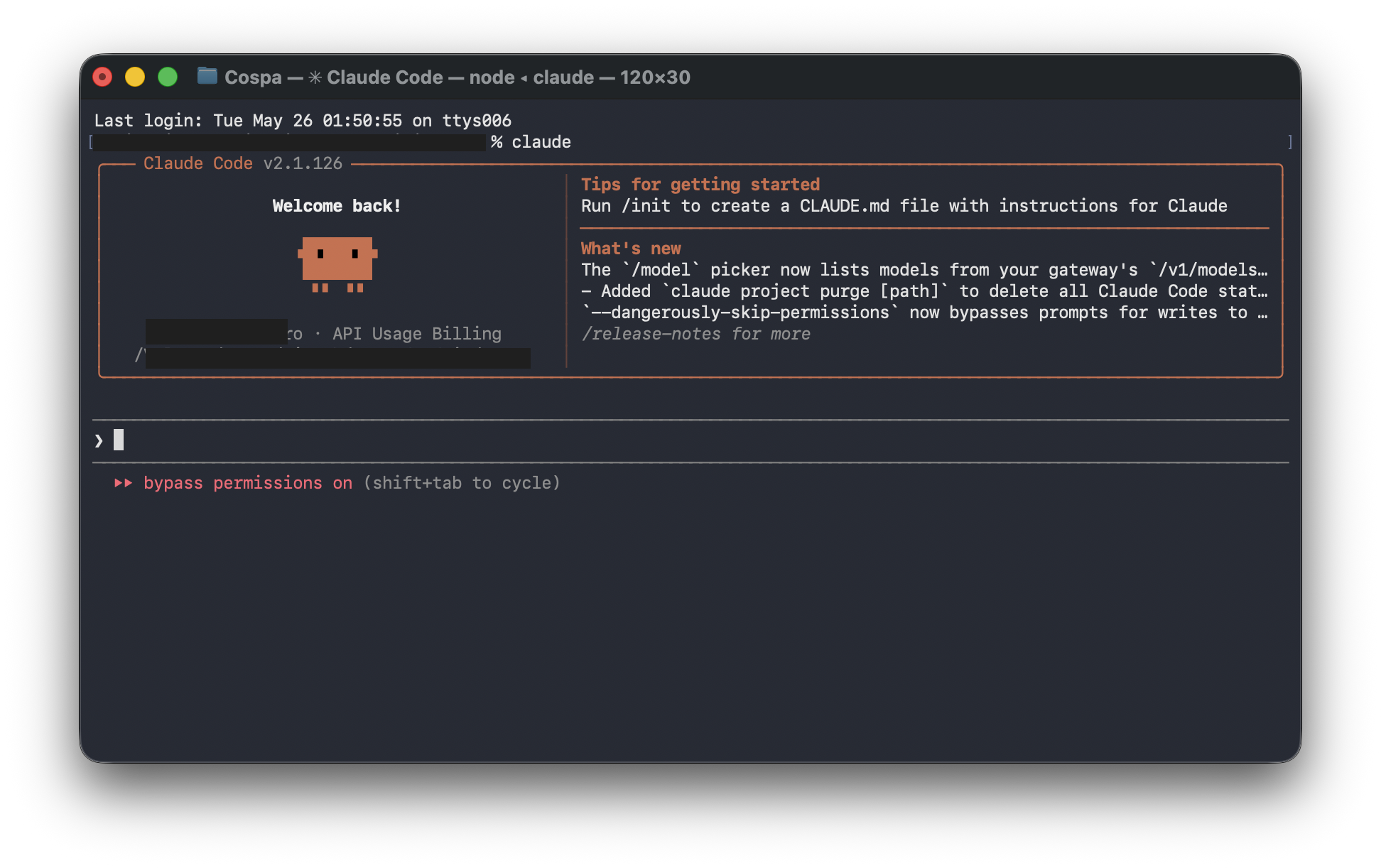
Recently, Claude Code has taken the AI development community by storm. The reason is simple: it is currently one of the closest things we have to a “true AI programmer.” Unlike traditional conversational AI, Claude Code doesn’t just answer questions—it actively reads your project, modifies code, executes terminal commands, and even automatically fixes bugs. In many ways, it functions as a genuine AI Agent.
However, there’s a harsh reality: the official Claude API is expensive.
Especially when you are dealing with:
- Long context windows
- Large, multi-file projects
- Multi-turn Agent loops
- Automated bug fixing
Under these scenarios, token consumption can skyrocket. As a result, a highly cost-effective (and entirely free) workaround has recently become extremely popular:
Using local models via Ollama to completely take over Claude Code.
The Secret Weapon: CC Switch
The core tool making this entirely free ecosystem possible is the recently trending open-source project: CC Switch.
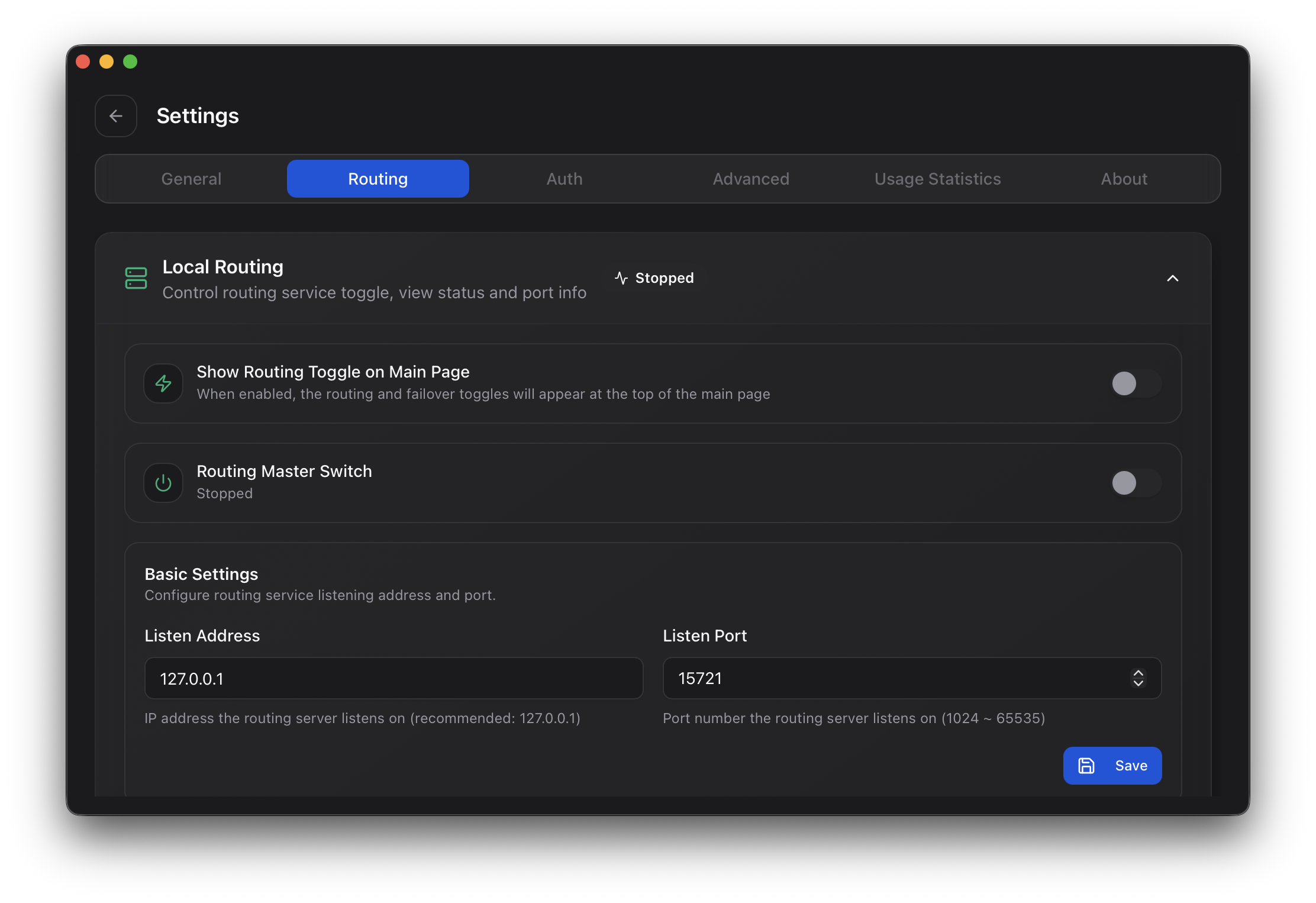
Here is a complete, step-by-step guide to deploying this locally and achieving a 100% free Claude Code desktop experience!
Step 1: Install the Official Claude Code Desktop
First, download and install the official Claude Code application.
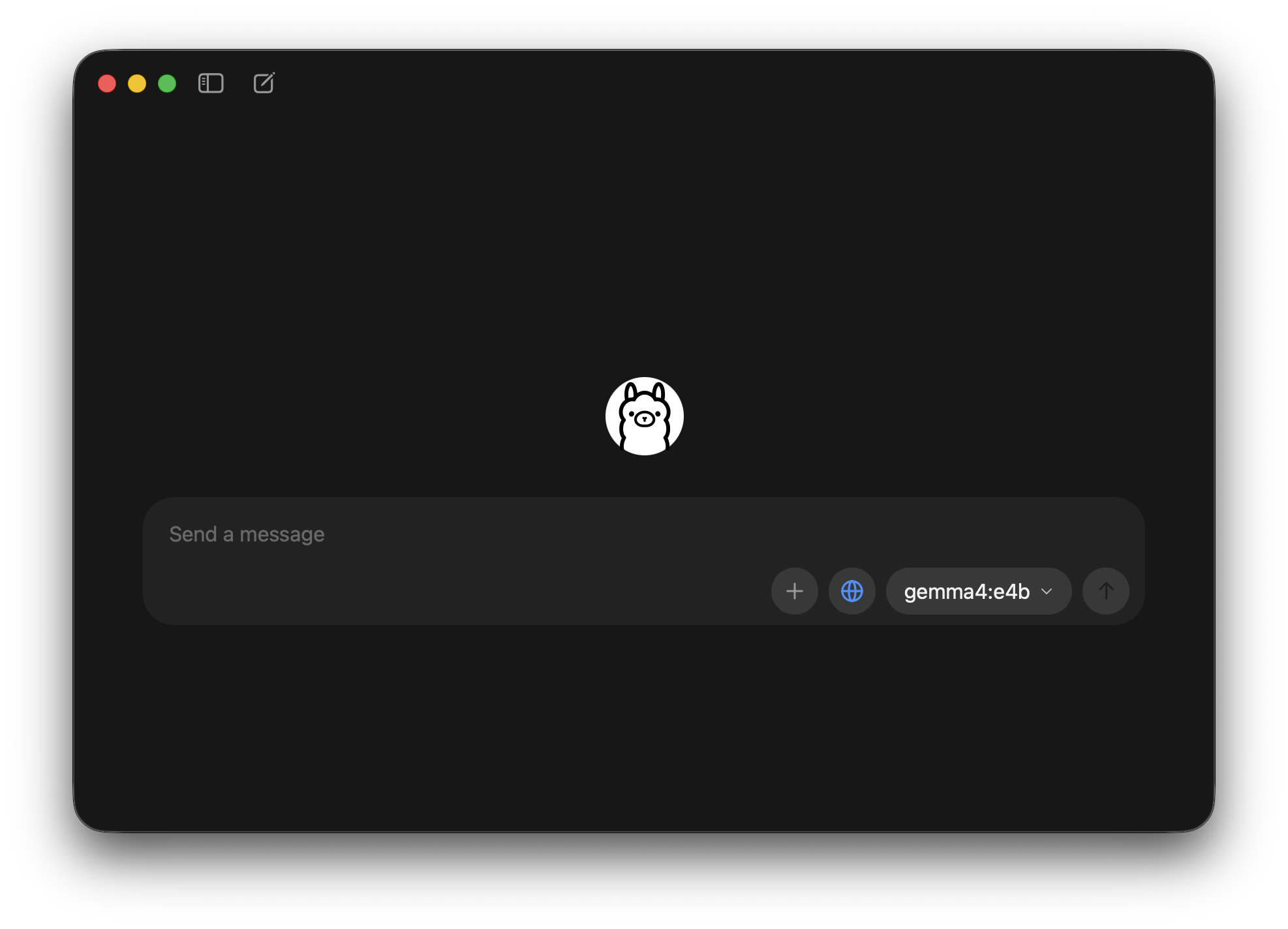
Step 2: Install the Latest Version of Ollama
Download and set up the Ollama client for local model execution.
Recommended Open-Source Models:
Depending on your VRAM, you can choose models like Qwen 3.6, Gemma4, Deepseek R1, or GLM-4.7-Flash.
Step 3: Download and Configure CC Switch
CC Switch acts as the crucial bridge between Claude Code and your local Ollama instance.
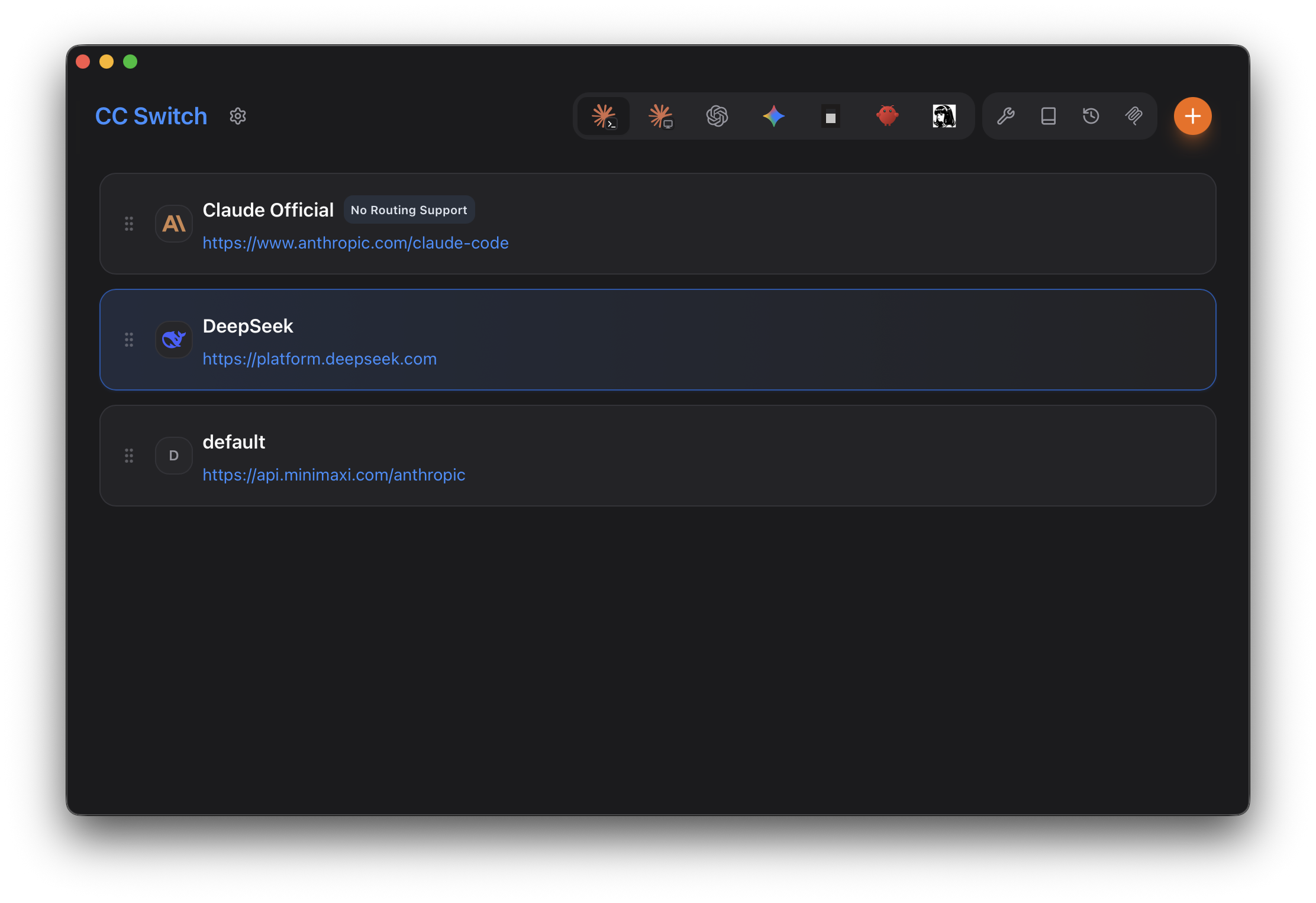
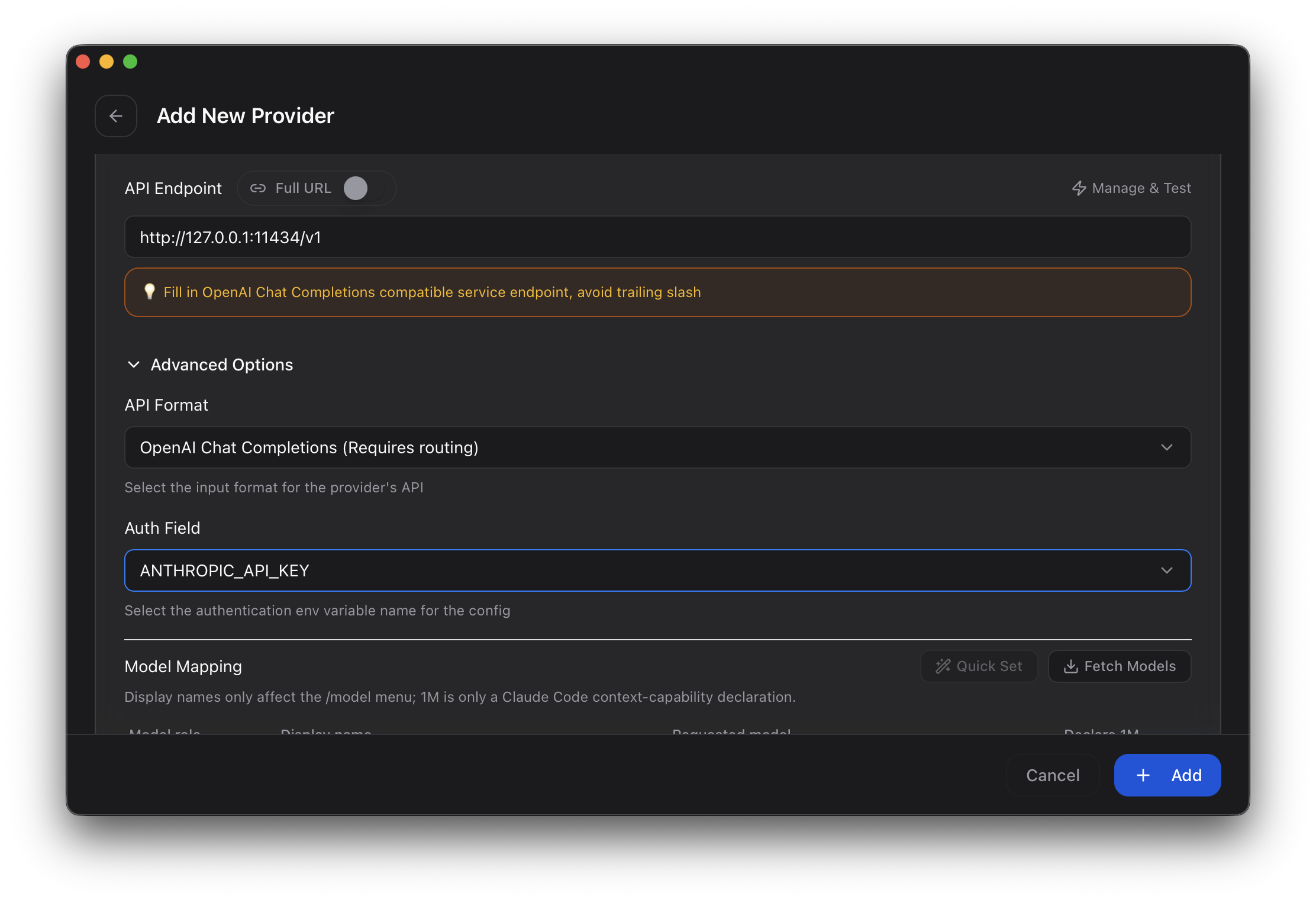
CC Switch Configuration Parameters:
- Request Address:
http://127.0.0.1:11434/v1 - API Format:
OpenAI Chat Completions - Authentication Field:
ANTHROPIC_API_KEY
Finally, you need to forcefully inject the model names into Claude Code by modifying its configuration registry (adding "inferenceModels"=["haiku","sonnet","opus"]). This tricks Claude Code into recognizing your local models as official Anthropic models!
Why is Claude Code So Powerful?
If this is your first time hearing about Claude Code, you might think it’s just an “advanced chat tool.” In reality, it operates fundamentally differently from standard AI chat clients.
Traditional AI requires you to ask a question to get an answer. Claude Code, on the other hand, reads your entire project structure.
If you give it a project with src/, components/, package.json, and docker-compose.yml, it will autonomously:
- Analyze the codebase
- Modify files directly
- Install missing dependencies
- Execute terminal commands
- Fix runtime errors
- Restart the project
It is essentially AI + IDE + Terminal rolled into one. This is exactly why developers are calling it a true “AI Development Agent.”
How Does the Ollama + Claude Code Combo Work?
The concept is brilliantly simple.
You let Claude Code handle the:
- Agent capabilities (file reading, terminal access)
- Project manipulation
- Automated execution
And you hand over the “brain” (the LLM processing) to your local models via Ollama (e.g., Qwen, DeepSeek, Gemma, GLM).
Since Claude Code by default only supports the official Anthropic API, CC Switch acts as an API forwarding layer. Claude Code believes it is talking to Anthropic servers, but the requests are actually intercepted and routed to your local Ollama instance.
Claude Code Shell + Local AI Brain = 100% Free Development Assistant
Real-World Experience: Is It Actually Usable?
I tested this setup extensively using top-tier local models like Qwen and DeepSeek.
For everyday tasks such as:
- Building HTML/CSS pages
- Developing small to medium projects
- Writing automation scripts
- Configuring Docker environments
- Basic VPS server maintenance
It is incredibly effective.
For example, simply prompting: “Generate a cyberpunk-style personal portfolio website,” prompts the local model to instantly create the project structure, write the code, add CSS animations, and spin up the local server. It genuinely feels like having an AI actively working alongside you.
The Current Limitations of Local Models
However, let’s manage expectations. Current local models still cannot fully replace the cloud-hosted Claude 3.5 Sonnet.
The gaps are most noticeable in:
- Massive Context Windows: Local models struggle with remembering details across massive codebases.
- Large-scale Engineering: Complex architecture refactoring is still risky.
- Multi-step Reasoning: Local models can sometimes lose the plot during deep, multi-file debugging.
When a project gets too complex, local models might suffer from logic confusion, modify the wrong files, or get stuck in an infinite “bug-fixing loop.”
Vision and Multi-modal Quirks
Another current drawback is Vision compatibility. Even though Ollama supports vision models, the Claude Code + CC Switch pipeline doesn’t handle images well yet. If you upload an image for reference, the AI will often reply, “I cannot see the image.”
This is largely because Claude Code is built strictly as a Code Agent rather than a multi-modal chat client. For programming and terminal automation, it’s fantastic. For OCR and image-based UI generation, it falls short.
The Verdict: The Dawn of Local AI Agents
Despite the minor flaws, the Claude Code + Ollama setup is a watershed moment. It proves that AI is rapidly transitioning from a simple chat interface into a tangible, autonomous productivity tool.
As local open-source models like Qwen, DeepSeek, and Llama continue to evolve, fully localized AI Agents are only going to get stronger. For developers wanting a 100% local, zero-API-cost, anxiety-free AI coding assistant, this is an incredibly compelling setup that you absolutely must try.
Frequently Asked Questions
Who should read this guide?
Anyone weighing the practical differences between the products or topics covered here will find a concrete recommendation in the verdict section above. If you already know which one you are leaning toward, the FAQ below answers the most common follow-up questions readers ask before they commit.
What changed since the article was first published?
Prices and availability shift weekly. The verdict is based on the snapshot taken on the article date. We refresh guides every 60-90 days when there is a major firmware, model refresh, or pricing change. The “Last updated” line at the top of the page tells you when this guide was last revised.
How does BuyCospa pick which products to compare?
We pick products based on what readers search for in this category, what is actually shipping, and where we have a non-obvious take. We do not run sponsored guides and we do not accept free units that come with coverage conditions. See our editorial policy for the full process.
Where can I check the most current price?
Prices in this guide are US MSRP and typical street price on the date of publication. Check Amazon, Best Buy, and the manufacturer store for the current price — they often differ by 10-20% from the figure quoted here. We do not link to specific sellers because prices and stock move daily.
Pros and Cons of This Approach
Pros
- Zero ongoing API cost — run unlimited local inference on hardware you already own
- Complete data privacy — your code, prompts, and outputs never leave your machine
- No rate limits or per-token billing surprises
- Switch between local and cloud models without rewriting your workflow
- Future-proof — works with any Ollama-supported model, today and tomorrow
Cons
- Initial setup has a learning curve for anyone unfamiliar with terminal tooling
- Hardware requirements scale with model size; the best local models need 32GB+ unified RAM
- Local models still trail frontier cloud models on multi-step reasoning
- Vision and image input support is currently limited
- You give up the convenience of zero-install, browser-based AI chat interfaces
Best For / Skip If
Best for: developers with a 16-inch MacBook Pro or equivalent workstation who write code daily, value code privacy, and want to stop paying $20/month for a coding assistant they only use for boilerplate generation. Also great for hobbyists exploring open-weight LLMs who already have Ollama installed.
Skip if: you are doing heavy multi-file refactoring on a multi-million-line enterprise codebase, rely on vision/OCR workflows in your daily coding, or you have less than 16GB unified RAM. In those cases, the productivity gap between local and cloud is still real.
Bottom Line
The Claude Code + Ollama combo is not a toy — it is a real, shippable developer workflow in 2026. For solo developers, indie hackers, and corporate engineers handling internal tools, it removes the monthly subscription tax without forcing you to give up a competent coding assistant. Set aside an afternoon to install Ollama, pull a 32B Qwen or DeepSeek model, wire up CC Switch, and run a real ticket through it before you commit. The bar for “this is actually useful” is one day of real use, not a marketing demo. If you find the local setup still falls short for your hardest 10% of tasks, keep a Claude or ChatGPT subscription as a fallback — the right answer is to use the cheap model for 90% of the work and reach for the expensive model only when you need it.