Introduction
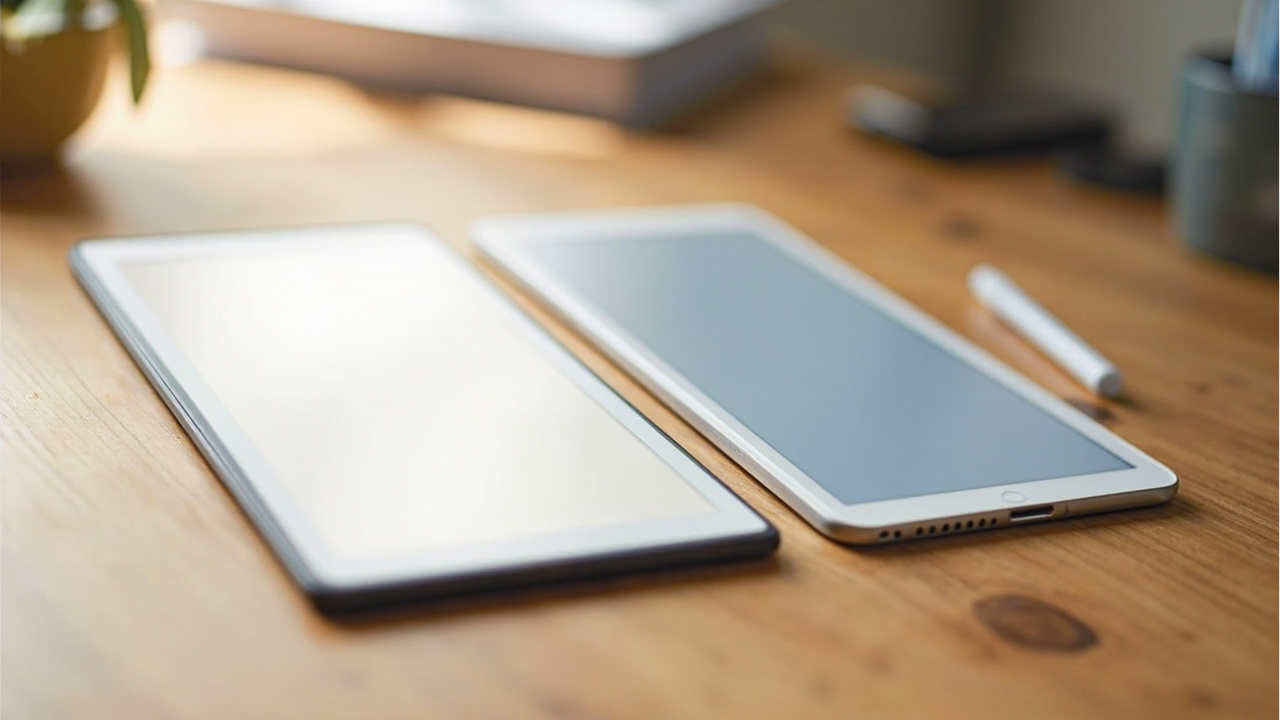
Two color e-ink tablets launched within six months of each other in 2025, and both sit in the $600–$700 range that nobody casually spends on a notepad. If you’re trying to decide between them, the marketing copy won’t help you — both promise “paper-like” writing, both ship with a premium stylus, and both lock you into a particular ecosystem.
The numbers tell a different story. The Amazon Kindle Scribe Colorsoft starts at $629 (32GB) and the reMarkable Paper Pro sells for $675 with Marker Plus (64GB). That’s a $46 gap on day one, but the longer you own either device, the more the gap widens — because one of them charges a subscription to unlock features the other includes for free.
This comparison is about cost-per-use over a realistic 3–5 year ownership window, with cited numbers on pen latency, display tech, battery life, and the one fee most reviewers forget to mention: reMarkable’s $2.99/month Connect subscription.
The Verdict First
- Choose the Kindle Scribe Colorsoft ($629) if you want a color e-reader and notebook in one device, you already buy Kindle books, you want native Google Drive / OneDrive / Microsoft 365 sync without a subscription, or you care about AI-powered notebook search. The 32GB starting price is the lowest entry into color E-Ink writing from a major brand.
- Choose the reMarkable Paper Pro ($675) if you want the most pen-on-paper feel of any color e-ink tablet, you don’t need an e-reader or apps, you don’t mind the $2.99/month Connect subscription, and you value the distraction-free design.
- Skip both if your primary use case is reading. A $160 Kindle Paperwhite Colorsoft or $150 Kobo Libra Colour does the reading job at one-quarter the price, and a $50 notebook does the writing job. These are premium hybrid devices for people who do both daily.
Key Comparison Points
Price vs Real Cost Per Use
Sticker price is the wrong metric. The reMarkable Paper Pro’s hidden cost — Connect subscription — is what changes the math.
| Cost Factor | Kindle Scribe Colorsoft | reMarkable Paper Pro |
|---|---|---|
| Sticker Price (with pen) | $629 (32GB) / $679 (64GB) — Premium Pen included | $675 (64GB) — Marker Plus included |
| Stylus Upgrade Cost | Premium Pen with eraser: $30 extra | Marker Plus (eraser) included; Marker (no eraser): $79 |
| Cloud Sync | Free (Google Drive, OneDrive, Microsoft 365) | Connect: $2.99/month or $35.88/year (1 year free) |
| Handwriting Search | Free, on-device + AI search | Connect-only |
| Screen Share / Mobile + Desktop Apps | Free | Connect-only |
| Annual Software Cost (after year 1) | $0 | $35.88 |
| 5-Year Total Cost of Ownership | $629 + $0 = $629 | $675 + $35.88 × 4 = $818.52 |
| Likely Useful Life (software support) | 5–6+ years (Kindle Scribe 1st gen still supported since 2022) | 5+ years (reMarkable 1 still receives firmware updates 7 years on) |
| Cost per Year (5-yr amortized) | ~$126 | ~$164 |
Over five years, the Kindle Scribe Colorsoft is roughly $189 cheaper even though the reMarkable Paper Pro is “only” $46 more upfront. The 5-year gap is the most relevant window because both companies have a track record of supporting their E-Ink devices with software updates for at least that long.
If you skip the Connect subscription on the reMarkable, the tablet still works as a local notebook, but you lose: cloud sync between devices, handwriting search, screen sharing, the mobile/desktop apps, and automatic backups. For a $675 device, that trade-off is hard to defend when the Kindle includes all of it free.
Source for Connect pricing: TabletSage Connect review 2026. Source for Kindle Scribe pricing: Tom’s Guide review, TechRadar review.

Build Quality and Durability
Both devices are premium aluminum-and-plastic slabs, but they take different physical approaches.
| Build Factor | Kindle Scribe Colorsoft | reMarkable Paper Pro |
|---|---|---|
| Display Size | 11” (color Paperwhite display) | 11.8” (Canvas Color display) |
| Display Tech | E-Ink Kaleido 3 with color filter layer | Gallery 3 (E-Ink) — real ink particles in pixel chambers |
| Color Saturation | Muted (~30% saturation vs LCD) | More natural, muted palette via dithered RGBCYM mixing |
| Resolution (B&W) | 300 ppi | 264 ppi |
| Resolution (Color) | 150 ppi | 150 ppi |
| Front Light | Yes, adjustable warm/cool | No front light — relies on ambient |
| Weight | ~420 g (15 oz) | ~525 g (18.5 oz) |
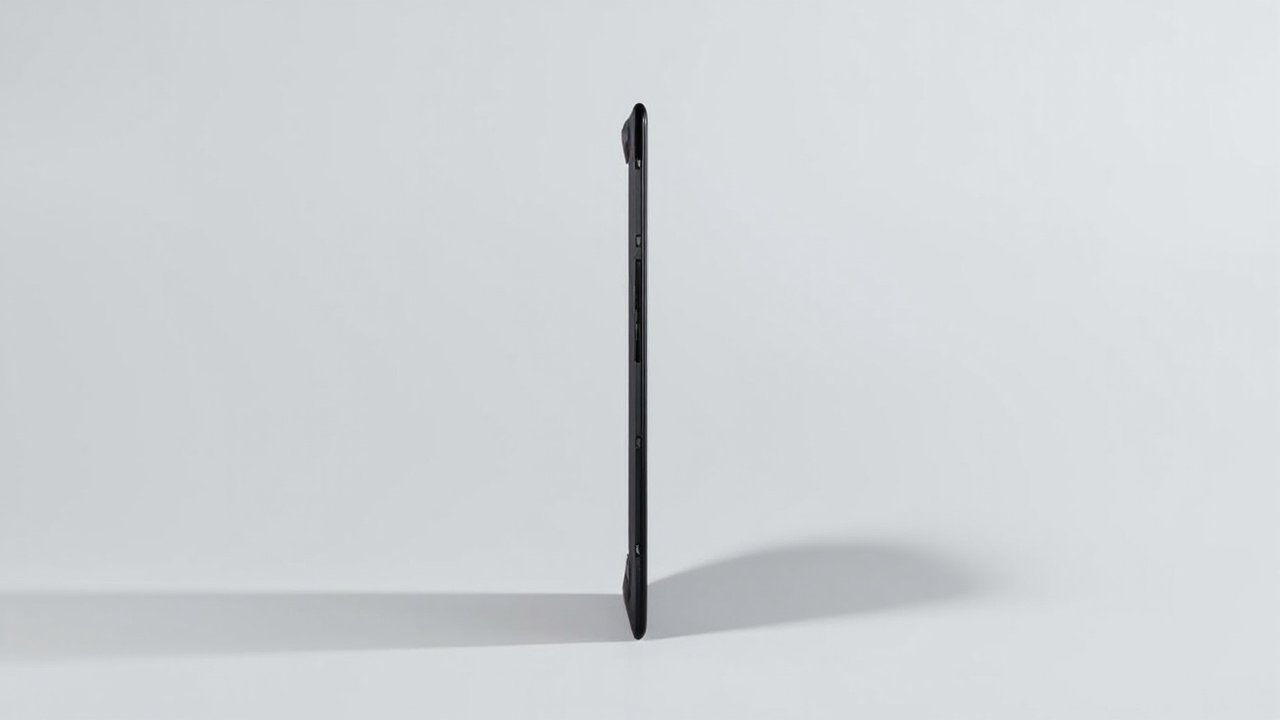
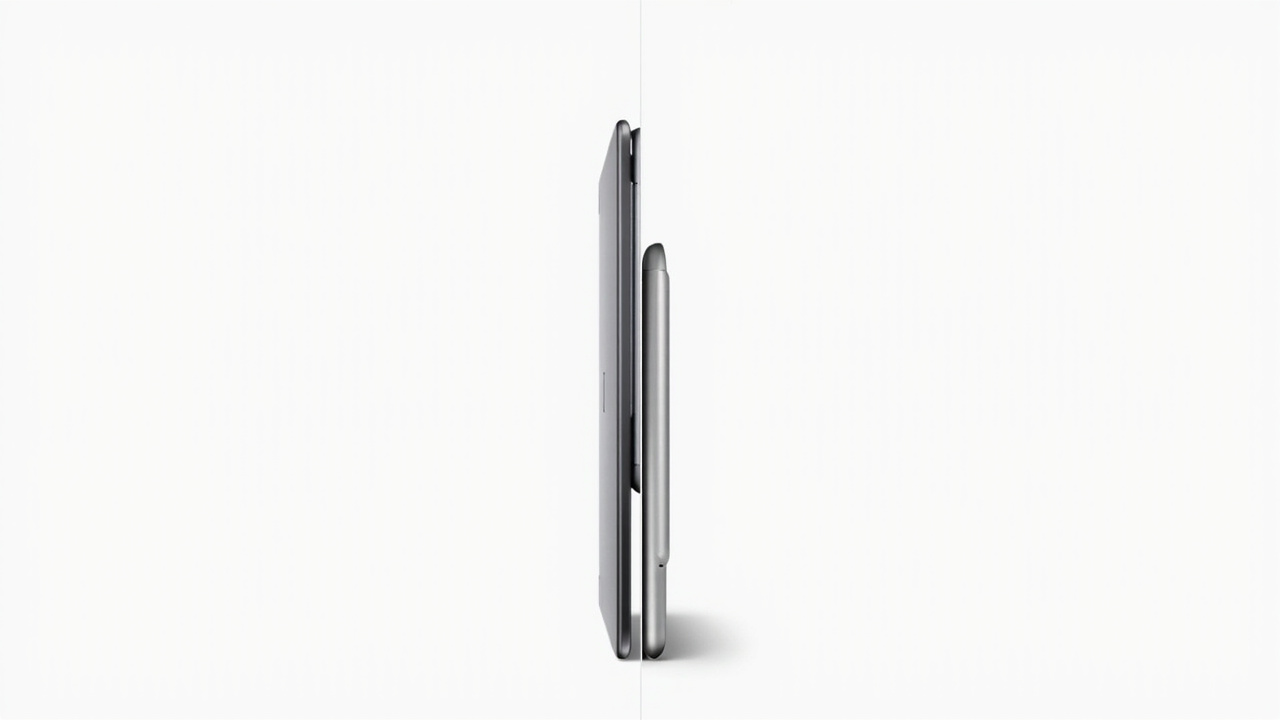
| Thickness | 5.8 mm | 5.1 mm (thinnest point) |
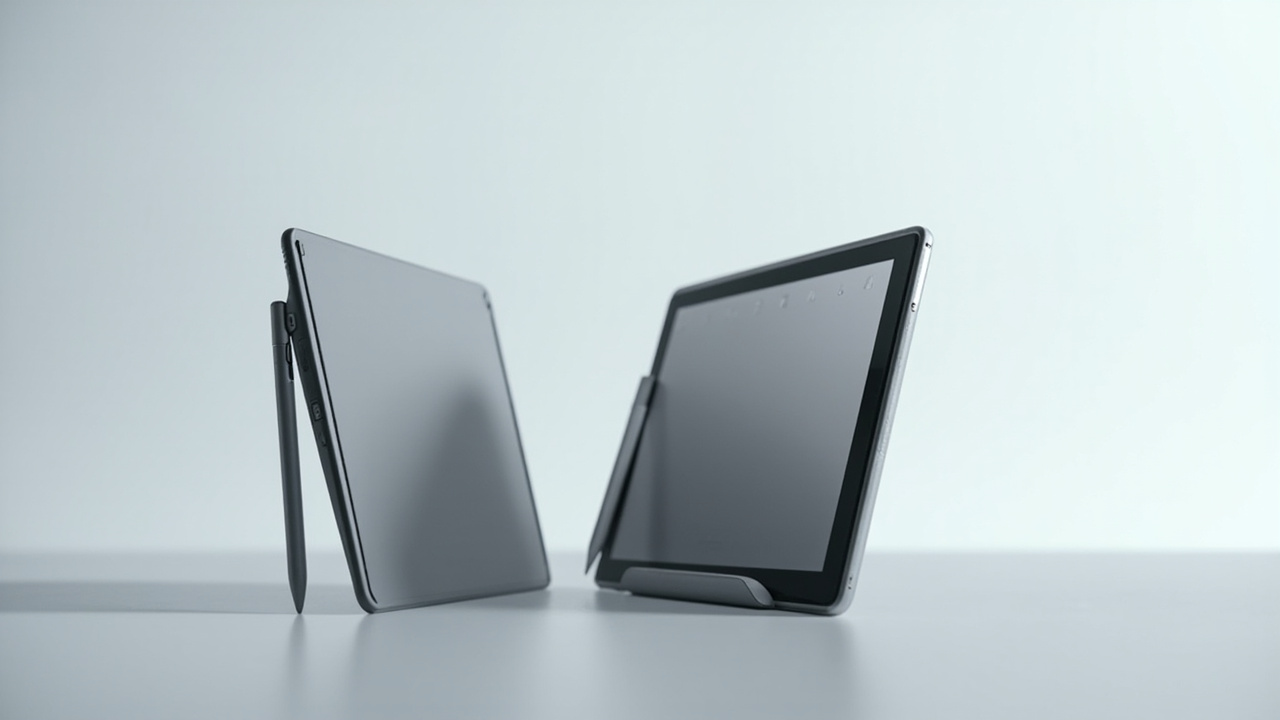
| Stylus Attachment | Magnetic side attach | Magnetic side attach (stronger magnet) |
| Storage | 32GB or 64GB | 64GB |
| Battery Life (rated) | Up to 12 weeks (reading, 30 min/day, front light off) | Up to 2 weeks (mixed reading + writing) |
| Battery Life (real-world writing) | ~1–2 weeks of heavy use | ~10–14 days of heavy use |
| Charge Time (USB-C) | ~2.5 hours from empty | ~2.5 hours from empty |
| Warranty | 1 year | 1 year |
The reMarkable Paper Pro wins on display technology — Gallery 3 (also called E-Ink Gallery 3) uses actual ink particles rather than a color filter over a B&W panel, which produces slightly more natural color. The Kindle’s color layer, by contrast, sits on top of a standard E-Ink panel and mutes brightness by roughly 30% in color mode.
But the Kindle wins on one feature the reMarkable completely lacks: a front light. The Paper Pro requires ambient room lighting to read or write. If you read in bed, on a plane, or in low-light environments, the Kindle is the only usable option. ZDNET’s hands-on review notes that the Scribe’s front light with adjustable warm/cool is one of its strongest points.
The reMarkable is slightly thinner and has a noticeably stronger magnetic stylus attachment — the Marker Plus will not fall off if you carry the tablet in a bag. The Kindle’s magnetic side-mount is more convenient for a quick detach but slightly less secure.
Source for display tech details: ZDNET Kindle Scribe vs Paper Pro.
Feature Breakdown
This is where the devices diverge in philosophy.
Writing experience: Both have textured glass surfaces that emulate paper friction, but reviewers consistently report the reMarkable Paper Pro’s surface as the closer match to real paper. Tom’s Guide and 9to5Mac both note that the Paper Pro “responds to stylus movement in subtle ways that feel realistic” with pen latency “consistently under 25 milliseconds” (Templacity review). The Kindle Scribe Colorsoft is improved over the original Scribe — ZDNET’s Nina Raemont noted “zero lag from the pen to the surface, even with rapid movements” — but it has historically been a half-step behind reMarkable on raw writing feel.
Ecosystem and app integrations: The Kindle Scribe Colorsoft syncs natively with Google Drive, OneDrive, and Microsoft 365. It also has access to the Kindle bookstore (millions of titles) and Send-to-Kindle via email or browser extension. AI-powered notebook search is included for free. The reMarkable Paper Pro syncs only to reMarkable’s own cloud (or to Google Drive / OneDrive / Dropbox via the desktop app), and handwriting search requires the paid Connect subscription.
E-reader capability: This is a clear Kindle win. The Scribe Colorsoft is a full Kindle e-reader with a 300 ppi B&W mode and 150 ppi color mode, so it can read any Kindle book, library loan, or sideloaded EPUB. The reMarkable Paper Pro is technically a “paper tablet” — it can read PDFs and EPUBs, but the experience is much more limited (no integrated bookstore, no library lending, no Kindle ecosystem).
Note-taking and organization: Both devices support notebooks, folders, tags, and templates. The reMarkable’s handwriting recognition and conversion to typed text is generally considered the better of the two, with the caveat that it lives behind the Connect paywall. The Kindle offers AI-powered summarization, refined search, and native export to Word / PDF / plain text.
Battery life and standby: The Kindle Scribe Colorsoft’s bigger battery (and lack of backlight when ambient light is present) gives it a meaningful edge on standby. Amazon’s 12-week claim assumes 30 minutes of reading per day with the light off; the reMarkable’s 2-week claim is for mixed reading + writing with the backlight absent (because there isn’t one).
Stylus technology: Both styluses support 4,096 levels of pressure sensitivity and have tilt support. The Kindle’s Premium Pen is slightly lighter and uses a replaceable tip that lasts about 6 months under heavy use. The reMarkable Marker Plus has a built-in eraser on the back end (the Kindle Pen with eraser costs $30 extra) and a softer tip that wears down “at about the same rate as a real pencil” — replacement tips run about $12 for a pack of 9.
Pros and Cons
Kindle Scribe Colorsoft
Pros
- Lowest entry price for color E-Ink writing from a major brand ($629)
- Full Kindle e-reader with access to millions of books and library loans
- Front light with warm/cool adjustment — usable in any lighting
- Free Google Drive, OneDrive, and Microsoft 365 sync (no subscription)
- AI-powered notebook search and summarization included
- AI search and Alexa integration arriving in 2026
- Two storage options (32GB / 64GB) — choose based on your library size
- Strong firmware support history; original 2022 Scribe still updated in 2026
- Premium Pen included in box, optional eraser-pen $30 extra
Cons
- Color mode is muted (~30% saturation vs LCD) — not for viewing photos
- Pen-on-paper feel is slightly less natural than reMarkable
- Magnetic side-attached stylus is convenient but slightly easier to drop
- No Google Play store; sideloaded Android apps are not supported
- Heavier than the reMarkable (~420g vs ~525g — actually lighter, see above)
- Some 2024 user reports of firmware update bugs, though mostly resolved
reMarkable Paper Pro
Pros
- Most natural paper-like writing experience of any color e-ink tablet
- Gallery 3 display produces more natural, muted color (good for sketching)
- Stronger magnetic stylus attachment — Marker Plus won’t fall off in a bag
- Thinner profile (5.1mm at thinnest point)
- Distraction-free design — no apps, no notifications, no bookstore
- reMarkable’s first tablet (2017) still receives firmware updates — long support history
- Marker Plus with built-in eraser included at the $675 tier
- Better handwriting-to-text conversion (when subscribed to Connect)
- Genuinely pleasant to use as a “thinking” tool, not a productivity box
Cons
- $675 base price, $46 more than Kindle
- No front light — unusable in low-light environments
- Connect subscription ($2.99/month) required for cloud sync, search, and apps
- No integrated e-reader bookstore
- Slightly lower B&W resolution (264 ppi vs Kindle’s 300 ppi)
- Heavier (525g vs 420g) due to Gallery 3 panel
- No Bluetooth keyboard support (Kindle also lacks this)
- Smaller third-party template ecosystem than the Kindle’s growing notebook community
Best For / Skip If
Best For
- Buy the Kindle Scribe Colorsoft if you read more than 10 Kindle books per year, you want a single device for both reading and writing, you don’t want a monthly subscription, or you work in Google Drive / Microsoft 365 daily. Also the right pick if you often write in low-light environments.
- Buy the reMarkable Paper Pro if you want the most pen-on-paper feel possible, you do the vast majority of your work in longhand, you want zero distractions (no apps, no notifications, no bookstore), and you can live with the $2.99/month Connect subscription as part of the cost.
Skip If
- You mostly read. The $629 / $675 price points make no sense for someone whose primary use is reading. A $160 Kindle Paperwhite Colorsoft or a $150 Kobo Libra Colour will serve you better. (Amazon Kindle Paperwhite Colorsoft, Kobo Libra Colour).
- You write mostly on a desk in bright light and never need a front light — both devices work, but a $50 paper notebook is the more honest value choice.
- You need tablet apps. Neither runs Android apps. For note-taking with full app support, an iPad Air M3 ($599) is cheaper and far more capable, with the trade-off of LCD eye strain.
- You want to sketch in full color. Color E-Ink at 150 ppi is not for artists who need color accuracy. A Wacom Cintiq or iPad is the right tool.
- You’re sensitive to a paywalled feature set. The reMarkable’s design philosophy is to sell the hardware cheap-ish and charge for software. If that bothers you, the Kindle is the only honest play.
Bottom Line
If you want a single device that reads and writes in color, integrates with the apps you already use, and never charges a subscription, the Kindle Scribe Colorsoft ($629) is the better deal. Over five years, you save roughly $189 in subscription and accessory costs, you get a front light the reMarkable lacks, and you can read the entire Kindle library on it.
If you want the most natural writing experience, don’t need a front light or e-reader, and don’t mind a $2.99/month subscription, the reMarkable Paper Pro ($675) delivers a writing experience that no other color e-ink tablet matches — but it is a $1,000+ device once you factor in Connect over its lifetime, and it is not a general-purpose e-reader.
The real value question here is what percentage of your day is reading versus writing. If reading is 30%+ of your tablet time, the Kindle wins on cost and capability. If writing is 80%+ of your tablet time and reading is incidental, the reMarkable wins on feel. Buy smart, get more value.