Introduction
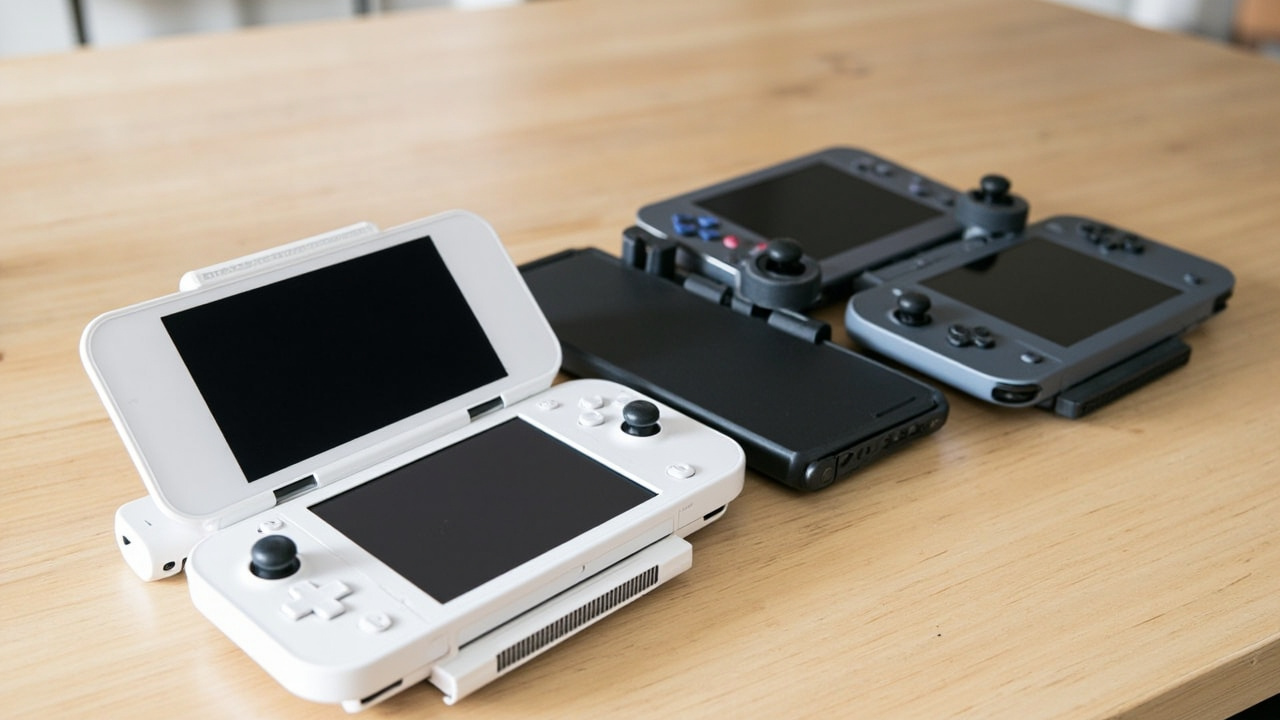
For years, comparing Nintendo and Steam made no sense. One was a family-friendly console with exclusive games, the other was a PC in a controller-shaped box. They served different audiences.
That’s changed.
The Nintendo Switch 2 launches at $449.99 — putting it directly in the same price lane as the Steam Deck ($399-$549). The gap that once separated these devices has essentially disappeared. And when the hardware gap shrinks, the real differentiator becomes: which platform gives you more for your money over time?
That means game prices, library size, durability, and what you actually play matter more than ever.
This is a comparison for people who want to spend wisely — not just buy what everyone else is buying.
The Verdict First
Choose Switch 2 if: You want plug-and-play simplicity, Nintendo’s exclusive franchises (Mario, Zelda, Pokémon), and a device the whole family can use. The higher game prices are offset by the quality of exclusives you literally can’t find elsewhere.
Choose Steam Deck if: You already have a Steam library, want access to thousands of PC games (including many under $20), and don’t mind a steeper learning curve. The upfront savings on games over time can easily exceed $200 over a three-year period.
Neither device is “the winner” for everyone. That’s the point.
Key Comparison Points
Price vs. Real Cost Per Use
This is where the comparison gets honest — and where many articles gloss over the details.
| Device | Base Price | Storage | Notable Game Pricing |
|---|---|---|---|
| Nintendo Switch 2 | $449.99 | 256GB | Mario Kart World: $79.99 |
| Steam Deck LCD | $399.99 | 256GB | Steam sales often under $10 |
| Steam Deck OLED | $549.99 | 512GB | Steam sales often under $10 |
The Switch 2’s hardware price is competitive with the base Steam Deck LCD. But the Steam Deck LCD has chunky bezels, a smaller 7-inch 60Hz screen, and no HDR. Comparing it fairly means looking at the Steam Deck OLED at $549 — which is $100 more than Switch 2.
Here’s where it gets interesting: Nintendo has explicitly raised the AAA game price ceiling. Mario Kart World at $79.99 is a real number, not a placeholder. That’s 60-80% more than a typical mid-tier PC game on Steam during a sale.
If you buy 10 full-price games on Switch 2 over three years, you’re spending roughly $700 more on software than if you bought equivalent titles on Steam during sales.
Hardware and Build Quality
Display: Switch 2 leads on paper
Switch 2 features a 7.9-inch 1080p LCD touchscreen at 120Hz with VRR (Variable Refresh Rate) and HDR10 support. That’s objectively better than the Steam Deck LCD’s 7-inch 60Hz panel and meaningfully better than the Steam Deck OLED’s 7.4-inch 800p 90Hz screen — on paper.
The Switch 2’s 120Hz VRR is rare in handhelds and means games can dynamically adjust frame rate without tearing. That’s a genuine technical advantage.
However: OLED still wins in real-world use
The Steam Deck OLED’s 800p OLED display produces richer contrast, wider viewing angles, and more vibrant colors. On OLED, black levels are truly black — something LCD can’t match regardless of refresh rate. For games with dark environments or cinematic presentation, the OLED deck looks more premium.
This is a trade-off: smoother motion (Switch 2) versus better contrast and color (Steam Deck OLED).
Performance: Both are capabale
Switch 2 uses a custom Nvidia processor based on Ampere architecture with DLSS and ray tracing support. Nintendo publicly targets up to 120fps in some handheld titles and 4K at 60fps when docked. The exact CUDA core count and power budget remain officially unspecified, but the capability is there.
Steam Deck (both models) uses AMD’s Zen 2 CPU and RDNA 2 GPU. The Deck OLED can hit 90Hz in some titles, and FSR (AMD’s upscaling tech) helps push more frames in demanding games. The catch: FSR quality trade-off is noticeable, and not every game supports it.
For pure gaming performance in AAA titles built for each platform, both devices handle their respective libraries well. Don’t expect miracles from either in the most demanding recent releases.
Battery life
Real-world usage puts both devices in the 2-4 hour range for graphically intensive titles. Light 2D games extend battery on both. Neither device wins this category decisively.
Game Library and Exclusives
Nintendo’s exclusives are irreplaceable
Mario Kart World, The Legend of Zelda: Tears of the Kingdom successor, Pokémon, Metroid — these titles exist only on Nintendo hardware. If you want them, you buy Nintendo. There’s no Steam equivalent.
This is Nintendo’s enduring value proposition and it’s real. The games are genuinely great, and you cannot access them on any other platform.
Steam’s library is larger and cheaper
Steam has over 50,000 games. Many are indie titles under $15. During seasonal sales, AAA games frequently drop to $30-40. The average Steam game price is meaningfully lower than the average Switch 2 game price.
If you’re the type who plays 15-20 games a year across multiple genres, Steam’s library flexibility and pricing will save you money consistently.
The ecosystem lock-in factor
Switch 2 uses Nintendo’s account system and game licenses. Steam uses Valve’s — and allows game transfers if you ever stop using Steam Deck. Nintendo has historically been restrictive about game ownership transfers.
Pros and Cons
Nintendo Switch 2
Pros:
- Access to Nintendo’s exclusive game library (Mario, Zelda, Pokémon, Metroid)
- Higher refresh rate screen (120Hz) with VRR
- Larger 1080p display compared to Steam Deck LCD
- No learning curve — works immediately out of the box
- Family-friendly: multiple player modes, parental controls
- Camera button for new gameplay possibilities (mouse-style control in Mario Kart World)
Cons:
- Game prices have increased significantly ($79.99 AAA titles)
- No OLED option; LCD only
- Storage capped at 256GB internal (expandable via microSD Express up to 2TB)
- Game ownership tied to Nintendo ecosystem with limited transferability
- Less freedom: no direct access to PC games or third-party stores
Steam Deck
Pros:
- Access to entire Steam library with frequent sales
- OLED option delivers superior contrast and color accuracy
- More flexible ecosystem — install other stores, mods, emulators
- Game ownership tied to your Steam account (portable between devices)
- Often cheaper games; deep discounts during sales
- Can be used as a PC when docked with keyboard/mouse
Cons:
- Higher starting price for OLED model ($549)
- Steeper learning curve for customization and settings
- 800p resolution on OLED model (lower than Switch 2’s 1080p)
- No access to Nintendo exclusives
- Bulkier form factor; chunkier bezels on LCD model
- Not all games run well; compatibility varies
Best For / Skip If
Buy Switch 2 if:
- You or your family want Nintendo exclusives
- You value simplicity and immediate playability
- You play primarily with friends or family in the same room
- You’re buying for a younger audience who needs a “it just works” experience
- You have no existing Steam library
Skip Switch 2 if:
- You already have a large Steam library
- You primarily play indie games and older titles (often cheap on Steam)
- You want maximum flexibility in game purchases and sources
- You prefer OLED displays for contrast and color
Buy Steam Deck if:
- You want access to the most affordable game library
- You’re comfortable customizing settings for performance
- You prefer playing solo and value flexibility
- You want a device that can also function as a PC for other tasks
- You already own games on Steam
Skip Steam Deck if:
- Nintendo exclusives are your priority
- You want a family device with easy multiplayer
- You find technical customization intimidating
- You prefer the premium feel of OLED but don’t want to spend $549
Bottom Line
Buy smart. Get more value.
The Switch 2 and Steam Deck are genuinely different devices despite similar price tags. The Switch 2 wins on exclusivity and simplicity — you pay more per game, but the games you want are only there. The Steam Deck wins on value if you’re self-directed, flexible, and comfortable in a more open ecosystem.
The worst decision is buying either device because it’s what everyone else is talking about. Know what you want to play. Know what you can afford long-term. Then choose accordingly.
Neither company is giving you a bargain. They’re giving you different deals — and the smart move is knowing which deal fits your life.
Frequently Asked Questions
Who should read this review?
Anyone weighing the practical differences between the products or topics covered here will find a concrete recommendation in the verdict section above. If you already know which one you are leaning toward, the FAQ below answers the most common follow-up questions readers ask before they commit.
What changed since the article was first published?
Prices and availability shift weekly. The verdict is based on the snapshot taken on the article date. We refresh reviews every 60-90 days when there is a major firmware, model refresh, or pricing change. The “Last updated” line at the top of the page tells you when this review was last revised.
How does BuyCospa pick which products to compare?
We pick products based on what readers search for in this category, what is actually shipping, and where we have a non-obvious take. We do not run sponsored reviews and we do not accept free units that come with coverage conditions. See our editorial policy for the full process.
Where can I check the most current price?
Prices in this review are US MSRP and typical street price on the date of publication. Check Amazon, Best Buy, and the manufacturer store for the current price — they often differ by 10-20% from the figure quoted here. We do not link to specific sellers because prices and stock move daily.