Introduction
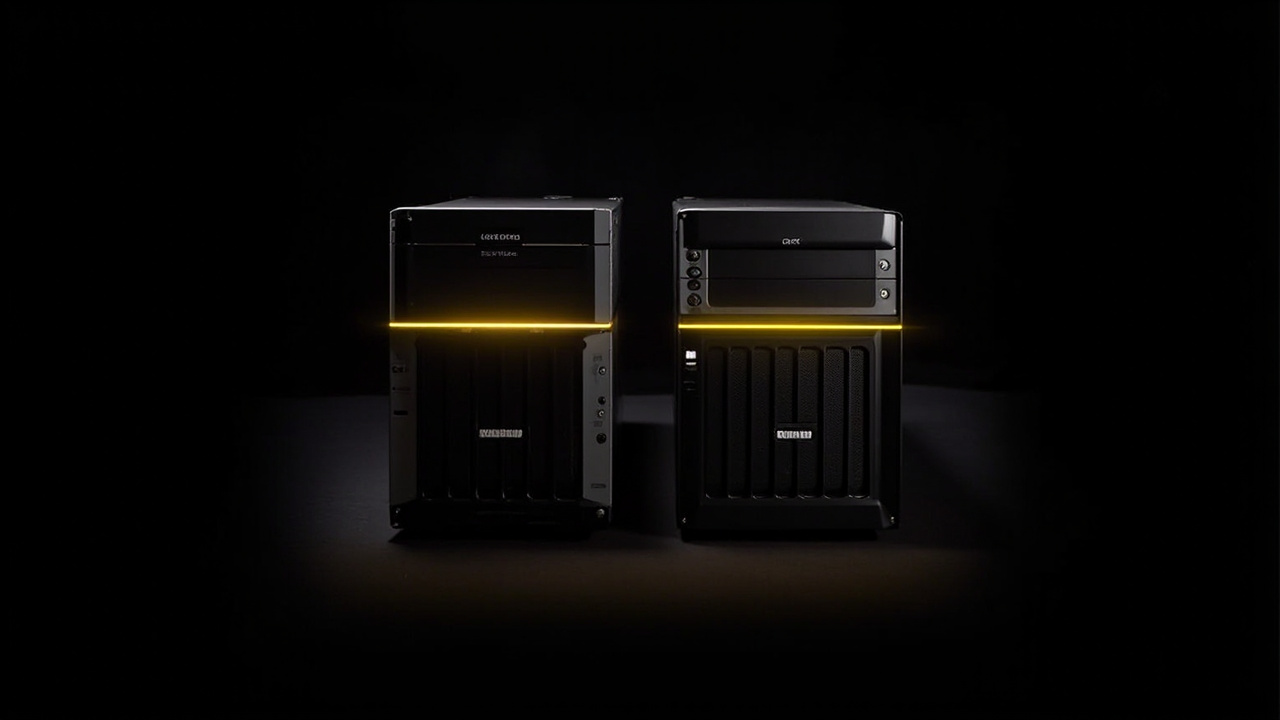
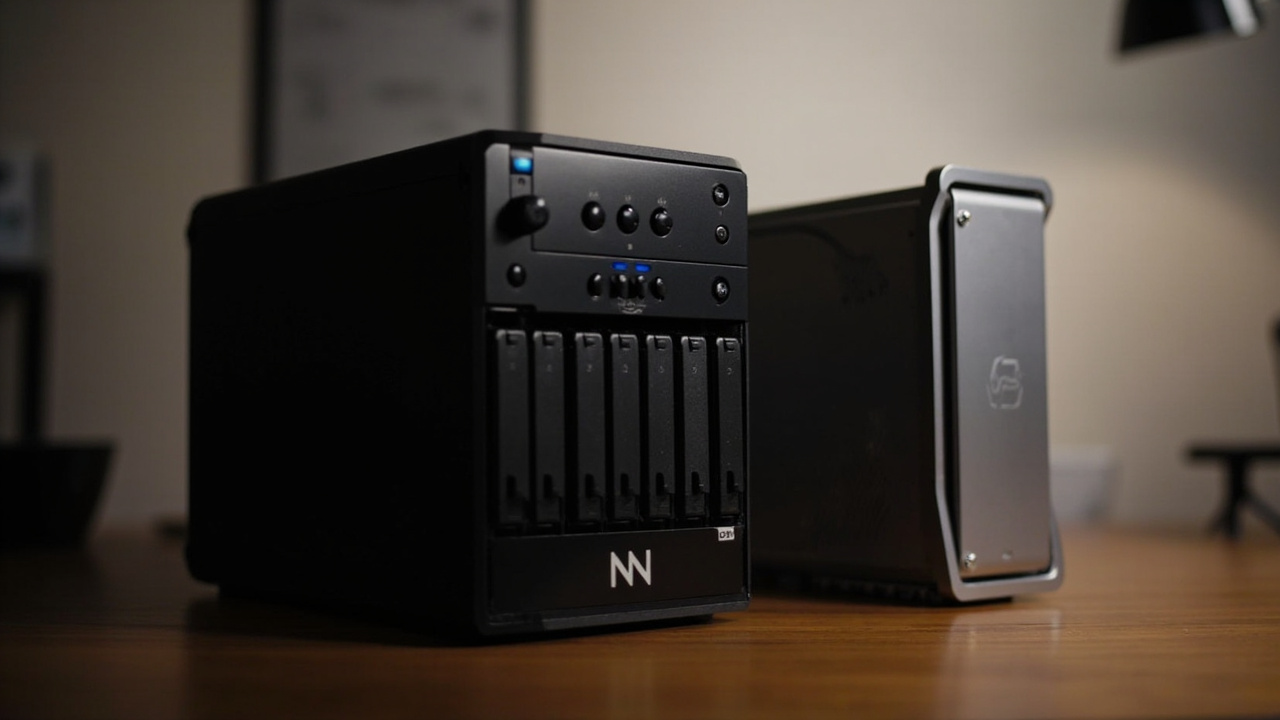
The NAS market in mid-2026 has split into two clear philosophies, and the Synology DiskStation DS925+ ($639.99, diskless) and UGREEN NASync DXP6800 Pro ($1,099.99, diskless) are the cleanest embodiment of each (Sources: Synology DS925+ product page, UGREEN NASync DXP6800 Pro product page, B&H Photo listing).
Synology bets on software maturity, polish, and a 25-year track record — but charges a premium for it and ships a CPU (AMD Ryzen V1500B) and networking (2× 2.5GbE only) that look conservative next to UGREEN’s hardware. UGREEN bet the other way: stuff a 12th-Gen Intel Core i5, dual 10GbE, Thunderbolt 4, and an 8K HDMI port into a 6-bay chassis for $1,099.99 — and accept that UGOS Pro is a 2-year-old operating system still catching up to DSM.
The price gap is $460 at sticker. But the real gap in value depends on what you’re running: Plex for 4 streams, a Docker homelab, virtual machines, multi-camera surveillance, or just family backups. This article runs the numbers honestly — including the 7-year total cost of ownership (TCO) with real NAS HDDs priced in.
The Verdict First
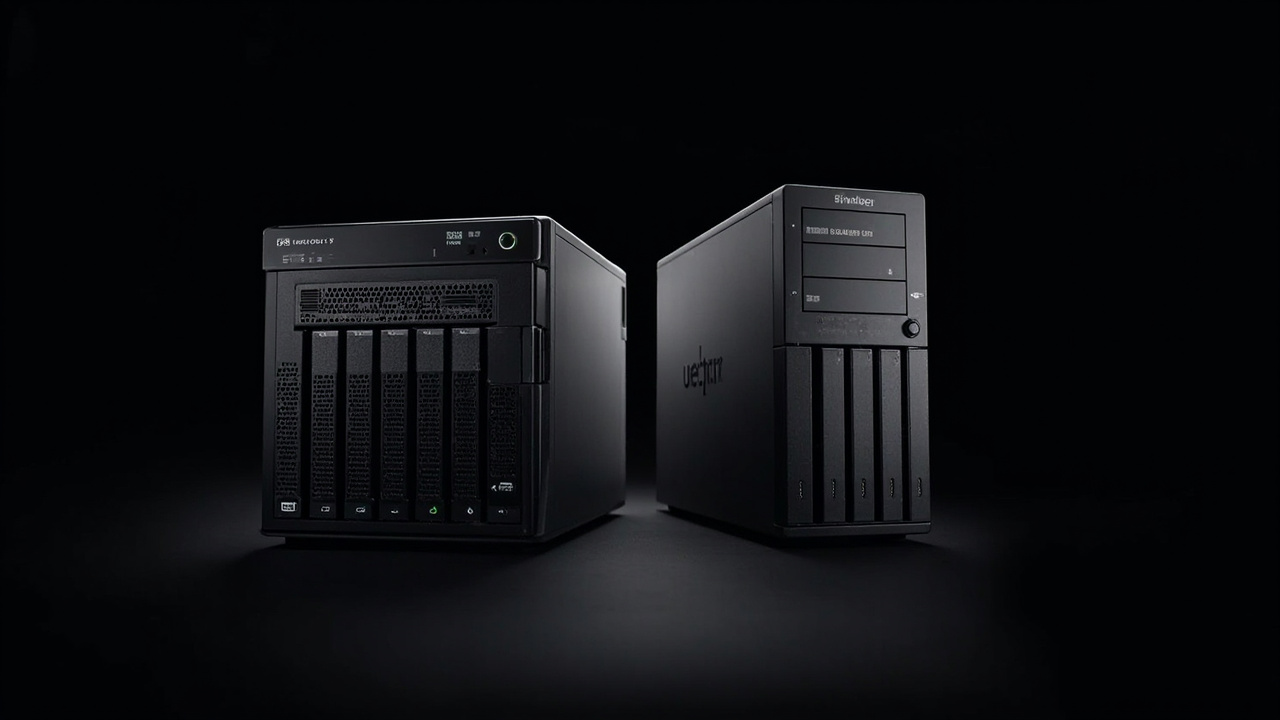
- Choose the Synology DS925+ ($639.99 diskless) if your NAS will be a family/backup/Plex server for 2–4 users, you value DSM’s app ecosystem (Synology Photos, Hyper Backup, Drive, Surveillance Station), and you don’t need more than 2.5GbE network throughput. You’ll save ~$460 upfront and get a more polished, lower-power (37.91W vs ~50W typical), quieter (20.5 dB(A)) system with a 3-year warranty extendable to 5 (Source: Synology DS925+ hardware spec sheet).
- Choose the UGREEN NASync DXP6800 Pro ($1,099.99) if you actually need dual 10GbE, Thunderbolt 4, 6+ bays, or a 10-core Intel CPU for VMs/Docker/AI photo tagging. The hardware per dollar is roughly 1.7× better, but UGOS Pro is still maturing and Synology’s 25-year software lead is real (Sources: Need To Know It UGOS Pro review, June 2026, Dong Knows Tech DS925+ review, June 2025).
- Skip both if you only need ≤40 TB: a single 20 TB Seagate IronWolf Pro at ~$419 (a recent Newegg deal) in a cheaper 2-bay enclosure like the Synology DS225+ ($299) gets you 80% of the value at half the cost (Source: Tom’s Hardware IronWolf Pro 20TB deal).
Key Comparison Points
Price vs Real Cost Per Use
The headline price ignores the biggest cost driver: the hard drives you put inside. A diskless NAS is a fancy enclosure until you add drives. Let’s run real numbers with Seagate IronWolf Pro 20TB NAS HDDs (~$419 each on a recent Newegg deal, $669.99 MSRP, 5-year warranty) — the de-facto standard for prosumer multi-bay RAID.
| Cost Factor | Synology DS925+ (4-bay) | UGREEN NASync DXP6800 Pro (6-bay) |
|---|---|---|
| Diskless NAS price (June 2026) | $639.99 | $1,099.99 |
| Max drive bays (3.5” SATA + M.2) | 4 + 2 NVMe (9 with DX525) | 6 + 2 NVMe |
| RAID config for usable capacity | SHR/RAID-5 with 3× 20TB = ~40 TB usable | RAID-5 with 5× 20TB = ~80 TB usable |
| Drive cost @ $419 × drives | $1,257 (3 drives) | $2,095 (5 drives) |
| Total usable build (NAS + drives + ~$50 cables) | ~$1,946 | ~$3,244 |
| $/TB usable | $48.65/TB | $40.55/TB |
| Power draw (typical 24/7, access) | 37.91W (Source: Synology spec sheet) | ~50W (10-core Intel, dual 10GbE, extra bays) |
| Annual power cost @ $0.16/kWh × 24/7 | ~$53 | ~$70 |
| 7-year drive replacement (typical 1 failure) | 1× $419 = $419 | 1× $419 = $419 |
| 7-year TCO (NAS + drives + power + 1 HDD replacement) | ~$2,736 | ~$4,153 |
| Amortized cost / year (7-yr) | $391 | $593 |
| Amortized cost / TB-year | $9.77 | $7.41 |
Two takeaways:
- UGREEN is ~$200 cheaper per usable TB — that’s a real, structural advantage. If you actually need 80 TB of usable storage, the DXP6800 Pro saves you $1,298 on the build.
- If you only need 40 TB, the Synology saves you $1,298 in upfront cost. The Synology’s lower power draw saves you another ~$120 over 7 years.
This is the core insight: the right NAS depends almost entirely on whether you actually fill the extra bays. A 4-bay Synology sitting at 30% capacity is wasting money on drive slots; a 6-bay UGREEN sitting at 30% capacity is wasting more.
Build Quality and Durability
Both are well-built desktop NAS units, but they take different physical approaches.
Synology DS925+ — same conservative chassis lineage as the DS923+:
- 166 × 199 × 223 mm, 2.26 kg
- 4× 3.5” SATA tool-less trays
- 2× M.2 2280 NVMe slots on the bottom
- 2× USB 3.2 Gen 1 (rear), 1× USB-C expansion port (for DX525)
- 2× 2.5GbE LAN
- 100W external PSU (120W max)
- 20.5 dB(A) at idle — genuinely quiet
- 92 mm × 2 fans
UGREEN NASync DXP6800 Pro — denser, more “small server” than “home NAS”:
- Larger 6-bay chassis
- 6× SATA + 2× M.2 NVMe (4 PCIe slots on the product page spec, 2 SATA M.2 in practice)
- 2× 10GbE + 1× 2.5GbE
- 2× Thunderbolt 4 ports (direct-attach to a Mac/PC for ~2,500 MB/s)
- 1× 8K HDMI output (run the NAS as a media PC)
- SD card slot
- More aggressive cooling; reviewers note audible fan noise under load
Real-world durability signals:
- Synology DS925+ has a 3-year warranty, extendable to 5 years for $30-ish via Synology’s extended warranty program (Source: Walmart DS925+ listing).
- UGREEN NASync DXP6800 Pro ships with a 2-year warranty — one year shorter than Synology’s stock, with no published extended-warranty program in the US (Source: UGREEN NAS warranty page).
- Reddit r/HomeServer and r/synology threads in 2025–2026 frequently report 5–8 year lifespans on Synology Plus-series hardware. UGREEN hardware is too new for long-term data, but build quality is solid in teardowns.
- Synology’s 2025 storage lock-in HCL controversy (forcing Synology-branded drives on Plus models) was walked back in DSM 7.3 on October 7, 2025 — third-party drives work again (Source: Dong Knows Tech DSM 7.3 update).
Verdict: Synology has the longer real-world track record and the longer warranty. UGREEN is built well but is still on its first major hardware revision cycle.
Feature Breakdown
This is where the UGREEN hardware gap is most obvious — and where Synology’s software gap bites back.
| Feature | Synology DS925+ | UGREEN NASync DXP6800 Pro |
|---|---|---|
| CPU | AMD Ryzen V1500B (4C/8T, 2.2 GHz, 2018-era) | Intel Core i5-1235U (10C/12T, up to 4.4 GHz, 12th-gen) |
| RAM (stock / max) | 4 GB DDR4 ECC / 32 GB | 8 GB DDR5 / expandable |
| Drive bays | 4× SATA + 2× M.2 NVMe | 6× SATA + 2× M.2 NVMe |
| Max raw capacity | 80 TB (SATA) + 2× NVMe | 196 TB raw (per UGREEN spec) |
| Expansion | DX525 unit → 9 bays total | None built-in |
| Networking | 2× 2.5GbE | 1× 2.5GbE + 2× 10GbE (link-aggregate to 20 Gbps) |
| Other I/O | 2× USB-A 3.2, 1× USB-C (expansion only) | 2× Thunderbolt 4, 1× HDMI 8K, 1× SD slot |
| OS | DSM 7.3 (mature, ~25 years of development) | UGOS Pro (~2 years old) |
| App ecosystem | Synology Photos, Drive, Hyper Backup, Surveillance Station, MailPlus, Office, Container Manager (Docker), Virtual Machine Manager | Photos, Files, Docker, basic apps (still maturing) |
| Mobile apps | Polished (DS File, DS Photo, DS Video) | Functional but rougher |
| Docker / Containers | First-class via Container Manager | Supported via Docker |
| Virtual Machines | Virtual Machine Manager (Intel-only; AMD V1500B supports basic VMs) | Native VM support via the i5 CPU |
| AI features | Basic photo face recognition in Synology Photos | UGREEN AI Album (face/scene/object/location recognition, duplicate removal) |
| Third-party drive support | Yes (post DSM 7.3) | Yes (open, no lock-in) |
| Power (access / hibernation) | 37.91W / 12.33W | ~50W typical (estimated from i5-1235U TDP + extras) |
| Noise (idle) | 20.5 dB(A) | Not officially published; reviewers note audible under load |
The honest reading:
- UGREEN’s hardware lead is enormous. A 10-core Intel i5 with DDR5 absolutely crushes a 2018-era AMD V1500B in single-threaded and multi-threaded workloads. If you run Plex transcoding, multiple Docker containers, or a home VM lab, the UGREEN is in a different performance class.
- Synology’s networking is the conservative choice. 2× 2.5GbE with LACP can hit 5 Gbps aggregate, which is plenty for most home users. But there’s no 10GbE option without adding a $100+ PCIe NIC in a third-party expansion chassis — which the DS925+ doesn’t officially support.
- UGREEN’s Thunderbolt 4 is a killer feature for video editors with a Mac/PC: 2,500 MB/s direct-attached throughput means your NAS can serve as a fast scratch disk. Synology has no equivalent.
- Synology’s software is the conservative choice. DSM 7.3 is rock-solid, the mobile apps actually work, and the third-party app ecosystem (Synology Community packages) is unmatched. UGOS Pro works, but the Need To Know It June 2026 review is blunt: “UGOS Pro is functional and improving but still catching up to DSM’s depth.”
Verdict: UGREEN wins on hardware by a wide margin. Synology wins on software maturity. The question is which one matters more for your workload.
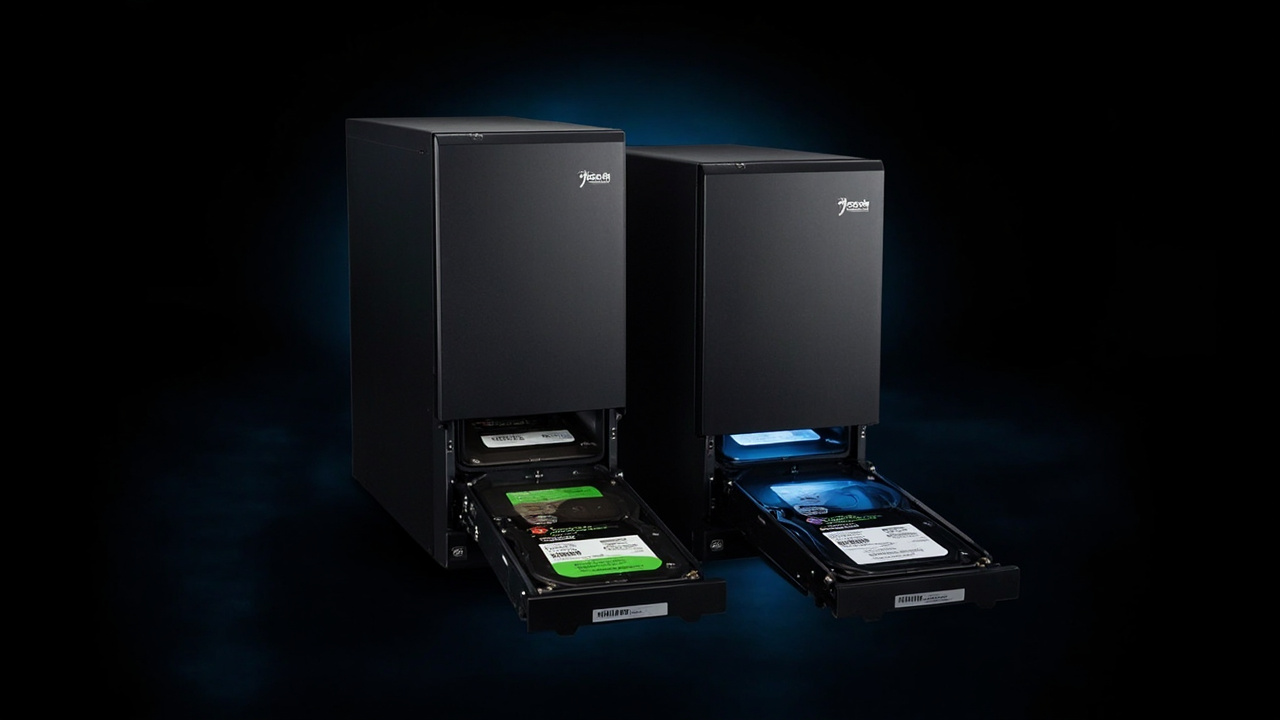
Pros and Cons
Synology DiskStation DS925+
Pros
- $460 cheaper upfront ($639.99 vs $1,099.99) — meaningful for budget-conscious buyers
- DSM 7.3 is mature — 25 years of polish, the most-refined NAS OS on the market
- 20.5 dB(A) noise rating — quiet enough for a living room or home office
- Lower power draw (37.91W access / 12.33W hibernation) — ~$120 savings over 7 years
- 3-year warranty, extendable to 5 — one full year longer than UGREEN
- ECC RAM — better data integrity for long-term storage
- Synology Photos / Drive / Hyper Backup are genuinely best-in-class apps
- DX525 expansion to 9 bays gives a real growth path
- Long, well-documented community (r/synology, Synology Community packages)
Cons
- AMD Ryzen V1500B is a 2018-era CPU — struggles with 4K transcoding or multiple VMs
- Only 2× 2.5GbE — no built-in 10GbE, and no way to add one
- 4 bays is a hard ceiling for power users without buying a $400+ DX525
- 2025 HCL controversy — even though it was walked back in DSM 7.3, trust was dented
- Synology-branded drives cost more than third-party equivalents, even though they’re no longer required
UGREEN NASync DXP6800 Pro
Pros
- 10-core Intel Core i5-1235U (12th-gen) — 2.5–3× the CPU performance of the Synology
- Dual 10GbE with link aggregation to 20 Gbps / ~2,500 MB/s — true multi-user throughput
- 2× Thunderbolt 4 ports — direct-attach 2,500 MB/s to a Mac/PC workstation
- 6 SATA bays + 2 M.2 NVMe — up to 196 TB raw capacity
- 8 GB DDR5 stock (faster and more future-proof than Synology’s DDR4)
- AI photo album with face/scene/object recognition is genuinely useful for big family libraries
- HDMI 8K output — the NAS can also be a media PC
- No drive vendor lock-in — any SATA or NVMe drive works
- UGOS Pro gets monthly updates and is improving fast (Source: TechPowerUp iDX6011 Pro review)
Cons
- $460 more expensive upfront — and you still need to buy drives
- 2-year warranty — one year shorter than Synology’s stock 3-year
- UGOS Pro is 2 years old — feature gaps vs DSM (no mature Surveillance Station equivalent, weaker mobile apps, fewer third-party packages)
- Higher power draw (~50W) — costs ~$17/year more to run 24/7
- Fan noise under load — multiple reviewers note it’s audible in a quiet room
- Smaller US service footprint — limited local support vs Synology’s mature dealer network
- Unproven long-term reliability — first-gen hardware, no 5+ year track record yet
Best For / Skip If
Best for the Synology DS925+
- Families and home users backing up phones, laptops, and photo libraries
- Plex / Jellyfin users running 1–2 simultaneous 1080p transcodes (the Ryzen V1500B handles this fine)
- Synology Photos enthusiasts — Synology’s photo app is widely considered the best in the NAS category
- Existing Synology owners expanding an existing DSM ecosystem (Drive, Hyper Backup targets, etc.)
- Buyers who value polish, low noise, and low power over raw performance
- Anyone who wants the longest possible hardware warranty (5 years with extension)
Best for the UGREEN NASync DXP6800 Pro
- Video editors with Thunderbolt 4 Macs/PCs who need 2,500 MB/s direct-attached scratch storage
- Docker / VM homelab enthusiasts who’ll actually use the 10-core i5
- Small businesses and content teams running 4+ simultaneous Plex transcodes, multi-user backups, or VMs
- Users who need 6+ bays and ≥60 TB usable capacity today, not after buying a $400+ DX525
- Buyers who want hardware per dollar and don’t mind that UGOS Pro is still maturing
- Anyone with a 10GbE home network — Synology’s 2.5GbE ceiling is a real bottleneck here
Skip both if…
- You only need ≤40 TB — a Synology DS225+ ($299) or UGREEN DXP2800 ($299) with two 20 TB IronWolf Pros gets you there for $1,100–$1,200 total
- You’re not running 24/7 — a DAS (Direct Attached Storage) enclosure like the OWC ThunderBay 4 is cheaper for use-it-and-put-it-away workflows
- Your “NAS” is really just an off-site backup — Backblaze B2 ($6/TB/year) or Wasabi ($7/TB/year) is cheaper for pure cold storage
- You don’t have a 10GbE switch — buying a $1,099.99 UGREEN to plug into a 1GbE network is wasted money
Bottom Line
The Synology DS925+ and UGREEN NASync DXP6800 Pro aren’t really competing on a level playing field — they’re optimized for different buyers. Synology is the safe, polished, software-first choice with a 25-year track record and a 5-year extended warranty; you pay $639.99 for a CPU and network port that feel a generation behind, but you also get DSM 7.3’s unmatched app ecosystem and the lowest power draw in this category. UGREEN is the hardware-first challenger at $1,099.99 — a 10-core Intel i5, dual 10GbE, Thunderbolt 4, and 6 bays — running an OS that’s only 2 years old and still maturing.
The honest buying rule: if you’re under 60 TB usable and under 4 simultaneous heavy users, buy the Synology and put the $460 savings into better drives. If you’re over 60 TB, running Plex/Docker/VMs, or have a 10GbE network, buy the UGREEN and accept the software maturity tax.
That’s “buy smart, get more value” — not “buy the bigger number on the spec sheet.”