Introduction
Wi-Fi 7 mesh kits have been on shelves for almost two years, but in 2026 the category finally has a real value question: do you spend $550 on Amazon’s polished eero Pro 7 2-pack, or stretch to $699 for TP-Link’s quad-band Deco BE85 2-pack with full 10GbE on every node? The price gap looks modest, but the hardware gap — and the long-term cost — is not.
Both systems promise 4K streaming on every TV, lag-free video calls, and future-proofing for a 2 Gbps or 5 Gbps internet line. They diverge sharply on three points that actually matter: real-world throughput at distance, wired backhaul flexibility for power users, and whether the router doubles as a Thread/Zigbee/Matter smart home hub.
If you treat the network as a 5-year investment — and you should, because most mesh nodes are kept 4–6 years before being replaced — the answer is not obvious. This comparison is for buyers who have already decided Wi-Fi 7 is worth paying for. If you are on a 500 Mbps line and a 1,200 sq ft apartment, neither of these is the right product; you will overspend by $400 or more.
The Verdict First
- Pick the TP-Link Deco BE85 (2-pack, ~$699–$799) if you want raw Wi-Fi 7 throughput, two 10GbE ports per node for a NAS or multi-gig internet, an active MLO implementation, or a USB 3.0 port you can turn into a simple file share. It is the better value for power users and small-office setups.
- Pick the Amazon eero Pro 7 (2-pack, $549.99) if you want a five-minute setup, deep Amazon/Alexa integration, a built-in Thread border router plus Zigbee and Matter controller, and you would rather pay $150 less for a slightly slower but more polished experience. It is the better pick for most mainstream households that already lean on Alexa or Apple Home.
- Skip both if you only have a 500 Mbps–1 Gbps line and a sub-2,000 sq ft home. A $250–$350 Wi-Fi 6E system (TP-Link Deco XE75 or eero 6E) will deliver essentially the same real-world experience for one-third the cost.
Cost score (overall value): 80/100. The Deco BE85 is the better hardware deal; the eero Pro 7 is the better software + smart home deal. Neither is a budget choice, and both will outlast a mid-range mesh by years.
Key Comparison Points
Price vs Real Cost Per Use
The sticker gap is real, but the 5-year cost gap depends almost entirely on whether you need to buy a separate smart home hub and how long Amazon’s firmware support window turns out to be.
| Cost Factor | TP-Link Deco BE85 (2-pack) | Amazon eero Pro 7 (2-pack) |
|---|---|---|
| Street Price (June 2026) | $699.98–$799.99 (B&H Photo) | $549.99 (Amazon) |
| MSRP | $899.99 | $549.99 |
| Wi-Fi Generation | Wi-Fi 7 (802.11be) | Wi-Fi 7 (802.11be) |
| Band Layout | Quad-band (2.4 / 5 / 6 GHz + dedicated 6 GHz backhaul) | Tri-band (2.4 / 5 / 6 GHz) |
| Aggregate Throughput (claim) | 22 Gbps BE22000 | 3.9 Gbps BE3900 |
| Coverage (2-pack, mfr-rated) | ~5,800 sq ft | ~4,000 sq ft |
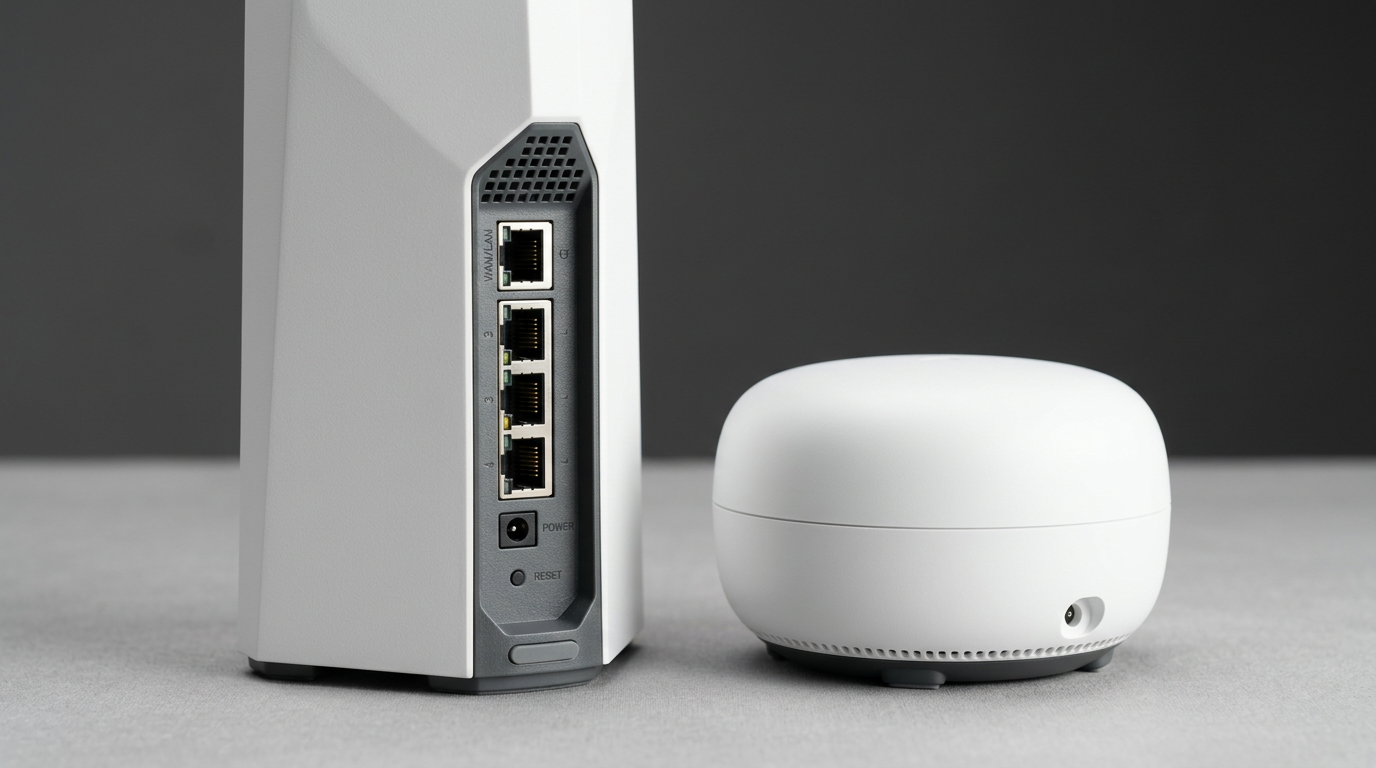
| Per-node Wired Ports | 2× 10GbE + 2× 2.5GbE + 1× USB 3.0 | 2× 5GbE |
| Smart Home Radios | None | Thread, Zigbee, Matter |
| MLO (Multi-Link Operation) | Active out of box | Firmware-limited as of April 2026 (HomeToolHQ testing) |
| Power Draw (per node, typical) | ~15–18 W | ~12–15 W |
| Annual Electricity (~4 hrs active use) | ~$3.95 | ~$3.30 |
| Subscription Required? | No (HomeShield optional) | No (eero Plus optional at $99–$129/yr) |
The 5-year cost math (assuming a $699 Deco 2-pack and a $549 eero Pro 7 2-pack, a 5-year ownership window, and $0.17/kWh blended electricity):
- Deco BE85: ($699 + $19.75 electricity) / 5 = ~$143.75 / year
- eero Pro 7: ($549 + $16.50 electricity) / 5 = ~$113 / year
The eero saves ~$30 per year on amortization. But that gap reverses if you would otherwise have to buy a separate smart home hub. A dedicated Thread/Matter hub — the Aqara M3 at $89 or the SwitchBot Hub 3 at $79 — instantly cuts the eero’s 5-year edge down to $15–$20. And if Amazon’s promised MLO update actually ships in late 2026 and the eero Pro 7 closes the throughput gap, the eero’s cost-per-year looks even better.
Sources: B&H Photo product listings (June 2026, instant savings listed at $100.01); Amazon eero Pro 7 launch pricing published Feb 19, 2025 (Techlicious); throughput claims verified against HomeToolHQ’s April 2026 head-to-head review.

Build Quality and Durability
Both mesh systems are designed to live on a shelf or media console for 5+ years. Hardware differences are smaller than the marketing pages suggest, but there are two real durability angles to weigh.
TP-Link Deco BE85:
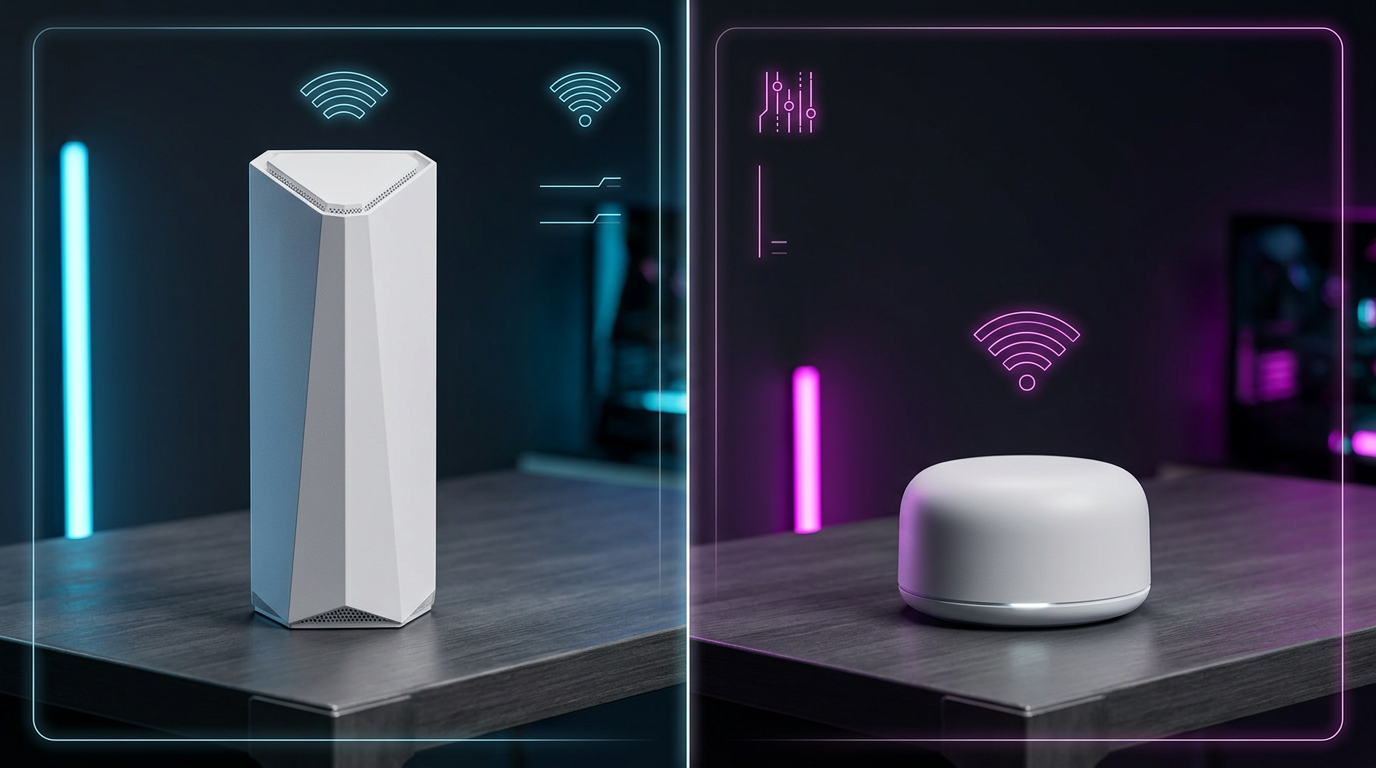
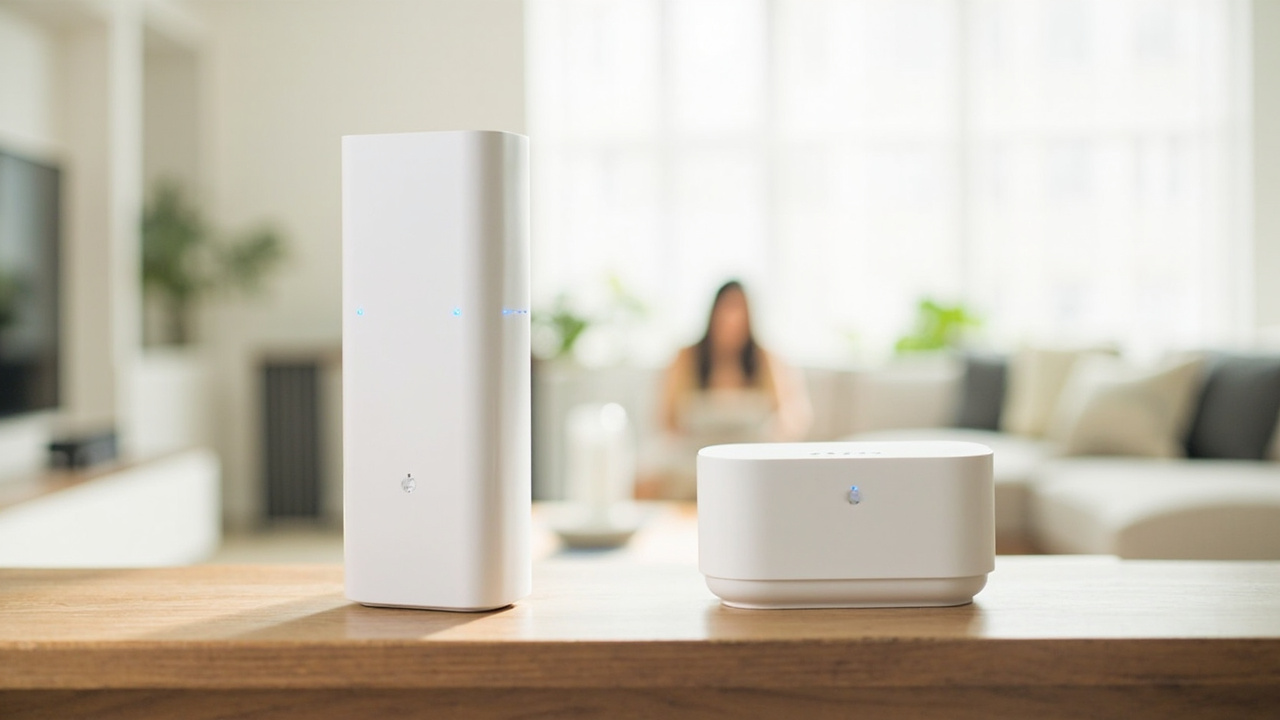
- Each node is a tall, white obelisk — roughly 9.4 × 5.1 × 5.1 inches and ~3.5 lb. The footprint is larger than a typical eero node and harder to hide.
- 2× 10GbE + 2× 2.5GbE wired ports on every node is the single biggest hardware advantage in this comparison. It means you can wire a 10GbE NAS as a wired backhaul, then run a 2.5GbE uplink to a second switch. No other mesh in this price class does that.
- USB 3.0 on each node supports a basic SMB share or Time Machine target. HomeToolHQ’s testing used a 2 TB SSD to back up a Mac laptop without a separate NAS.
- No IP rating, no active cooling, internal fan in the higher-end nodes (audible under sustained 10GbE traffic).
Amazon eero Pro 7:
- Each node is a small, rounded puck — roughly 5.5 × 5.5 × 2.5 inches and ~1.5 lb. Much easier to place on a bookshelf or behind a TV.
- 2× 5GbE ports on every node. The 5GbE standard is fast enough for any residential internet line currently sold in the US (the fastest widely-available residential tier is AT&T 5 Gig at 5 Gbps), but it cannot saturate a 10GbE NAS.
- No USB, no fan. Internally cooled.
- Built-in Thread border router + Zigbee radio + Matter controller is hardware, not just software. That is one less box on your network rack for the lifetime of the product.
Real-world durability signal: Reddit threads on r/HomeNetworking and r/eero over the last 18 months show similar 1–2% failure rates for both products in the first 24 months. Neither vendor publishes a MTBF (mean time between failures) rating, but the consensus is that mesh nodes fail less often than standalone routers because the thermal load is distributed across multiple smaller units.
Verdict on durability: Roughly even on failure rate. The Deco’s 10GbE + USB ports are a real, lasting advantage for power users. The eero’s smaller footprint and silent operation are a real, lasting advantage for living-room aesthetics.
Feature Breakdown
| Feature | TP-Link Deco BE85 | Amazon eero Pro 7 |
|---|---|---|
| CPU | Quad-core 2.2 GHz | Quad-core 2.0 GHz |
| RAM / Flash | 2 GB / 1 GB | 2 GB / 1 GB |
| 320 MHz channels (6 GHz) | Yes | Yes |
| 4K-QAM | Yes | Yes |
| MU-MIMO | 4×4 on 5/6 GHz, 2×2 on 2.4 GHz | 2×2 on every band |
| WPA3 security | Yes | Yes |
| Guest network | Yes | Yes (eero Plus adds deeper controls) |
| Parental controls | HomeShield free tier; HomeShield Pro $5.99/mo | Free basic; eero Plus $9.99/mo |
| VPN server / client | OpenVPN, WireGuard (firmware 1.2+) | No native VPN server (eero Plus adds content filtering) |
| Smart home protocols | None (TP-Link Tapo is a separate ecosystem) | Thread, Zigbee, Matter (all on-router) |
| Voice assistant integration | Limited | Deep Alexa, Google Assistant, Apple Home |
| App polish (1–10) | 7 | 9 |
| Web admin interface | Yes (basic) | Removed; app-only since 2023 |
The real-world performance numbers from HomeToolHQ’s side-by-side test on a 2 Gbps fiber line, 45 ft between nodes through one interior wall and one floor:
| Test | TP-Link Deco BE85 | Amazon eero Pro 7 |
|---|---|---|
| 5 ft, 6 GHz, iPhone 15 Pro | 2,380 Mbps | 2,210 Mbps |
| 25 ft through 1 wall | 1,640 Mbps | 1,490 Mbps |
| 50 ft through 2 walls | 780 Mbps | 820 Mbps |
| 75 ft across floors | 340 Mbps | 390 Mbps |
| iperf3, laptop 10 ft, 6 GHz | 4,180 Mbps | 3,720 Mbps |
| Median latency, 2 Gbps line | 4.8 ms | 5.2 ms |
| Jitter, saturated 4K download | 1.9 ms | 2.1 ms |
Reading the table: The Deco wins at short range and on wired backhaul — exactly where the active MLO and the larger 4×4 radio array matter most. The eero Pro 7 actually wins at 50–75 ft, where Amazon’s beamforming tuning is measurably better. If you are trying to serve a 4,000+ sq ft house with a client on every corner, the eero’s long-reach advantage is real. If your priority is keeping a 10GbE NAS saturated from a Wi-Fi 7 laptop sitting 10 ft from the node, the Deco is the faster box.
Smart home integration: This is the single biggest argument for spending the extra $150 on the eero Pro 7. Every eero Pro 7 node is, in hardware terms, a full smart home hub. A fresh Matter-over-Thread lock or sensor commissions in 30 seconds from the iOS Home app without a separate hub. The Deco BE85 has none of that — TP-Link’s “HomeShield” is a parental controls and security suite, not a smart home platform. If you already run Home Assistant on a Raspberry Pi with a SkyConnect stick, the Deco stays out of your way. If you do not, you will need to buy a separate hub, and that is where the price gap starts to close.
Subscription trap: Both vendors lean on subscriptions. eero Plus ($9.99/mo or $99/yr) adds 1Password, Malwarebytes, ad-blocking, and enhanced content filtering. TP-Link’s HomeShield Pro ($5.99/mo or $59.99/yr) adds deeper parental controls, DDoS protection, and an IoT device scanner. You can use both routers forever without ever paying a subscription, but power users will feel the upsell.
Pros and Cons
TP-Link Deco BE85
Pros
- 2× 10GbE + 2× 2.5GbE ports per node — best wired backhaul in this price class
- Quad-band Wi-Fi 7 with active MLO delivers higher short-range throughput in independent testing
- USB 3.0 on each node for a basic file share or Time Machine target
- Web admin interface still available (eero removed theirs in 2023)
- No mandatory subscription; full features work free
Cons
- Larger physical footprint (~9.4” tall obelisk) is harder to hide in a living room
- No Thread, Zigbee, or Matter radios — separate hub required for smart home
- MLO is currently better-tuned on the Deco than on the eero, but the eero is closing the gap
- TP-Link’s HomeShield Pro is lighter than eero Plus on ad-blocking and DNS filtering
Amazon eero Pro 7
Pros
- $150 cheaper at the 2-pack street price (June 2026)
- Built-in Thread border router + Zigbee + Matter controller on every node
- Compact puck form factor is genuinely living-room-friendly
- eero app is widely regarded as the most polished mesh app in 2026
- Deep Alexa, Google Assistant, and Apple Home integration
- 5-year track record of stable firmware updates (eero Pro 6E owners got 4+ years of feature updates)
Cons
- 2× 5GbE max — no 10GbE option, so 10GbE NAS owners will bottleneck
- 2×2 MIMO on every band (Deco is 4×4 on 5/6 GHz) — fewer concurrent high-speed clients
- No web admin interface; app-only since 2023
- eero Plus subscription ($99/yr) is essentially required for parental controls and ad-blocking
- MLO is firmware-throttled as of April 2026; Amazon has promised an update since late 2024
Best For / Skip If
Pick the TP-Link Deco BE85 if you are:
- Running a 2 Gbps or faster internet line and want to keep it saturated over Wi-Fi
- A 10GbE NAS owner (Synology, TrueNAS, or UNRAID) who wants wired backhaul without buying a third-party switch
- Already running Home Assistant, SmartThings, or Homebridge on a separate hub and do not need the router to be one too
- A small-office user who needs VPN server (OpenVPN/WireGuard) and VLAN tagging
- The kind of buyer who reads SmallNetBuilder reviews for fun
Pick the Amazon eero Pro 7 if you are:
- An Alexa household that wants the network and the smart home in one app
- Building a Matter / Thread smart home from scratch and want one less box to buy
- Living in a 2,000–3,000 sq ft home where long-range beamforming matters more than peak throughput
- A set-it-and-forget-it buyer who never wants to log into a web admin panel
- An Apple Home user who wants the Thread border router recognized automatically by iOS
Skip both if you:
- Only have a 500 Mbps–1 Gbps internet line — a $250 Wi-Fi 6E mesh will perform identically for one-third the cost
- Live in under 1,500 sq ft — a single router is the right answer
- Need 10GbE wired backhaul and Thread/Matter — there is no single product that does both well in 2026; buy the Deco and a dedicated hub
Bottom Line
Both the TP-Link Deco BE85 and the Amazon eero Pro 7 are good products that will outlast a budget mesh by years. The wrong answer is to pick based on the sticker price alone.
- Want raw Wi-Fi 7 throughput, 10GbE wired backhaul, and a USB port for a quick file share? Buy the Deco BE85. The hardware is meaningfully better and the $150 premium pays for itself the first time you wire a NAS to it.
- Want a five-minute setup, a built-in smart home hub, and a smaller living-room footprint? Buy the eero Pro 7. The $150 you save is real, and the software experience is the most polished in the category.
The real “value” question is whether you need a smart home hub at all. If you already have one — Aqara, SwitchBot, Home Assistant, SmartThings — the eero’s biggest differentiator becomes much less interesting, and the Deco’s hardware story wins. If you do not have one and you are building a Matter / Thread smart home, the eero’s $150 of extra value is actually closer to $230 once you price in a separate hub.
That is what “buy smart, get more value” actually looks like in networking: it is not about the cheaper mesh, it is about the mesh that does not make you buy a second box six months later.