Introduction
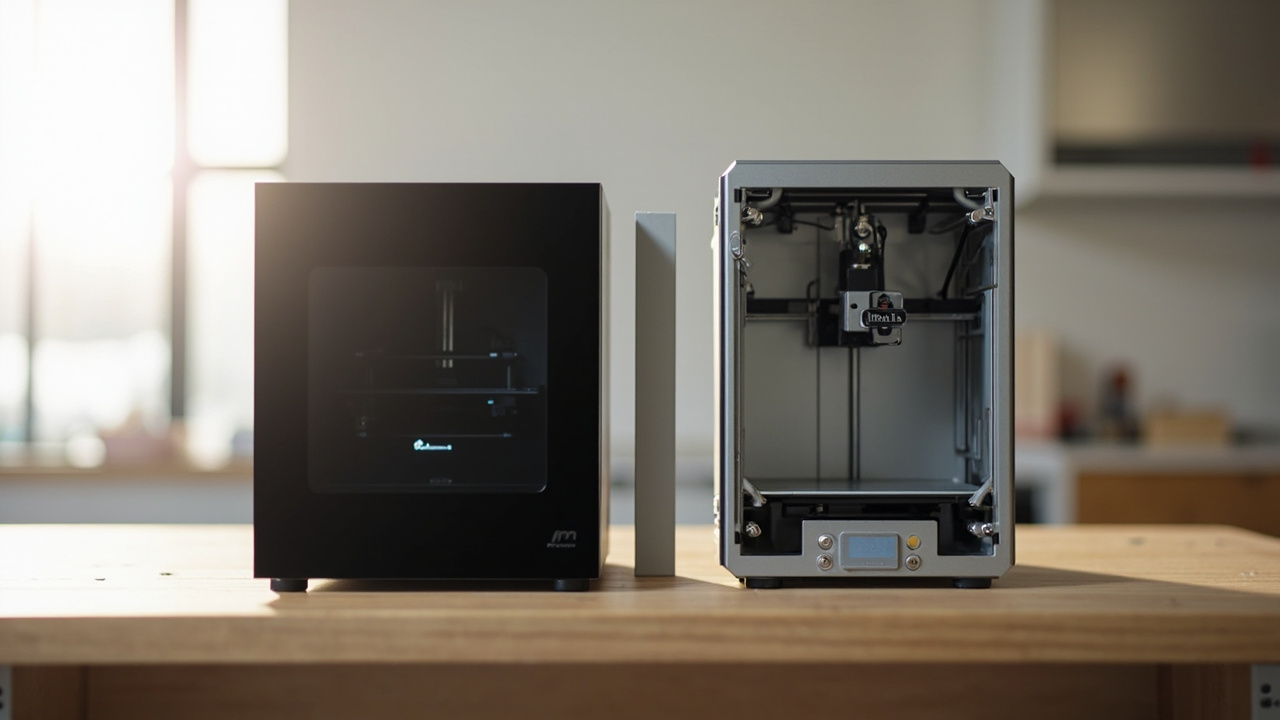
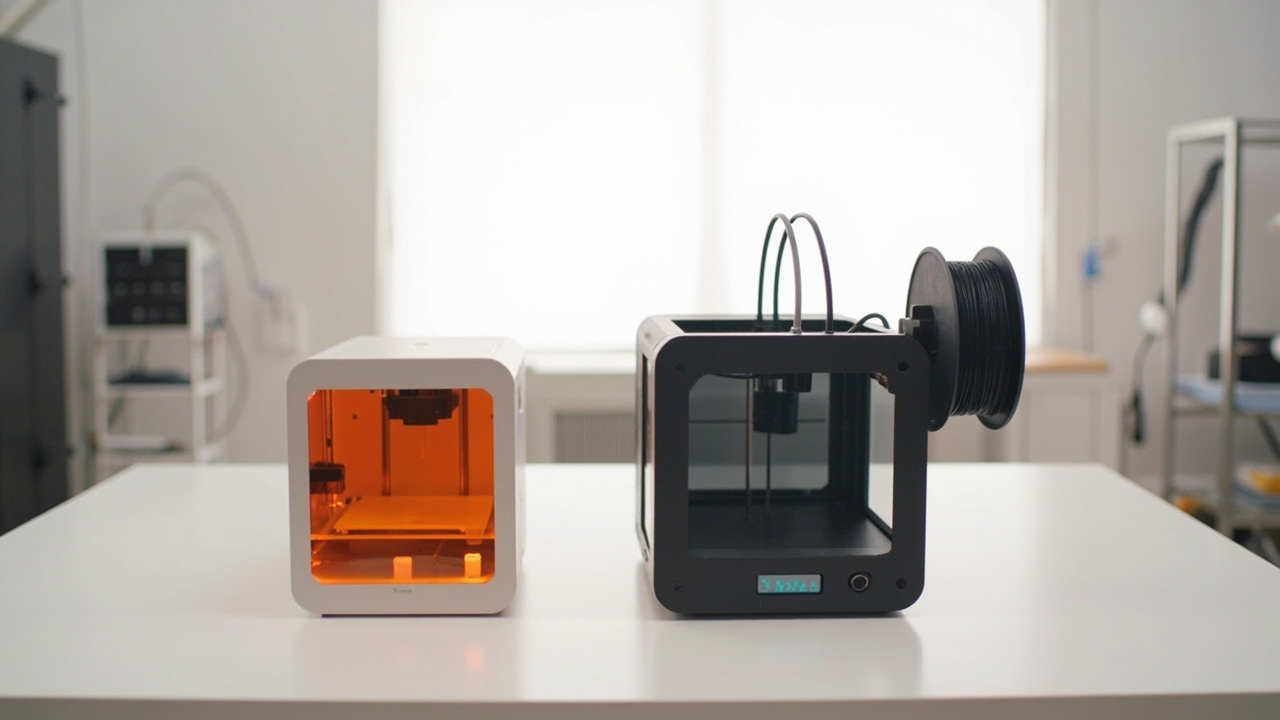
Both Bambu Lab and Creality shipped strong 2026 contenders for the same buyer: someone who has outgrown an entry-level FDM printer and wants enclosed CoreXY speed with multicolor, but does not want to pay $1,800+ for a flagship. The Bambu Lab P2S Combo ($799) and the Creality K2 Plus Combo (~$1,299) sit at the heart of that conversation.
The pain point is real: read the r/3Dprinting threads and you will see the same debate every week. “Should I save $500 and get the Bambu, or do I need the larger Creality build volume?” Both machines print PLA beautifully. Both handle ABS inside a heated chamber. Both now support multi-material via AMS 2 Pro and CFS respectively. But they are optimized for very different workloads, and that is where the real cost difference lives — not in the sticker price.
This comparison breaks down which one actually saves you money, depending on what you print.
The Verdict First
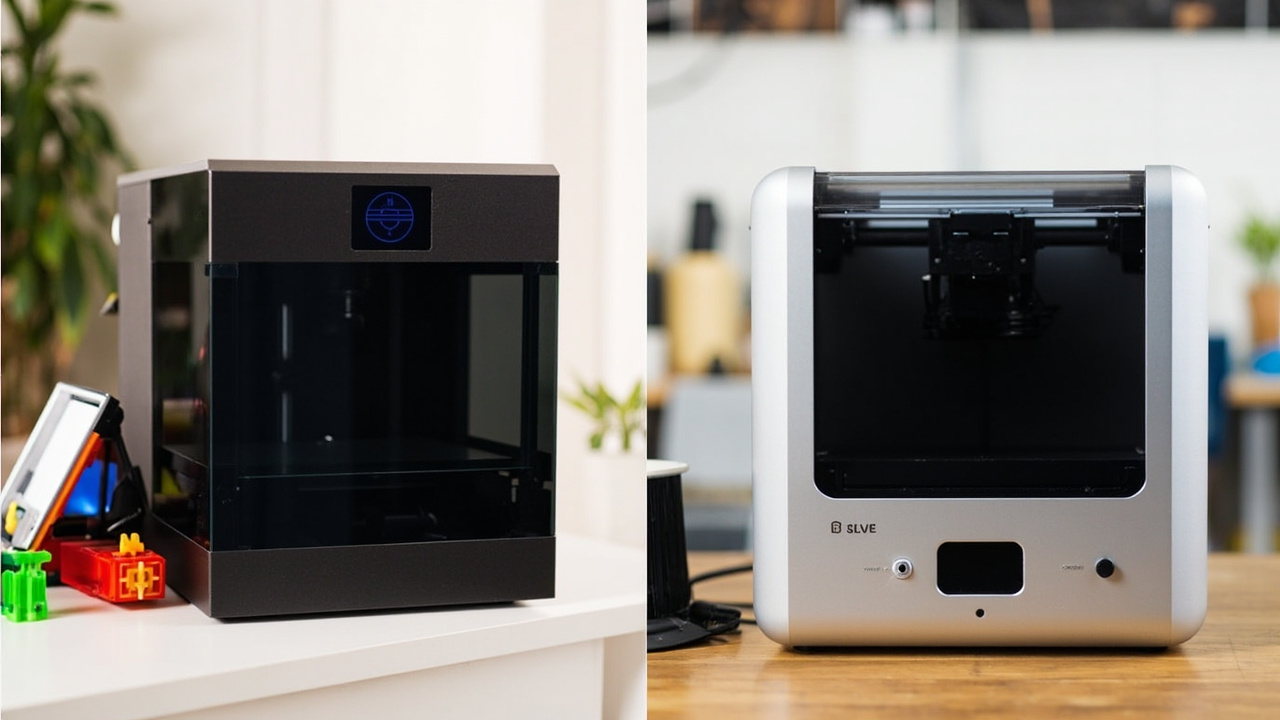
Buy the Bambu Lab P2S Combo ($799) if most of your prints fit a 256 × 256 × 256 mm cube. You get the cleanest mainstream enclosed default on the market in 2026: a PMSM servo extruder, Active Airflow chamber, AMS 2 Pro multicolor, and the most polished software stack. The cost-per-print is genuinely lower over 3 years.
Buy the Creality K2 Plus Combo (~$1,299) if you regularly print parts larger than 256 mm in any dimension — cosplay helmets, full-size enclosures, large prototypes, or batch jobs. The 350 × 350 × 350 mm build volume (42.9 L vs 16.8 L on the P2S) is not a spec-sheet flex, it changes what you can keep on one printer.
Skip the K2 Plus if your prints are everyday functional parts — you will be paying for cubic centimeters you never use. Skip the P2S if you know you keep splitting large parts into halves to fit your old printer. The K2 Plus solves a real workflow problem the P2S physically cannot.
Key Comparison Points
Price vs Real Cost Per Use
Both printers qualify as premium under our USD 500 rule, and the upfront gap looks significant: $500 more for the Creality K2 Plus Combo. But the real question is what you spend per usable print, over a 3-year ownership window.
| Cost Factor | Bambu Lab P2S Combo | Creality K2 Plus Combo |
|---|---|---|
| MSRP (USD) | $799 | $1,299 |
| Build volume | 256 × 256 × 256 mm (16.8 L) | 350 × 350 × 350 mm (42.9 L) |
| AMS / CFS multicolor add-on included | Yes (AMS 2 Pro) | Yes (CFS) |
| AMS 2 Pro active drying | Yes | N/A (CFS uses different approach) |
| Average filament waste (multicolor purge) | Lower (~30% less per stack sheriff and r/BambuLab reports) | Higher (more purge on color swaps) |
| Annual electricity at ~6 h/day | ~30 kWh ≈ $4–6 (350 W peak) | ~50 kWh ≈ $7–10 (650 W peak) |
| Common 3-year total | ~$900 (printer + filament + parts) | ~$1,500+ |
Sources: Stacksheriff (700 h P2S review, 2026), Bambu Lab and Creality official stores, r/3Dprinting community threads.
The P2S Combo wins the cost-per-use race for prints under 256 mm because the AMS 2 Pro wastes less filament during multicolor changes (active drying also reduces clogged-nozzle waste), and the smaller chassis consumes less power. But the K2 Plus wins the cost-per-use race the moment your print would otherwise need to be split into 2–4 parts on a smaller machine, because each failed split = a reprint = wasted time and filament on top of an already-$500-printer budget.

Build Quality and Durability
Both machines are CoreXY with all-metal hot ends, but the design philosophies diverge.
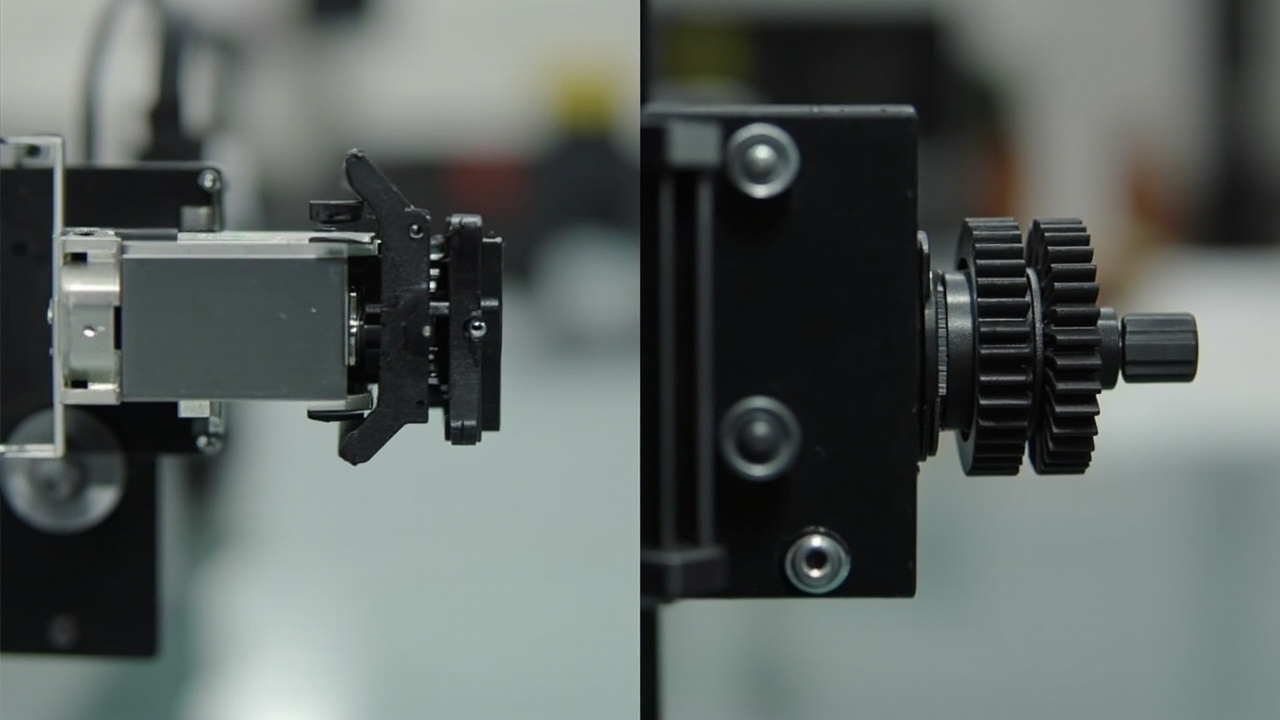
Bambu Lab P2S uses the proven P1S chassis (launched 2022) and iterates. The headline 2026 upgrade is the PMSM servo extruder delivering 8.5 kg of force — about 70% more than the P1S stepper (Stacksheriff, Bambu Lab specs). In practice, this means fewer skipped steps on abrasive CF filaments and fewer clogged prints in the middle of long jobs. The Active Airflow chamber pulls heat off the print as it deposits, reducing warping on ABS/ASA without requiring an external chamber mod. The tool-less nozzle swap is a quality-of-life improvement that matters when you run a small print farm.
Creality K2 Plus uses a heavier die-cast aluminum frame (38.5 kg for the Combo, vs roughly 13 kg for the P2S). That mass translates into less ringing and cleaner high-speed output at 600 mm/s, which is why it is favored for cosplay helmets and large props. The dual Z-axis with four linear rods is a step above the P2S’s two lead screws and noticeably reduces Z-wobble on tall prints. The K2 Plus’s chamber actively heats to 60 °C, while the P2S’s chamber manages heat via airflow rather than active heating. For pure ABS/ASA reliability on long prints, the K2 Plus’s active chamber is the safer bet.
Durability verdict: Both are built to last 5+ years of hobby use. The K2 Plus has a heavier frame and dual-Z. The P2S has a more refined extruder. Either should outlast your next two hobby phases.
Feature Breakdown
| Feature | Bambu Lab P2S | Creality K2 Plus |
|---|---|---|
| Max print speed | 500 mm/s | 600 mm/s |
| Max acceleration | 20,000 mm/s² | 30,000 mm/s² |
| Hot end max temp | 300 °C | 350 °C |
| Heated bed max | 110 °C | 120 °C |
| Active chamber heating | No (Active Airflow cooling) | Yes, up to 60 °C |
| Auto bed leveling | Yes (strain-gauge + LIDAR) | Yes (strain gauge, nozzle-mounted) |
| First-layer scan | LIDAR | Camera |
| Multicolor system | AMS 2 Pro (4 slots, active drying) | CFS (Creality Filament System) |
| Filament runout sensor | Yes | Yes |
| Camera monitoring | Built-in | Built-in |
| Display | Touchscreen | Full-color touchscreen |
| Connectivity | Wi-Fi, Ethernet, microSD | Dual-band Wi-Fi, Ethernet, RFID |
| Onboard storage | 8 GB | 32 GB |
| Noise at 300 mm/s | ~50 dB | ~45 dB (vendor spec) |
| Weight (Combo) | ~13 kg | 38.5 kg |
| Footprint | ~389 × 389 × 458 mm | ~495 × 515 × 640 mm |
Sources: bambulab.com/en/p2s, store.creality.com, vendor datasheets, GoodPrints3D 2026 buyer guide.
Two features deserve a closer look:
-
Multicolor. The AMS 2 Pro active-dries filament during printing and uses a smaller purge volume on color swaps, which is why r/BambuLab users report noticeably lower waste. The Creality CFS is newer and supports more filament slots via daisy-chain, but uses more purge on average per community testing in 2026. If you print multicolor figurines or functional parts with two-tone shells, the AMS 2 Pro ecosystem is more mature in software (Bambu Studio’s auto-color-paint tools) and has a longer third-party accessory track record.
-
Chamber strategy. Creality’s active-heated chamber wins on ABS/ASA warping control, especially for large prints. Bambu’s Active Airflow wins on PLA and PETG, where you actively want heat dissipation to keep overhangs clean. Choose based on what you print most. Mixed workload? Bambu’s approach is more forgiving because the chamber can vent quickly when you switch to PLA.
Pros and Cons
Bambu Lab P2S Combo
Pros
- $500 cheaper, lower total cost over 3 years for typical workloads
- PMSM servo extruder with 8.5 kg force handles CF filaments cleanly
- AMS 2 Pro ecosystem is the most mature multicolor system in 2026
- Bambu Studio software has the best auto-paint and supports-flip workflows
- Active Airflow keeps PLA/PETG clean without warping concerns
- Lighter and more portable — fits on a small desk
- Phasing out the P1S in 2026, so it is the current default Bambu ships
Cons
- 256 × 256 × 256 mm build volume caps you on cosplay, large enclosures, batch jobs
- No active chamber heating → ABS warping risk on tall prints
- AMS 2 Pro dryers add ~$200 to the Combo premium you would not see on Creality
- Smaller community of aftermarket mods compared to the older Ender/P1S lines
Creality K2 Plus Combo
Pros
- 350 × 350 × 350 mm build volume (2.5× the P2S) — solves large-part workflows
- 600 mm/s top speed with 30,000 mm/s² acceleration — fastest in this tier
- Active chamber heating up to 60 °C for reliable ABS/ASA
- Heavier die-cast aluminum frame → cleaner high-speed output, less ringing
- Dual Z-axis with four rods → less Z-wobble on tall prints
- RFID-tagged filament loading
- 32 GB onboard storage (vs 8 GB on the P2S)
- Klipper-based Creality OS with full root access
Cons
- $500 more expensive than the P2S Combo at MSRP
- Heavier at 38.5 kg — not something you move around the shop
- Higher filament waste on multicolor prints vs the AMS 2 Pro (per community testing)
- Creality OS is newer, more frequent firmware updates, occasional stability issues reported in early-2026 threads
- Smaller footprint-to-print-area advantage on small parts
Best For / Skip If
Best for the Bambu Lab P2S Combo:
- Hobbyists printing figures, functional parts, brackets, mounts, and enclosures under 256 mm
- Small print farms running 2–5 printers where footprint and power matter
- Buyers who want the best-supported multicolor software in 2026
- Anyone who already has a Bambu A1 or P1S and is upgrading to enclosed CoreXY
Skip the P2S if:
- You regularly print large cosplay helmets, masks, or full-size prototypes
- You batch-print 20+ small parts in one job and the throughput gain matters
- You print mostly ABS/ASA and need active chamber heating for warp-free large parts
Best for the Creality K2 Plus Combo:
- Cosplay and prop makers who need single-piece large parts
- Engineers running full-size prototypes (e.g., drone frames, enclosure shells)
- Small print farms optimizing for throughput per machine
- ABS/ASA-heavy workflows (engineering parts, outdoor functional prints)
Skip the K2 Plus if:
- Your prints are mostly under 256 mm — you are overpaying for unused volume
- Budget is tight and $500 matters for your hobby
- You move printers around often (38.5 kg is genuinely heavy)
- You want the most mature multicolor software — the AMS 2 Pro is more refined in 2026
Bottom Line
Both printers deliver real value above USD 500 — the question is value relative to your workload. The P2S Combo is the smarter buy for ~70% of hobbyists and small-shop buyers because its $500 savings, lower waste rate, and better software compound over 3 years. The K2 Plus Combo is the smarter buy the moment you can name three projects from the last year that needed more than 256 mm.
If you print a mix of sizes, the default safe choice in 2026 is the Bambu Lab P2S Combo. You can always print larger parts in two halves later, but you cannot recover the $500 you spent on cubic centimeters you never used.
Buy smart. Get more value. Match the machine to the print, not the other way around.
Sources:
- Bambu Lab P2S official specs and pricing — bambulab.com/en-us/p2s
- Creality K2 Plus official store and specs — store.creality.com
- Stacksheriff P2S Review (2026, 700 print hours) — stacksheriff.com
- GoodPrints3D P2S vs K2 Plus buyer guide (2026) — goodprints3d.com
- BestChina3DPrinters K2 Plus review — bestchina3dprinters.com
- r/BambuLab and r/3Dprinting community threads (multicolor waste, AMS 2 Pro vs CFS testing)