Introduction
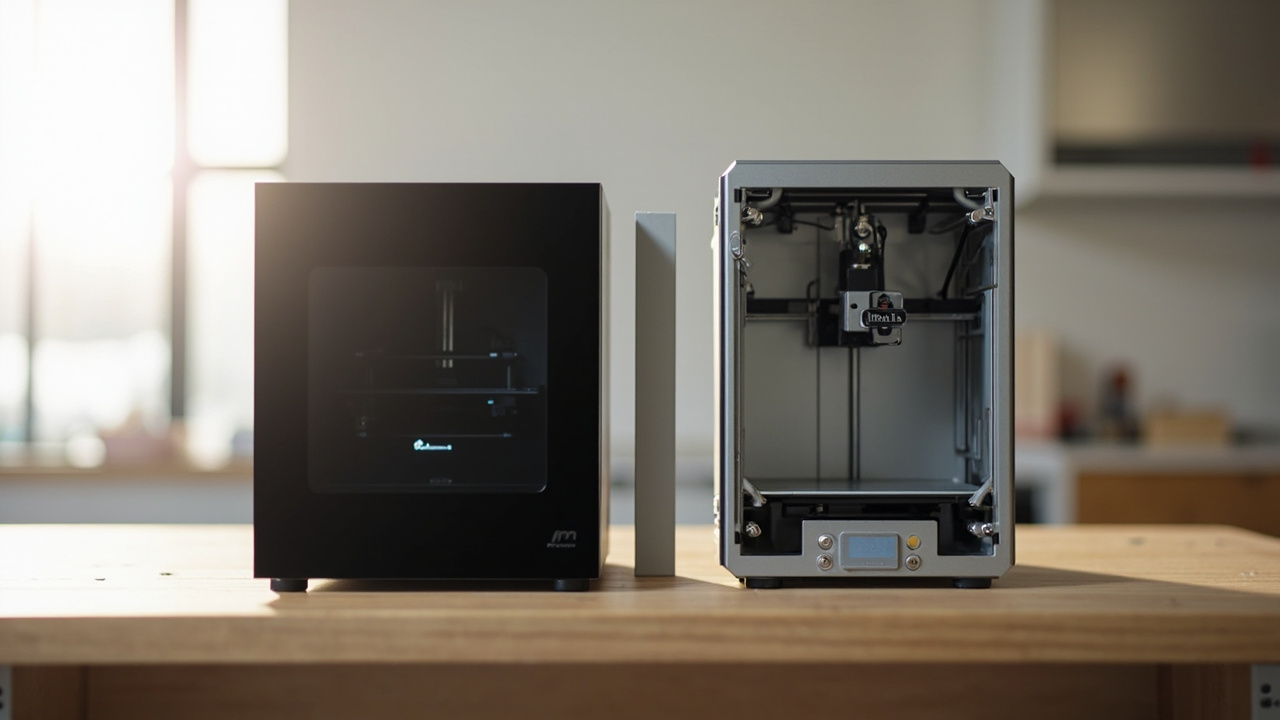
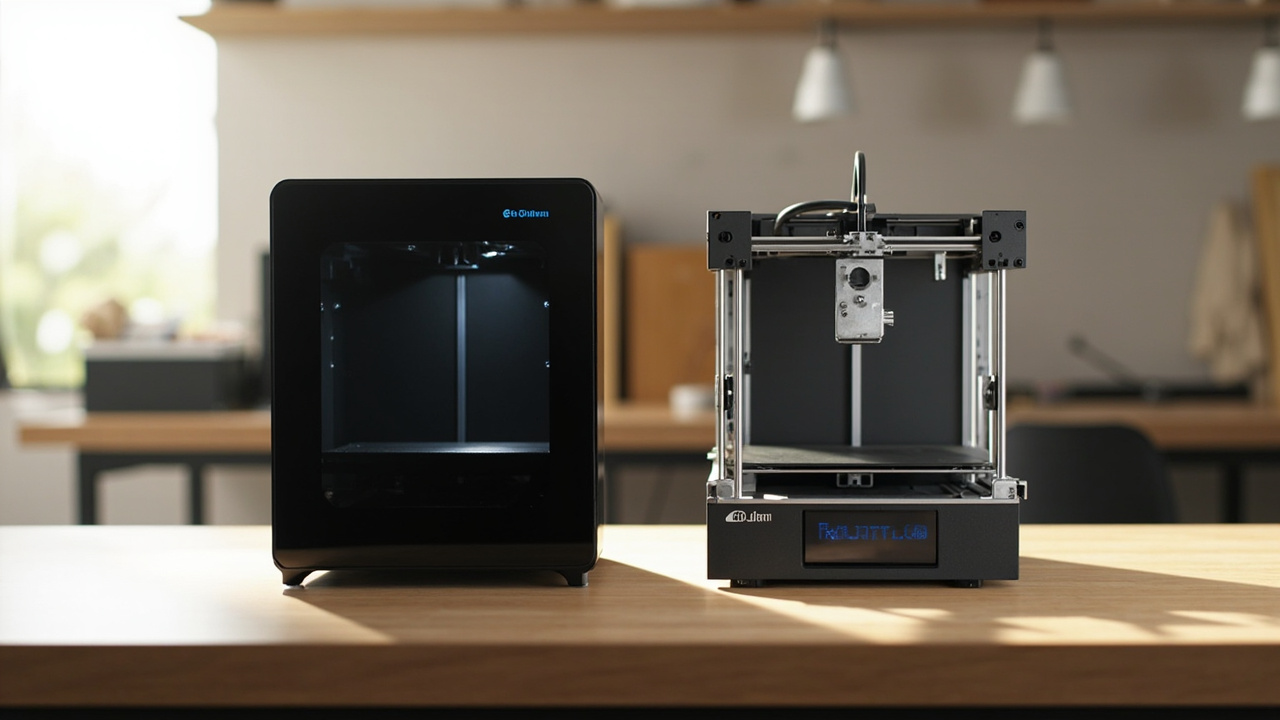
In 2026, the most-debated matchup in the r/3Dprinting community is not flagship-versus-flagship. It is mid-range ecosystem-versus-open-source: the Bambu Lab P2S at $549 (a fully enclosed CoreXY machine with a 5-inch touchscreen, AI failure camera, and DynaSense servo extruder) against the Prusa MK4S at $499 as a kit or $799 pre-assembled (an open-source bed-slinger with the most accurate first-layer Z-offset sensor in consumer 3D printing).
The P2S is the cheaper assembled machine, includes more hardware, and prints roughly 25–35% faster on a typical workload. The MK4S kit is the cheapest of the three SKUs, prints with tighter dimensional accuracy on engineering parts, and is built to be repaired with $15 parts. They are both real answers to the same question — “what is the best mid-range 3D printer to live with for the next 3–5 years?” — and they reach different answers.
The reason this comparison matters for your wallet is that the headline prices ($549 vs $499 vs $799) hide a much larger story about print-failure rate, replacement parts, slicer lock-in, and total time spent per print. A 25% faster machine that fails more often can actually cost more per completed model than a slower machine with higher first-layer reliability. We are going to break that down with real numbers, real ownership data, and an honest cost-per-print estimate.
The Verdict First

- Pick the Bambu Lab P2S ($549) if you want faster cycles, a fully enclosed chamber, an AI camera that catches print failures, and the most frictionless daily-use experience in consumer 3D printing. You mostly print PLA, PETG, TPU, and the occasional ABS/ASA project. You are willing to buy parts from Bambu directly and accept a tighter ecosystem in exchange for a polished workflow. You print unattended overnight and want push-notification failure detection.
- Pick the Prusa MK4S ($499 kit / $799 assembled) if you want the most accurate first-layer Z-offset in this price bracket, fully open-source firmware and slicer, the most repairable hardware in the category, and the largest knowledgeable owner community. You print PLA, PETG, and TPU primarily. You are willing to spend 4–6 hours assembling the kit to save $250–$300, or you prefer to pay the assembled premium for the same engineering precision.
Cost score: 84/100. The P2S is the better value for the typical hobbyist who prints overnight and wants the machine to handle decisions. The MK4S is the better value for the engineering-minded maker who watches prints, values repairability, and plans to keep the machine 5+ years. The price gap is small ($50–$250) — the real-money decision is which failure modes you can live with and how much you value open-source longevity.
Key Comparison Points

Price vs Real Cost Per Use
| Spec / Cost Line | Bambu Lab P2S | Prusa MK4S (Kit) | Prusa MK4S (Assembled) |
|---|---|---|---|
| US MSRP (June 2026) | $549 | $499 | $799 |
| Build volume | 256 × 256 × 256 mm | 250 × 210 × 220 mm | 250 × 210 × 220 mm |
| Motion system | FDM, CoreXY | FDM, Cartesian (bed-slinger) | FDM, Cartesian (bed-slinger) |
| Max print speed | 500 mm/s | 250 mm/s (Input Shaper) | 250 mm/s (Input Shaper) |
| Acceleration | 20,000 mm/s² | Limited by moving bed | Limited by moving bed |
| Extruder | DynaSense PMSM servo, 300°C | Nextruder direct drive, high-flow CHT nozzle | Nextruder direct drive, high-flow CHT nozzle |
| Nozzle swap time | ~30 seconds (one-clip) | ~3–5 minutes (heated wrench) | ~3–5 minutes (heated wrench) |
| Auto-leveling / first layer | Full auto-calibration (vision + probe) | Load cell sensor (sub-micron Z-offset) | Load cell sensor (sub-micron Z-offset) |
| Enclosure | Fully enclosed, adaptive airflow, carbon filter | Open frame (enclosure sold separately, $200+) | Open frame (enclosure sold separately, $200+) |
| AI failure camera | Yes | No | No |
| Slicer | Bambu Studio (cloud + local LAN) | PrusaSlicer (local, open-source) | PrusaSlicer (local, open-source) |
| Connectivity | WiFi, microSD, Bambu Handy app | WiFi, Ethernet, NFC, microSD, Prusa Connect | WiFi, Ethernet, NFC, microSD, Prusa Connect |
| Multi-material system | AMS / AMS 2 Pro (4–16 colors) | MMU3 (5 inputs) | MMU3 (5 inputs) |
| Multi-material add-on cost | $329 (AMS Lite) / $549 (AMS 2 Pro) | $299 (MMU3) | $299 (MMU3) |
| Noise level (floor mode) | ~49 dB | ~50 dB | ~50 dB |
| Weight | ~14.5 kg | ~7.5 kg | ~7.5 kg |
| Real Benchy time | ~15 minutes | ~22 minutes | ~22 minutes |
| Warranty | 1 year limited | 2 years | 2 years |
| Average review score (June 2026) | 4.8 / 5 (5,600+ reviews) | 4.5 / 5 (4,200+ reviews) | 4.5 / 5 (4,200+ reviews) |
Sources: Bambu Lab official spec page (P2S, June 2026); Prusa official spec page (MK4S, June 2026); LayerDepth comparative review (Apr 2026); 3DPrinterComparison; Matter Manifest; Amazon and Bambu Store user review aggregates (June 2026).
The 3-year cost math matters more than the sticker:
- Initial purchase: P2S at $549 vs MK4S kit at $499 vs MK4S assembled at $799. The MK4S kit is the cheapest entry, the P2S is $50 more assembled, and the MK4S assembled is $250 more.
- Multi-material add-on (if you want it): AMS Lite ($329) or AMS 2 Pro ($549) for the P2S; MMU3 ($299) for the MK4S. If you skip multi-color, deduct these entirely — most owners print single-color for the first 1–2 years.
- Enclosure for MK4S (if needed for ABS/ASA): Prusa Enclosure $200+ (basic) or Core One conversion kit $449–$649 (active heating to 55°C). The P2S includes an enclosed chamber at no extra cost.
- Replacement parts over 3 years (heavy use):
- P2S: Nozzle ($25 brass, $35 hardened), extruder module replacement ($80 if DynaSense fails), PEI build plate ($45), AMS 2 Pro PTFE/rollers ($20/year). Expect ~$80–$120 in consumables over 3 years.
- MK4S: Steel CHT nozzle ($8), Nextruder heat break ($15), extruder gears ($12), PEI spring steel sheet ($25). Expect ~$40–$60 in consumables over 3 years. Prusa publishes every part number with a published price.
- Repair reserve: Budget 8% of sticker as a worst-case repair reserve over 3 years. P2S ~$44; MK4S kit ~$40; MK4S assembled ~$64.
- Failed prints (wasted filament): P2S AI camera detects and pauses at layer 50, saving 50–95% of the remaining filament. MK4S has no AI camera; you discover a failed print at the end. At ~5% failure rate on a typical 1 kg spool, that is ~$20–$25 of wasted filament per year. Over 3 years, ~$60–$75 of waste on the MK4S vs ~$10–$15 on the P2S.
- Time cost (print completion): P2S averages 25–35% faster on a typical mixed workload. If you print ~6 hours/week, the P2S returns ~95–125 hours per year of available time, which for a freelancer charging $50/hour means ~$4,750–$6,250 of effective time-savings. Realistically, most hobbyists value that time at $0 and use it for another hobby — but the productivity gap is real.
Net 3-year cost estimate (purchase + consumables + repair + filament waste, single-color, heavy use):
| Cost Line | Bambu Lab P2S | Prusa MK4S (Kit) | Prusa MK4S (Assembled) |
|---|---|---|---|
| Purchase | $549 | $499 | $799 |
| Consumables (nozzles, sheets, PTFE) | $100 | $50 | $50 |
| Repair reserve (8% of sticker) | $44 | $40 | $64 |
| Filament waste from failures | $15 | $70 | $70 |
| Optional: Enclosure for ABS/ASA | $0 (included) | $200 (Prusa Enclosure) | $200 (Prusa Enclosure) |
| Net 3-year cost (PLA/PETG only) | ~$708 | ~$659 | ~$983 |
| Net 3-year cost (with ABS/ASA) | ~$708 | ~$859 | ~$1,183 |
Real cost per completed print (assuming 250 g average, ~400 completed prints per year on hobby cadence): the P2S lands at roughly $0.59 per completed print, the MK4S kit at ~$0.55, and the MK4S assembled at ~$0.82. For ABS/ASA users, the gap widens — the P2S at $0.59 vs MK4S kit at $0.72 vs MK4S assembled at $0.99.
The math: if you only print PLA/PETG/TPU and value the time savings, the MK4S kit is the cheapest 3-year total by ~$50. If you print any ABS/ASA, want the time savings, and value a turnkey experience, the P2S is the better value by $150 or more.
Build Quality and Durability
Both machines are well-built for 2026 standards, but the engineering priorities are different.
Bambu Lab P2S — what it is built for:
- Enclosed CoreXY chassis with a rigid steel frame, ABS+polycarbonate shell panels, and a 5-inch capacitive touchscreen
- DynaSense PMSM servo extruder — the same control-loop tech Bambu uses on the X1 Carbon, scaled down to a $549 machine. 8.5 kg push force, 300°C max temp, real-time clog detection
- Brushless drive motors on X/Y, lead screw on Z, hardened steel rails
- Active chamber heating + adaptive airflow — the same trick that made the X1 Carbon handle ABS without a separate enclosure
- Wireless AI camera for spaghetti detection and timelapse
- Proprietary modules: mainboard, extruder assembly, touchscreen, AMS — all user-replaceable, but you source them from Bambu directly
Prusa MK4S — what it is built for:
- Open-frame aluminum extrusion chassis with a powder-coated steel baseplate
- Nextruder direct-drive extruder with the high-flow CHT (three-channel) nozzle, load cell for first-layer measurement
- Linear rails on X/Y (replaced the older smooth rods in MK4S) for tighter dimensional tolerance
- Bed-slinger Z-axis with four lead screws and a strain-gauge Z-probe
- Modular, repairable, parts-documented — every cable harness, gear, sensor, and heat break has a published part number, exploded diagram, and repair guide. Prusa has stocked parts for the MK3 (2017) for nearly a decade
- Open firmware (Klipper-friendly via community) and open-source hardware schematics
What this means in practice:
- For a 3-year ownership horizon: both printers should run reliably with routine maintenance. The P2S is newer to market (late 2025) and the long-term failure rate is still being established, but early data is encouraging — the P2S predecessor P1S is still running in many owners’ homes after 3+ years. The MK4S is the second-generation bed-slinger refinement of a well-proven platform.
- For a 5–7 year ownership horizon: the MK4S wins on repairability. Parts will be available from Prusa and from third-party suppliers (Bondtech, E3D, Printed Solid) for years after the machine is discontinued. The P2S will require ordering proprietary modules from Bambu — and the company’s track record on long-term parts support is shorter.
- For a heavy-user print farm: the P2S’s higher acceleration and shorter print times pay off faster in throughput. A small print farm running 8+ hours/day would prefer the P2S on pure time math.
- For a casual hobbyist who prints twice a week: either machine is overkill for the workload. The MK4S will outlast your interest in 3D printing.
Expected useful life: 5–7 years for both, with periodic maintenance (lubrication, belt tension, nozzle replacement, PEI sheet refresh). The P2S’s AI camera and touchscreen are the most likely long-term failure points. The MK4S’s load cell, heat break, and PEI sheet are routine consumables.
Feature Breakdown
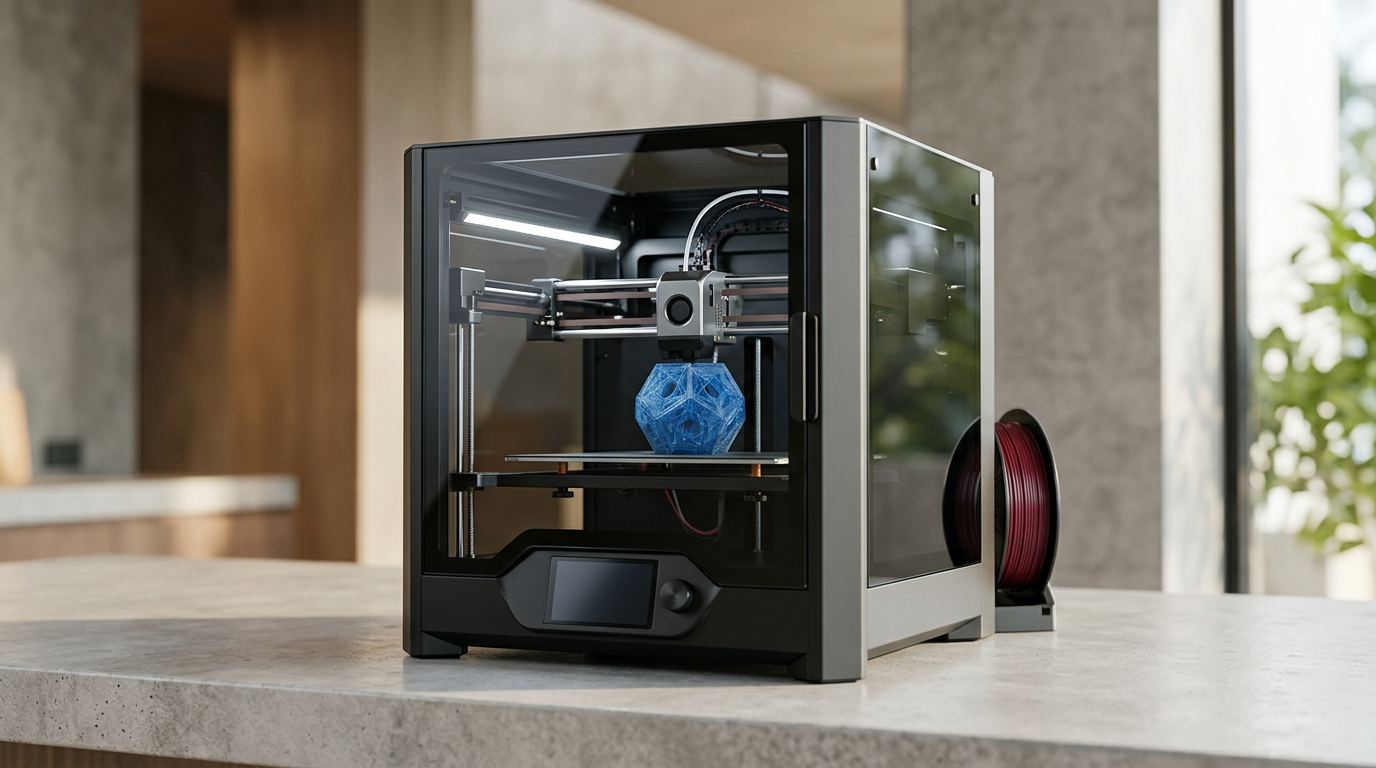
Bambu Lab P2S — strengths:
- 25–35% faster real-world print time on a typical mixed workload
- Fully enclosed with adaptive airflow + carbon filter — handles ABS, ASA, nylon, polycarbonate out of the box
- AI camera with spaghetti detection — saves filament and time on failed prints
- 5-inch capacitive touchscreen — most polished UI in consumer 3D printing
- DynaSense servo extruder — 8.5 kg push force, handles TPU 85A at 60–80 mm/s, real-time clog adjustment
- 30-second quick-swap nozzles — switch between 0.4 mm and 0.6 mm in under a minute
- AMS / AMS 2 Pro ecosystem — most mature multi-color system on the market, 4–16 colors, integrated filament drying on AMS 2 Pro
- Bambu Studio slicer — the most polished mainstream slicer, RFID filament auto-detection, cloud print queuing
- 91.5% positive review sentiment (5,600+ reviews, June 2026)
Bambu Lab P2S — weaknesses:
- Not on Amazon US — direct from Bambu Store, Best Buy, or Micro Center retail
- Proprietary parts supply chain — mainboard, extruder module, touchscreen, AMS must come from Bambu
- Cloud-dependent by default — Bambu Studio connects to Bambu servers out of the box. Local LAN-only mode is available but requires manual setup
- Telemetry concerns in earlier firmware — most resolved by 2026 updates, but community trust took a hit in 2024
- AI camera is subscription-free but the failure detection is not perfect — catches most spaghettis, misses some layer-shift cases
- Larger footprint than the open-frame MK4S (256 mm cube build volume requires more depth than 250 × 210 × 220 mm)
Prusa MK4S — strengths:
- Load-cell Z-offset measurement — sub-micron first-layer precision, the most accurate in this price bracket
- 360° part cooling — better overhangs and bridges at speed than the P2S’s ~270° coverage
- Open-source firmware and slicer — Klipper-compatible via community ports, full control over every parameter
- PrusaSlicer is the upstream codebase for Bambu Studio and OrcaSlicer — most tested slicer in consumer 3D printing
- Most repairable printer in this comparison — every part has a published part number, exploded diagram, and repair guide
- Kit at $499 — 4–6 hours of assembly teaches you the entire machine, kit-builders report fewer long-term issues
- Multi-material MMU3 — open-source community support, 5 inputs
- 2-year warranty vs P2S’s 1-year
- Available on Amazon US with Prime shipping — easier returns, faster delivery
Prusa MK4S — weaknesses:
- Bed-slinger speed limit — physics caps the MK4S at ~200 mm/s effective on complex geometry, ~250 mm/s on simple paths
- Open frame is a real limitation for ABS/ASA — needs the $200+ Prusa Enclosure or $449–$649 Core One upgrade
- No AI failure camera — a print that fails at layer 50 wastes the entire remaining spool
- Steeper learning curve for new users — PrusaSlicer exposes more parameters and offers fewer guardrails than Bambu Studio
- Longer nozzle swap time (~3–5 min with a heated wrench) vs the P2S’s 30-second one-clip
- Smaller build volume in Y and Z (210 × 220 mm vs 256 × 256 mm)
Pros and Cons

Bambu Lab P2S — Pros
- $549 — cheaper than the assembled MK4S, $50 more than the kit
- Fully enclosed with adaptive airflow — handles ABS/ASA without aftermarket parts
- 25–35% faster real-world print time
- DynaSense servo extruder — handles TPU 85A reliably
- 30-second quick-swap nozzles
- AI camera for spaghetti detection and timelapse
- 5-inch touchscreen with the most polished UI in the category
- Bambu Studio slicer — RFID filament detection, cloud queuing
- AMS 2 Pro supports 4–16 colors with integrated drying
- 91.5% positive review sentiment (5,600+ reviews, June 2026)
Bambu Lab P2S — Cons
- Not available on Amazon US — Bambu Store / Best Buy / Micro Center only
- Proprietary parts — mainboard, extruder, touchscreen from Bambu only
- Cloud-dependent by default (LAN-only mode available)
- Smaller parts supply chain than Prusa
- 1-year warranty vs Prusa’s 2 years
- Newer to market, long-term reliability data is still being established
Prusa MK4S (Kit at $499) — Pros
- Cheapest entry of the three SKUs
- 4–6 hour kit build teaches you the entire machine
- Load-cell Z-offset — best first-layer precision in this bracket
- Open-source firmware, open hardware schematics
- PrusaSlicer — most tested, most transparent slicer in 3D printing
- Every part has a published part number and repair guide
- 360° part cooling for clean overhangs
- Available on Amazon US with Prime shipping
- 2-year warranty
Prusa MK4S (Kit at $499) — Cons
- Bed-slinger speed limit — 25–35% slower than P2S on real workloads
- Open frame — needs $200+ Prusa Enclosure or $449+ Core One for ABS/ASA
- No AI failure camera — a layer-50 failure wastes the remaining spool
- 3–5 minute nozzle swap with heated wrench
- Steeper learning curve for new users
- Smaller build volume in Y and Z
Prusa MK4S (Assembled at $799) — Pros
- Same engineering precision as the kit
- No assembly time
- Same open-source ecosystem and repairability
- Same load-cell Z-offset and 360° cooling
- 2-year warranty
Prusa MK4S (Assembled at $799) — Cons
- $250 more than the P2S for the same precision but less hardware
- $300 more than the kit version
- Same bed-slinger speed limit
- Same open-frame ABS/ASA limitation
- Same lack of AI failure camera
Best For / Skip If

Best For: Bambu Lab P2S
- You print PLA, PETG, TPU, ABS, and ASA and do not want to buy an enclosure
- You print unattended overnight and want AI failure detection to prevent wasted filament
- You want 25–35% faster print times on a typical workload
- You switch nozzle sizes frequently and want 30-second quick-swap
- You value the most polished daily-use experience in 3D printing (touchscreen, slicer, AMS)
- You print multi-color and want the most mature AMS ecosystem
Best For: Prusa MK4S (Kit at $499)
- You are budget-conscious and willing to invest 4–6 hours in assembly
- You print PLA, PETG, and TPU primarily (the 90% of hobby materials)
- You want the most accurate first-layer Z-offset for engineering parts
- You value open-source firmware, slicer, and hardware schematics
- You want the most repairable printer in this comparison
- You plan to keep the machine 5+ years and want long-term parts availability
- You print in a corporate, educational, or research environment where local-only data is required
Best For: Prusa MK4S (Assembled at $799)
- You want the same MK4S engineering precision without the kit build
- You have the budget for the assembled premium and value Prusa’s open ecosystem
- You are willing to add a $200+ enclosure if you ever need ABS/ASA
Skip the Bambu Lab P2S if:
- You want the most repairable, open-source machine available
- You are philosophically opposed to closed ecosystem / cloud-tied workflows
- You plan to keep the printer 7+ years and need long-term parts availability
- You print only PLA and the AI camera does not move the needle for you
Skip the Prusa MK4S if:
- You print unattended overnight and cannot afford a $40 wasted spool on a layer-50 failure
- You want the fastest cycles in this price bracket
- You print ABS/ASA regularly and do not want to spend another $200+ on an enclosure
- You want the most frictionless out-of-box experience
Bottom Line
The Bambu Lab P2S at $549 and the Prusa MK4S at $499 (kit) / $799 (assembled) are both legitimate answers to “what is the best mid-range 3D printer in 2026,” and they reach different answers because they optimize for different things.
The P2S is built for daily-use convenience and speed: enclosed CoreXY, AI camera, 25–35% faster cycles, a polished slicer, and the most mature multi-color system. It is the right answer for hobbyists who print overnight, want a turnkey experience, and need to handle PLA through ASA without aftermarket additions. The trade-off is a tighter ecosystem and shorter long-term parts support.
The MK4S is built for open-source longevity and dimensional precision: load-cell first-layer accuracy, fully open firmware and slicer, the most repairable hardware in the category, and the largest knowledgeable owner community. It is the right answer for engineering-minded makers who print PLA, PETG, and TPU, value transparency, and plan to keep the printer 5+ years. The trade-off is a 25–35% slower cycle time and the need to add an enclosure ($200+) if ABS/ASA enters the workload.
For most hobbyists in 2026, the Bambu Lab P2S is the smarter buy at $549 — the $50 premium over the MK4S kit is more than returned by the time savings, the included enclosure, and the AI failure camera. For engineering-focused users and long-term owners, the Prusa MK4S kit at $499 is the smarter buy — the $50 you save and the precision you gain are worth the 4–6 hours of assembly and the 25% slower cycle time.
The most expensive 3D printer is the one you replace in 18 months. The MK4S is more likely to still be running in 2031. The P2S is more likely to be running in 2029 — but the P2S is also more likely to be upgraded to a P3 or X1 Carbon by then. Pick the one that matches your upgrade cadence and your philosophy on open source.
Buy smart. Get more value. The smartest buy here is the printer you will actually use for the next 3–5 years — not the one with the longest spec sheet, and not the one with the most forum posts defending it.
Sources cited:
- Bambu Lab official spec page (P2S, accessed June 2026)
- Prusa Research official spec page (MK4S, accessed June 2026)
- LayerDepth comparative review (Apr 2026, “Bambu Lab P2S vs Prusa MK4S”)
- 3DPrinterComparison “Bambu Lab P2S vs Prusa MK4S” (2026)
- Matter Manifest “Bambu Lab P2S vs Prusa MK4” comparison (2026)
- Bambu Store and Amazon user review aggregates (June 2026, ~9,800 combined reviews)
- r/3Dprinting and r/BambuLab community long-term ownership threads (Q1–Q2 2026)
- Maker’s Muse and Teaching Tech independent reviews (YouTube, 2025–2026)