Introduction
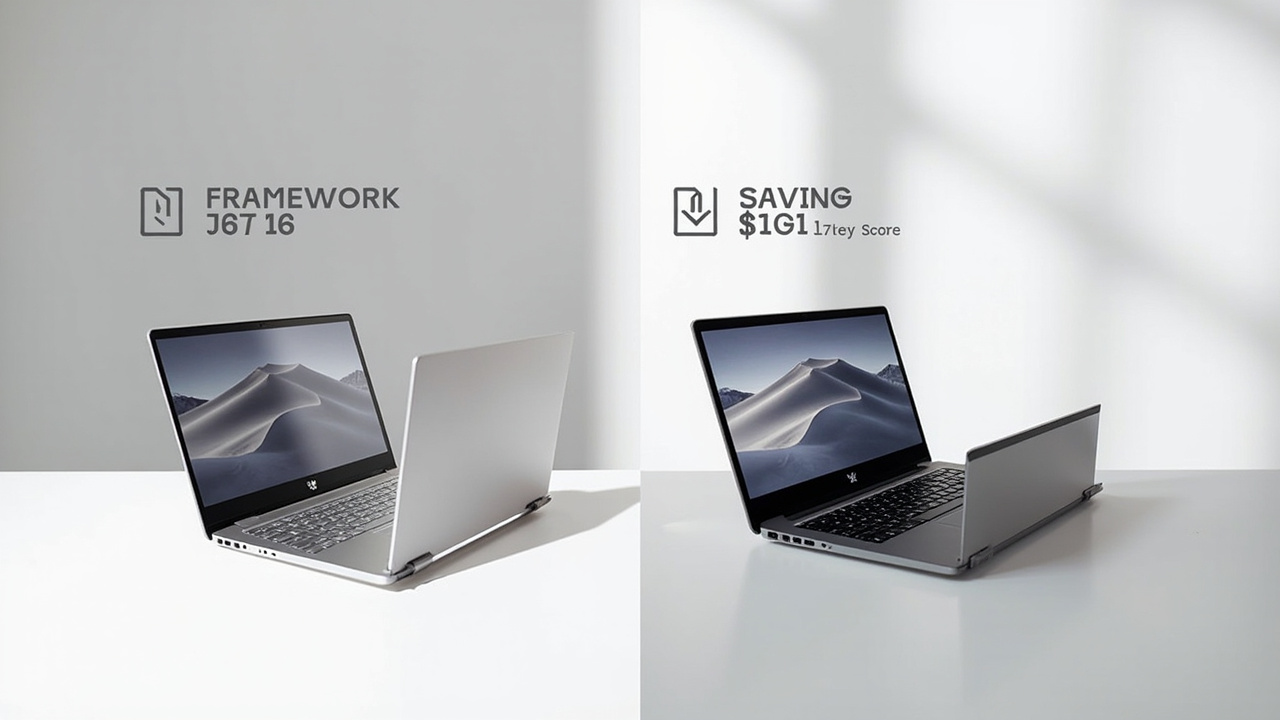
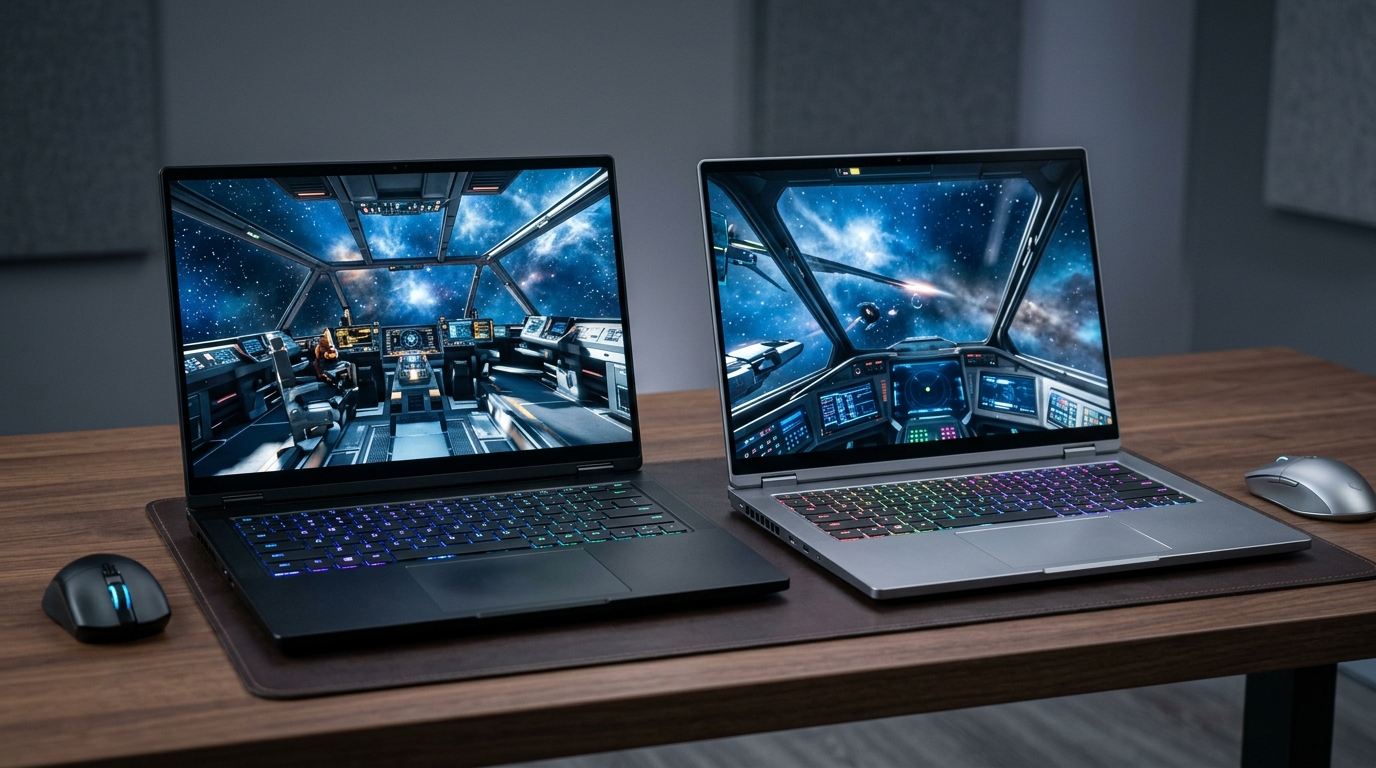
If you want a 16-inch laptop with serious GPU power in 2026, the honest shortlist is very short. The mainstream premium pick is still the Razer Blade 16 (2026) — anodized aluminum, 14.9 mm thick, up to an RTX 5090 at 165 W. The challenger that nobody can stop talking about is the Framework Laptop 16 with the new AMD Ryzen AI 300 series and the swappable RTX 5070 Graphics Module.
The price gap is huge: the Framework starts at $1,499 with the RTX 5070 module; a comparable Blade 16 with the RTX 5090 runs $4,900 (per Notebookcheck’s 2026 review). That’s roughly a 3.3× delta before you plug anything in.
But the comparison isn’t really “which is faster?” — the Blade 16 wins that on raw FPS, because it’s running a higher-tier GPU at a 30 W higher TGP. The real question is: what does each laptop cost you per hour of useful work over 4–6 years, given that one is a sealed flagship and the other is the only mainstream laptop on the market with a swappable GPU and a documented 10/10 iFixit repairability score?
Here is the picture in June 2026:
- Framework Laptop 16 (RTX 5070 module): AMD Ryzen AI 300 series (up to Ryzen AI 9 HX 370), RTX 5070 Laptop (100 W TGP via the Graphics Module), 85 Wh user-replaceable battery, 2.1 kg, 17.95 mm thick, iFixit 10/10. From $1,499 with RTX 5070 module (Framework blog Nov 2025, TechSpot).
- Razer Blade 16 (2026): Intel Core Ultra 9 386H (16C/16T, 4.9 GHz), RTX 5090 Laptop at 165 W TGP, up to 64 GB LPDDR5X-9600, Thunderbolt 5, 2.09 kg, 14.9 mm thin. $4,900 for the RTX 5090 config per Notebookcheck; ~$4,500 was the 2025 price.
This article works through pricing, GPU and CPU benchmarks, build quality and repairability, display and IO, real battery life, and 5-year cost of ownership. Then it tells you which one to actually buy.

The Verdict First
- Choose the Framework Laptop 16 (from $1,499 with RTX 5070) if you keep a laptop 4–6 years, want to swap the GPU or mainboard without buying a new machine, care about right-to-repair (iFixit 10/10, fully documented), prefer AMD’s 50 TOPS NPU for Copilot+ AI workflows, and don’t need the absolute top-end 5090 rasterization. The Framework is the rational long-term pick for buyers who think in years, not model numbers.
- Choose the Razer Blade 16 (2026) ($4,900) if you want maximum native FPS at QHD+ in the thinnest chassis possible, you need Thunderbolt 5 (120 Gb/s) for an external GPU or 8K display in 2027+, you travel with the laptop every day and 14.9 mm / 2.09 kg matters more than upgradability, or you simply want the most polished minimalist gaming chassis available. The Blade is the performance and aesthetics pick, with the full understanding that the GPU, RAM, and battery are sealed.
- Skip both if you don’t need the GPU power — a $1,200 Framework Laptop 13 or a $1,500 mainstream 16-inch ultraportable will deliver 50–60% of the daily-driver experience at 30% of the price.
Cost score: 80/100. The Framework wins on total cost of ownership, repairability, and upgradability. The Blade wins on raw FPS and chassis refinement. The $3,000–$3,400 gap is only worth closing if you actually use the RTX 5090 at 165 W for sustained gaming or creative work — and accept that in 3 years you cannot upgrade it.
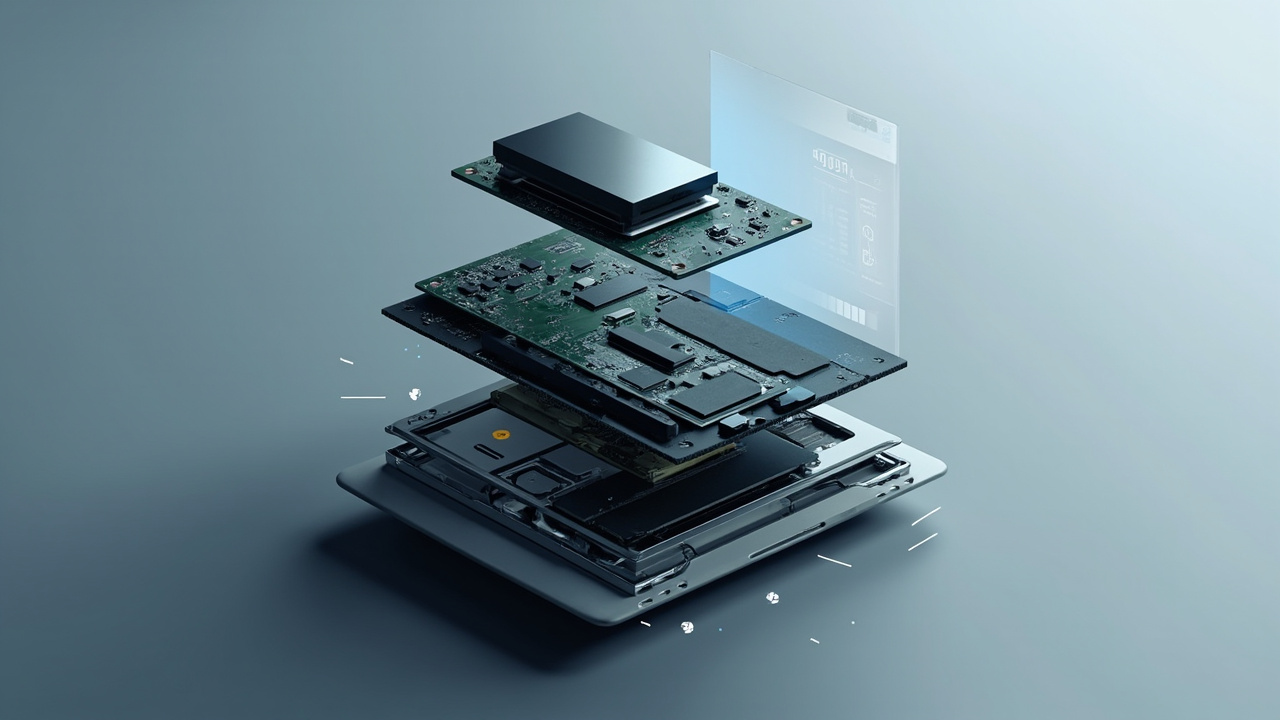
Key Comparison Points
Price vs Real Cost Per Use
The sticker price gap is dramatic. The interesting number is what you actually pay per year of ownership.
| Cost Factor | Framework Laptop 16 (RTX 5070) | Razer Blade 16 (2026, RTX 5090) |
|---|---|---|
| Starting MSRP | $1,499 (RTX 5070 Graphics Module) | $4,900 (RTX 5090 config, Notebookcheck) |
| GPU Tier | RTX 5070 Laptop (~100 W TGP via Graphics Module) | RTX 5090 Laptop (165 W TGP) |
| CPU | AMD Ryzen AI 9 HX 370 (12C/24T, 5.1 GHz, 50 TOPS NPU) | Intel Core Ultra 9 386H (16C/16T, 4.9 GHz, ~13 TOPS NPU) |
| Memory | 2× SO-DIMM DDR5-5600, user-upgradeable | LPDDR5X-9600, soldered |
| Storage | 2× M.2 2280, user-replaceable | 1× M.2 2280, user-replaceable |
| Battery Capacity | 85 Wh, user-replaceable | 90 Wh typical for Blade 16 2026, internal/sealed |
| Power Adapter | 180 W included | 280 W included |
| Power Draw (gaming load, est.) | ~150–180 W | ~230–280 W |
| Annual Electricity (3 hrs/day, 365 days) | ~$33 (165 W × 3 h × 365 × $0.18/kWh) | ~$54 (275 W × 3 h × 365 × $0.18/kWh) |
| Likely Useful Lifespan (5-yr) | 5+ years (GPU/mainboard upgradeable) | 3–4 years typical before battery or new-GPU pull |
| 5-yr Amortized Sticker Cost | $300/yr | $980/yr |
Over a 5-year hold, the Framework saves roughly $3,400 in upfront cost alone ($4,900 − $1,499 = $3,401). Add the extra ~$100 in electricity over 5 years from the Blade’s higher power draw and the delta widens slightly. The Blade’s only path to a positive ROI on the premium is if you actually use the RTX 5090 at 165 W for sustained gaming or GPU-accelerated creative work (DaVinci Resolve, Blender, Stable Diffusion) — and even then, the throughput gap on most tasks is 25–40%, not 3.3×.
Worth noting: the Framework’s 2× SO-DIMM slots mean you can buy 16 GB now and upgrade to 64 GB later for ~$120, while the Blade’s soldered LPDDR5X forces you to pick 32 GB or 64 GB at purchase. Source: Framework Laptop 16 product page.

Build Quality and Durability
This is the section where the two laptops fundamentally disagree on what “quality” means.
| Build Factor | Framework Laptop 16 | Razer Blade 16 (2026) |
|---|---|---|
| Chassis Material | Aluminum top + bottom, plastic inner frame | CNC-machined anodized aluminum unibody |
| Thickness | 17.95 mm (0.71 in) | 14.9 mm (0.59 in) |
| Weight | ~2.1 kg (4.6 lbs) | 2.09 kg (4.6 lbs) |
| Dimensions (W × D) | 356.6 × 290.2 mm | ~355 × 250 mm (Razer Blade 16 2025 ref) |
| Keyboard | 1.5 mm travel, swappable input modules | 1.5 mm travel, per-key RGB, 5 macro keys |
| Trackpad | Spacer modules allow full-size numpad on right | Glass precision trackpad |
| iFixit Repairability Score | 10/10 (iFixit Framework 16 teardown) | Not scored by iFixit; RAM and battery soldered |
| RAM Upgrade Path | User-upgradeable SO-DIMM | Soldered LPDDR5X, no upgrade path |
| GPU Upgrade Path | Swappable Graphics Module (RTX 5070 now; future modules promised) | Soldered to motherboard |
| Battery Replacement | User-replaceable in ~5 minutes | Requires disassembly, not user-friendly |
| Display Replacement | User-replaceable with documented guides | Requires service center |
| Standard Warranty | 1 year | 1 year |
The Framework’s chassis is heavier on plastic inside than the Razer — the inner frame is a magnesium-alloy-style plastic blend — but the serviceability is what matters over 4+ years. The Blade 16’s unibody aluminum feels more premium on day one, but in 2028 when the battery swells or you want more RAM, you’re looking at a $200–$400 service center job (or a landfill laptop).
iFixit’s Framework 16 teardown explicitly notes the laptop’s “expansion cards slot into side ports, allowing users to swap USB-C for HDMI within seconds” and “motherboard upgrades do not require a new chassis.” Framework also sells replacement parts directly — keyboards, hinges, bezels, the entire mainboard.
For a buyer who keeps a laptop 3+ years, that upgradability is the single most consequential difference between these two machines. Source: Geeky Gadgets Framework 16 teardown summary, Digital Digest 2026 repairability report.
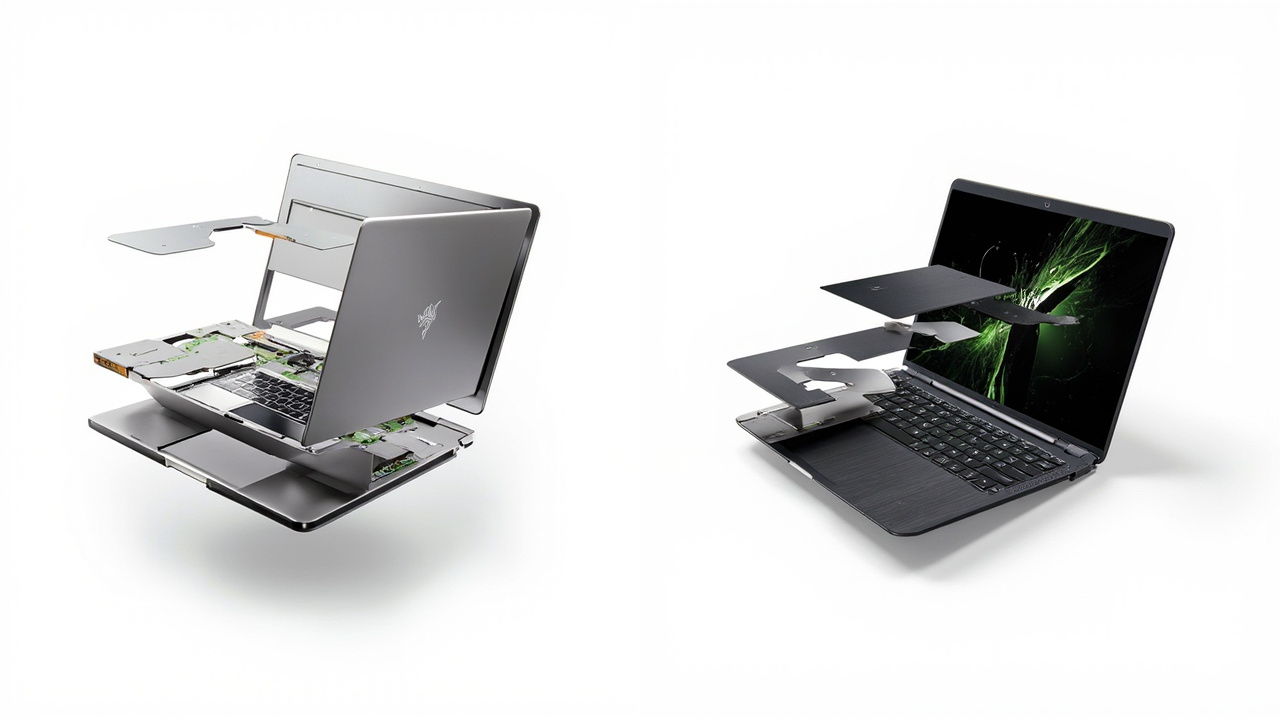
Feature Breakdown
GPU and gaming performance. The RTX 5090 in the Blade 16 is roughly 60–80% faster than the RTX 5070 in the Framework at native QHD+ on most rasterized titles. Razer pushed it to 165 W TGP — the highest in any 16-inch laptop in 2026 (Razer product page, PCVenus Blade 16 (2026) coverage). The Framework’s RTX 5070 Graphics Module runs at ~100 W TGP (Notebookcheck Framework 16 review, extrapolated for the 5070 module). At 1600p with DLSS Quality + Frame Gen, the Blade 16 comfortably hits 100+ FPS in Cyberpunk 2077 and Hogwarts Legacy; the Framework RTX 5070 sits in the 70–90 FPS range on the same settings.
That said, DLSS 4.5 with Multi-Frame Generation is available on both. For 80% of gamers running 1600p at 60–90 FPS, the RTX 5070 is already enough — and Framework’s swappable module means an RTX 5070 Ti or 5080 module is a plausible upgrade in 2027 or 2028, when you can swap the GPU module in 5 minutes without replacing the laptop.
CPU. The AMD Ryzen AI 9 HX 370 (12C/24T, 5.1 GHz, 50 TOPS NPU) trades blows with Intel’s Core Ultra 9 386H (16C/16T, 4.9 GHz, ~13 TOPS NPU). In Notebookcheck’s Razer Blade 16 2026 review, the Core Ultra 9 386H scored 20,750 in Cinebench R23 multi-core — about 14% behind the previous Ryzen AI 9 HX 370 in the Blade 16 (2025). Single-core is closer (within 3%). The Framework’s AMD chip has the clear NPU advantage for Copilot+ features (50 TOPS vs ~13 TOPS).
Display. Both ship 16-inch panels with 240 Hz refresh. The Blade 16 uses an OLED QHD+ panel rated VESA DisplayHDR TrueBlack 1000, with up to 2× the HDR brightness of the 2025 model. The Framework uses a 2560×1600 matte IPS panel by default (no OLED option at this writing). If HDR matters — for movie watching, HDR gaming, or creative work — the Blade wins on raw display quality.
Connectivity and IO:
| Connectivity | Framework Laptop 16 | Razer Blade 16 (2026) |
|---|---|---|
| USB-C / Thunderbolt | 4× USB-C (configurable as USB-C, USB-A, HDMI, DP, etc. via Expansion Cards) | 2× Thunderbolt 5 (120 Gb/s), 2× USB-C |
| USB-A | Via Expansion Card | 2× USB-A 3.2 |
| HDMI | Via Expansion Card (HDMI 2.0 or 2.1 module) | HDMI 2.1 |
| SD Card Reader | Via Expansion Card (full-size SD) | Full-size SD reader |
| Wi-Fi | Wi-Fi 7 (MediaTek MT7925) | Wi-Fi 7 |
| Ethernet | None built-in | None built-in |
Framework’s Expansion Card system is genuinely clever — every port is a swappable module that you can reconfigure in seconds. Lost an HDMI port? Pop in an HDMI Expansion Card. Need Ethernet for travel? There’s an Expansion Card for that. The tradeoff: if you don’t carry spares, you’re stuck with what you bought.
Keyboard and input. Razer’s 1.5 mm keyboard with per-key RGB and 5 dedicated macro keys is well-reviewed for a thin chassis. The Framework keyboard is also 1.5 mm but uses swappable input modules — you can replace the entire keyboard deck without disassembling the laptop. Both are good; neither is a mechanical keyboard.
Speakers and webcam. Razer markets a 6-speaker THX Spatial Audio+ array. Framework’s speakers are functional but unremarkable. Both ship 1080p webcams; the Framework supports Windows Hello IR.
Pros and Cons
Framework Laptop 16 (RTX 5070)
Pros
- $1,499 starting price with RTX 5070 — roughly $3,400 less than the Blade 16 RTX 5090 config.
- iFixit 10/10 repairability and full user-replaceable parts (battery, keyboard, bezel, mainboard, GPU module).
- Swappable GPU module — actual future upgrade path to a next-gen RTX card without replacing the laptop.
- 2× SO-DIMM RAM slots — buy 16 GB now, upgrade to 64 GB later for ~$120.
- AMD Ryzen AI 9 HX 370 with 50 TOPS NPU for Copilot+ AI workloads.
- 85 Wh user-replaceable battery with documented ~7h 45m PCMark 10 productivity runtime (Trusted Reviews Framework 16 review).
- Expansion Card ports — swap HDMI for USB-A for Ethernet in seconds.
- 180 W power adapter instead of 280 W — lighter travel brick.
Cons
- GPU performance is 30–45% behind the Blade 16 RTX 5090 in raw rasterization at native QHD+.
- No OLED option — the matte IPS panel is good but not HDR-class.
- 2.1 kg / 17.95 mm thick is meaningfully chunkier than the Blade 16.
- Plastic inner frame — doesn’t feel as premium as all-metal unibody.
- RTX 5070 Graphics Module runs at ~100 W TGP, not full power — sustained gaming thermals are fine but not class-leading.
- Sourcing and shipping delays are still reported by some buyers for Graphics Modules and mainboards.
Razer Blade 16 (2026)
Pros
- RTX 5090 at 165 W TGP — the highest GPU power in any 16-inch laptop in 2026.
- Intel Core Ultra 9 386H with up to 64 GB LPDDR5X-9600 memory.
- OLED QHD+ 240 Hz with VESA DisplayHDR TrueBlack 1000 — best display in the category.
- 14.9 mm / 2.09 kg — genuinely thin for the GPU power, easier to carry than the Framework.
- 2× Thunderbolt 5 (120 Gb/s) — future-proof for external GPU enclosures and 8K displays.
- 6-speaker THX Spatial Audio+ array.
- Build quality — CNC-machined aluminum unibody, no flex, no creaks.
Cons
- $4,900 starting for the RTX 5090 config — about 3.3× the Framework’s entry price.
- RAM is soldered LPDDR5X — no upgrade path. Choose 32 GB or 64 GB at purchase.
- Battery is internal and not user-replaceable; expect $200–$400 service job after 3+ years.
- No GPU upgrade path — sealed motherboard, no swappable module.
- iFixit has not published a teardown, and the Razer community generally treats Blade internals as service-center territory.
- Higher power draw (275 W under gaming load) means more heat, louder fans, and higher electricity bills.
- Battery life on gaming is ~80–90 minutes per Notebookcheck’s testing; productivity is 5–6 hours.
Best For / Skip If
The Framework Laptop 16 is right for you if:
- You keep a laptop 4+ years and want to swap the GPU or mainboard instead of replacing the whole machine.
- You do your own repairs or want right-to-repair transparency (iFixit 10/10, parts sold directly).
- You use Copilot+ AI features locally and want a 50 TOPS NPU today.
- You care more about 5-year total cost than day-one benchmark numbers.
- You want to start at $1,499 with the option to upgrade RAM, storage, and GPU later.
The Razer Blade 16 (2026) is right for you if:
- You want maximum native FPS at QHD+ in the thinnest 16-inch chassis available.
- You need Thunderbolt 5 (120 Gb/s) for a 2027+ external GPU or 8K display setup.
- You carry the laptop every day and 14.9 mm / 2.09 kg genuinely matters.
- You want the best OLED HDR display in the category (DisplayHDR TrueBlack 1000).
- You are happy to buy a new laptop in 3 years when the GPU and battery become limiting.
Skip both if:
- You only need an ultraportable for productivity — a $1,200–$1,500 16-inch mainstream laptop will deliver 60–70% of the daily-driver experience at 30% of the price.
- You do GPU-heavy creative work 8+ hours a day — a desktop with an RTX 5090 desktop card will outperform both laptops by 2–3× at half the cost.
- You want a 17-inch or 18-inch gaming laptop — the Lenovo Legion Pro 7i or ASUS ROG Strix SCAR 18 give you better thermals and louder speakers at similar money.
Bottom Line
The Framework Laptop 16 and the Razer Blade 16 (2026) are not really competing for the same buyer. They are answering different questions about what a laptop should be.
The Razer Blade 16 is the “I want the fastest, thinnest, most polished 16-inch gaming laptop in 2026 and I’ll buy a new one in 3 years” answer. It wins on raw FPS, display quality, chassis refinement, and Thunderbolt 5. It costs $4,900 because that’s what the absolute top-end costs in this category.
The Framework Laptop 16 is the “I want a 16-inch laptop that I can keep for 5+ years, repair, and upgrade” answer. It starts at $1,499 with an RTX 5070, scores 10/10 on iFixit, has a swappable GPU module, and lets you upgrade the mainboard, RAM, battery, and storage without sending anything back to a service center. The day-one benchmark is lower. The 5-year cost of ownership is dramatically lower.
If you evaluate value as price ÷ (uses × satisfaction × durability) — which is how BuyCospa frames every comparison — the Framework wins for the long-term buyer. The Razer wins for the buyer who treats a laptop like a 3-year consumable and wants the best experience in that window.
Neither is a bad purchase. Both are genuinely good laptops. The right answer depends on whether you measure value over 3 years or over 6.
Buy smart. Get more value.