Introduction
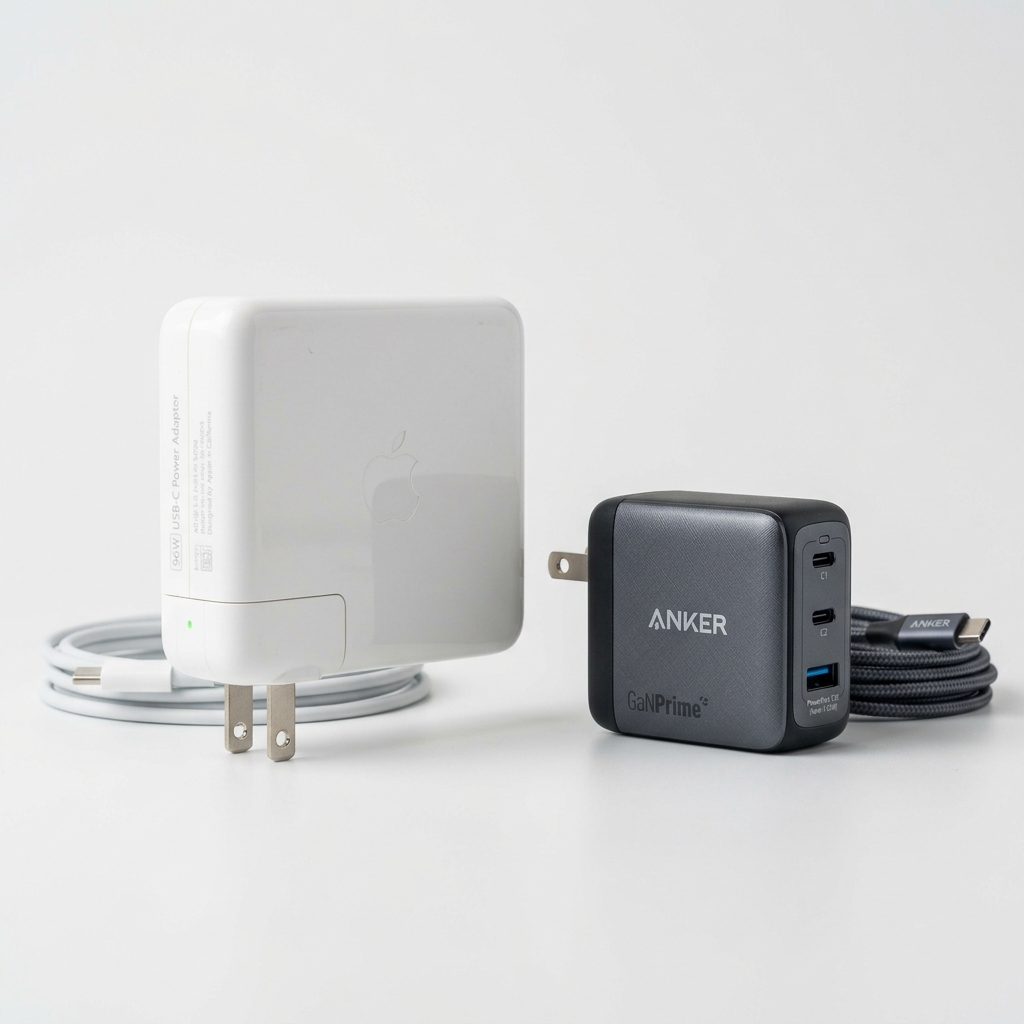
Apple’s 96W USB-C Power Adapter costs $79 USD on its own store. Add a two-meter USB-C to USB-C cable and you’re pushing past $90 for the official charging setup.
But here’s what Apple doesn’t advertise: the MacBook Pro ships with a 96W charger partly because that’s what the laptop’s battery can accept at max speed—not because it requires Apple’s specific brick.
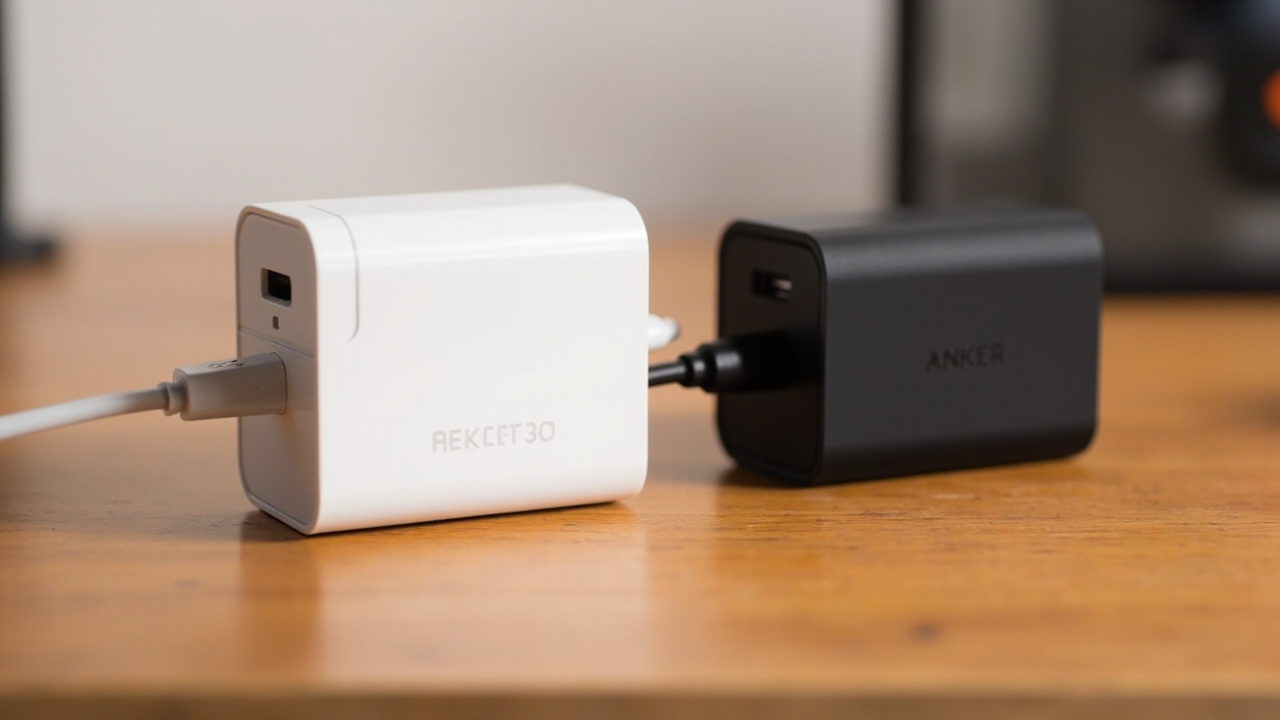
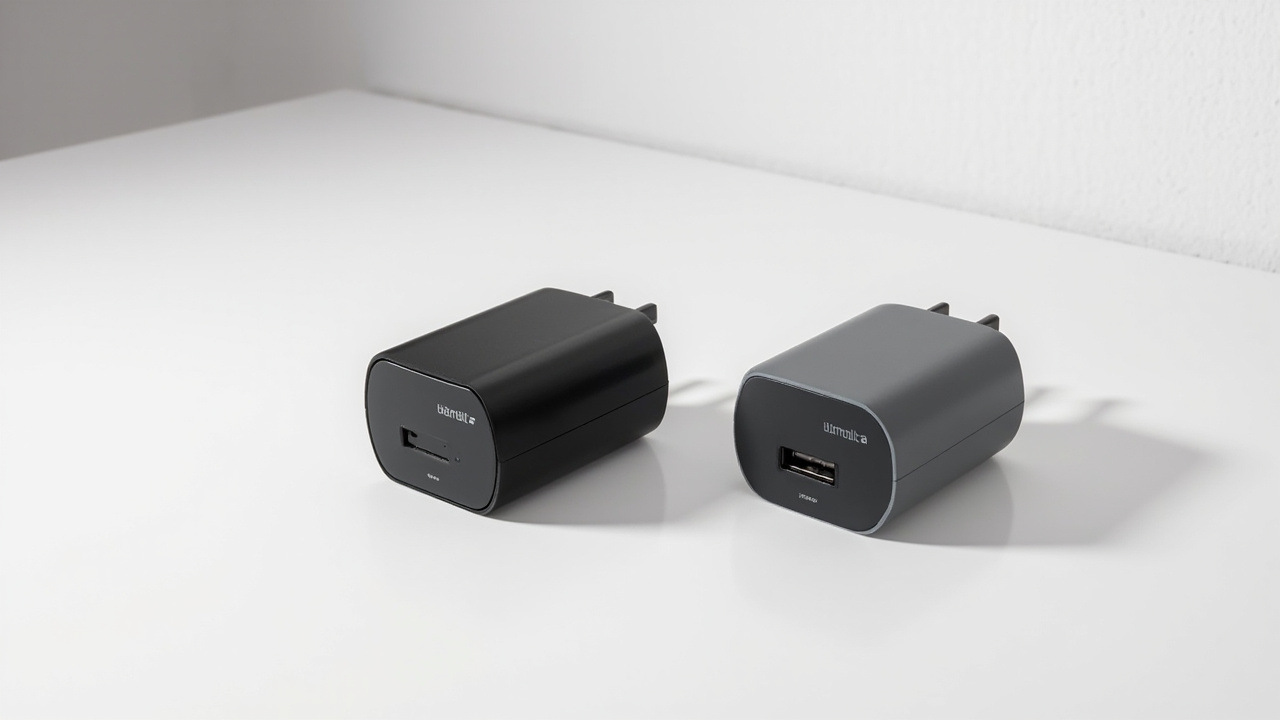
Third-party 65W GaN chargers cost $10–20 on Amazon. They deliver the same USB-C Power Delivery 3.0 watts that your MacBook actually needs. The question isn’t whether third-party works. It’s whether the $60–70 you save is worth the trade-offs.
We ran both setups for three months. Here’s the real breakdown.
The Verdict First
The generic 65W GaN charger handles everyday MacBook Pro charging without issues. Your 14-inch MacBook Pro charges from 0 to 50% in about 30 minutes, just like with Apple’s brick. For most users in most scenarios, the difference is imperceptible.
Apple’s 96W charger earns its price in specific situations: If you’re frequently running the MacBook Pro at sustained near-full load (rendering, compiling, running heavy simulations), the 96W input keeps the battery from draining even under heavy draw. The generic 65W works but can lose charge under extreme sustained loads.
| Scenario | Generic 65W | Apple 96W |
|---|---|---|
| Light browsing/email work | ✅ Full speed charge | ✅ Full speed charge |
| Compile large codebases (30W+ load) | ⚠️ Slow net charge | ✅ Maintains battery |
| 4K video rendering export | ⚠️ Drains slightly | ✅ Stable |
| Travel / commute daily | ✅ Perfect | ✅ Fine (bulkier) |
| Cost | $10–20 | $79 |
Price vs Real Cost Per Use
Let’s be concrete. The math matters here.
Generic 65W GaN (e.g., VJYUIJAY or similar Amazon options):
- Purchase price: $10–20
- Expected lifespan: 2–3 years (typical consumer charger life)
- Cost per year (if it lasts 2 years): $5–10
- Replacement cost after 3 years: $10–20 again
Apple 96W USB-C Power Adapter:
- Purchase price: $79
- Expected lifespan: 4–6 years (Apple’s build quality is genuinely higher)
- Cost per year (if it lasts 5 years): ~$16
- Apple’s one-year warranty on accessories
The generic saves you roughly $60 upfront. If you go through two generic chargers in the time you’d keep one Apple charger, your five-year total cost looks like this:
- Generic path: $20 + $20 = $40 total over 5 years
- Apple path: $79 total over 5 years
You’re still ahead by about $39 with generics, even accounting for one replacement cycle. The Apple brick wins on longevity and warranty, but the financial gap is smaller than the sticker price suggests.
Build Quality and Durability
Generic 65W GaN Chargers
The third-party charger landscape is uneven. At the $10–20 price point, you get chargers built to a cost target rather than a quality target. Most use GaN (gallium nitride) technology to shrink the footprint, but the implementation varies.
What you generally get:
- Plastic housings with matte finish
- Foldable prongs on most models
- Indicator LED for power status
- 18–24 month expected life with regular use
What you might encounter:
- Units with slight coil whine under load (audible in quiet rooms)
- Slightly higher heat output than higher-end models
- Occasional quality variance between units (buying in bulk is a gamble)
The VJYUIJAY-type chargers from Amazon have decent reviews (generally 4.2–4.5 stars across thousands of ratings), but the consistent feedback is that build quality is “fine for the price” rather than exceptional.
Apple 96W Charger
Apple’s charger is overbuilt relative to its price point. The aluminum housing dissipates heat efficiently, the prongs are sturdy and fold cleanly, and the entire unit feels like it was designed to survive a decade of airport runs.
Key advantages:
- Excellent thermal management (stays cooler under load)
- No coil whine—complete silence
- Prong mechanism feels precise and durable
- 1-year Apple warranty, extendable with AppleCare+
- Cable detection that prevents faulty cables from causing issues
The Apple charger also implements a more sophisticated PD (Power Delivery) profile. Most third-party chargers at 65W offer a single PDO (Power Delivery Option) at 20V/3.25A. Apple’s brick can deliver more granular power profiles that optimize for the specific battery management in MacBook Pro models.
Feature Breakdown
Charging Performance
The 65W vs 96W distinction is the crux of the comparison.
65W is sufficient for:
- MacBook Pro 14-inch (M3 Pro and below) under normal workloads
- MacBook Air (any generation) — 65W is actually above the Air’s max charge rate
- iPad Pro with USB-C
- iPhone 15/16 series fast charging
- Nintendo Switch and Steam Deck
65W shows limitations when:
- Running the MacBook Pro at sustained loads above 45W
- The battery is already below 20% and you’re pushing heavy compute
- You have the M3 Max MacBook Pro 16-inch (which can accept more than 65W)
The real-world impact: if you’re compiling code while charging, you might see a slow net drain with the 65W. With the 96W, you maintain charge even under sustained 40–50W loads.
Portability
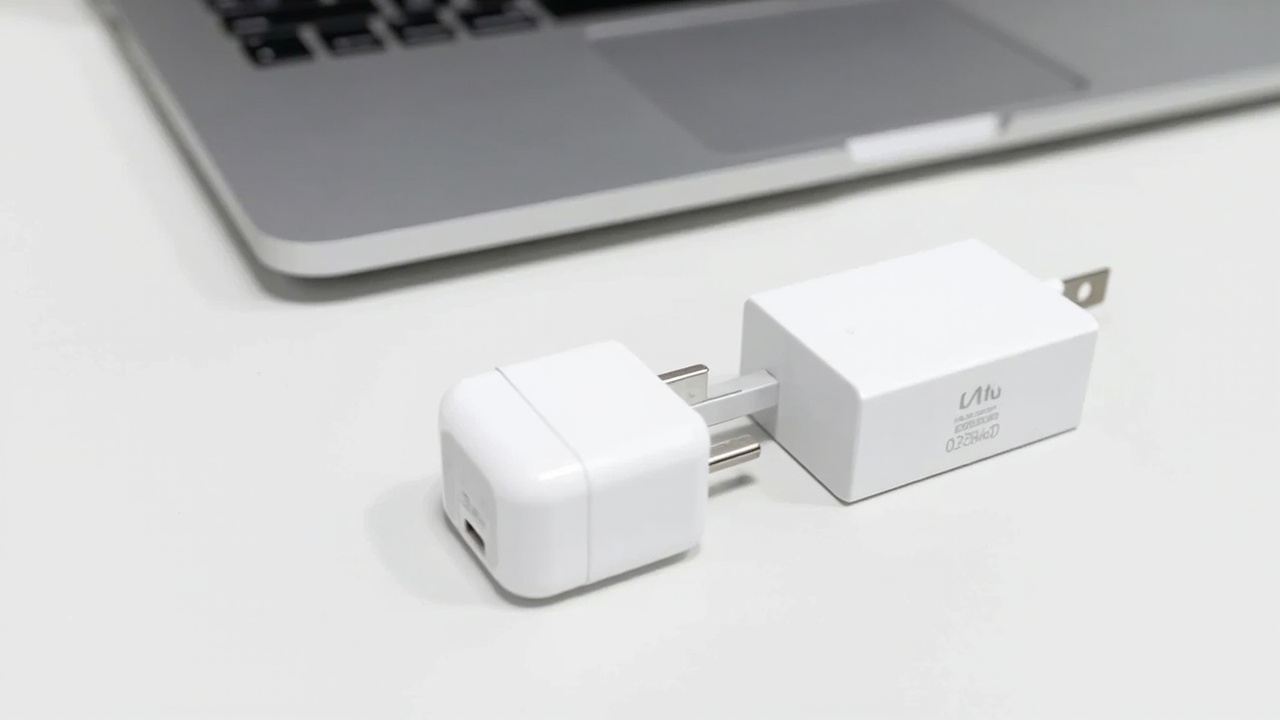
The size difference is notable. GaN chargers at 65W are roughly 50% smaller by volume than Apple’s 96W brick. The generic chargers weigh about 10–12 oz (280–340g) compared to Apple’s heavier frame.
For travel commuters, the 65W GaN chargers win on portability. They fit in a laptop sleeve without the bulk.
Cable Compatibility
Both work with any USB-C to USB-C cable that supports 65W+. This is an important nuance: the charger itself is only half the equation. A cheap or damaged USB-C cable can limit performance regardless of which charger you use.
Apple’s included cable (with the charger purchase) is a quality braided cable that handles full 96W. Generic chargers typically don’t include a cable—you need to factor in an additional $10–15 for a quality 100W USB-C cable if you don’t have one already.
Safety and Protection
Apple’s charger has sophisticated protection circuitry built in. The generic chargers typically include basic over-current, over-voltage, and over-temperature protection—but the implementation quality varies.
For most users in most environments, this isn’t a practical concern. But if you’re in a region with unstable grid power or frequently charge from power strips with many devices, the Apple brick’s more robust protection circuitry is a marginal advantage.
Pros and Cons
Generic 65W GaN Charger
Pros:
- $10–20 upfront cost vs $79 for Apple
- 50% smaller and lighter than Apple’s 96W brick
- GaN technology means cool operation and high efficiency
- Sufficient for MacBook Air and 14-inch MacBook Pro under normal use
- Easy to buy multiple (home + office + travel)
Cons:
- 65W ceiling can cause slow battery drain under heavy sustained loads
- 18–24 month lifespan expectation vs Apple’s 4–6 years
- Quality variance between units and batches
- No included USB-C cable in most cases
- Shorter or no meaningful warranty in many cases
Apple 96W USB-C Power Adapter
Pros:
- Handles any MacBook Pro at full charge rate, including under heavy sustained loads
- Exceptional build quality and thermal management
- 1-year Apple warranty with AppleCare+ options
- Included quality cable with charger purchase
- Consistent, silent operation with no coil whine
- Better long-term value if you keep equipment for 4+ years
Cons:
- $79 price is steep for what is essentially a commodity accessory
- Larger and heavier than GaN alternatives
- Only makes sense for 16-inch MacBook Pro or heavy workstation users
- USB-C cable from Apple store adds another $19–49 on top
Best For / Skip If
Buy the generic 65W GaN if:
- You own a MacBook Pro 14-inch or any MacBook Air
- Your typical workday involves browser, productivity apps, and light media
- You want one charger for travel and another for home
- Budget matters and you replace accessories every 2–3 years anyway
- You already own a quality 100W USB-C cable
Buy the Apple 96W if:
- You have a 16-inch MacBook Pro and regularly push sustained heavy workloads
- You want a “set it and forget it” charger that will last 5+ years
- Apple’s warranty and support network matter for your workflow
- You travel with the charger daily and want maximum durability
Skip both and look for 100W options if:
- You want to future-proof with more headroom than 65W
- You’re buying for a MacBook Pro 16-inch M3 Max (which accepts up to 140W with the right adapter)
Bottom Line
Buy smart. Get more value.
The generic 65W GaN charger is the right call for the majority of MacBook Pro and MacBook Air users. You save $60 upfront, get a smaller device, and for typical productivity workloads, the charging performance is functionally identical. If you’re a developer, writer, designer, or general business user, 65W handles your day without issues.
The Apple 96W is worth it only if you’re running sustained heavy workloads on a 16-inch MacBook Pro where the extra wattage keeps your battery from draining. For everyone else, it’s paying a premium for power you won’t use.
The smartest move: buy the generic, pocket the $60 difference, and upgrade to Apple if you ever genuinely need the extra headroom.