Introduction
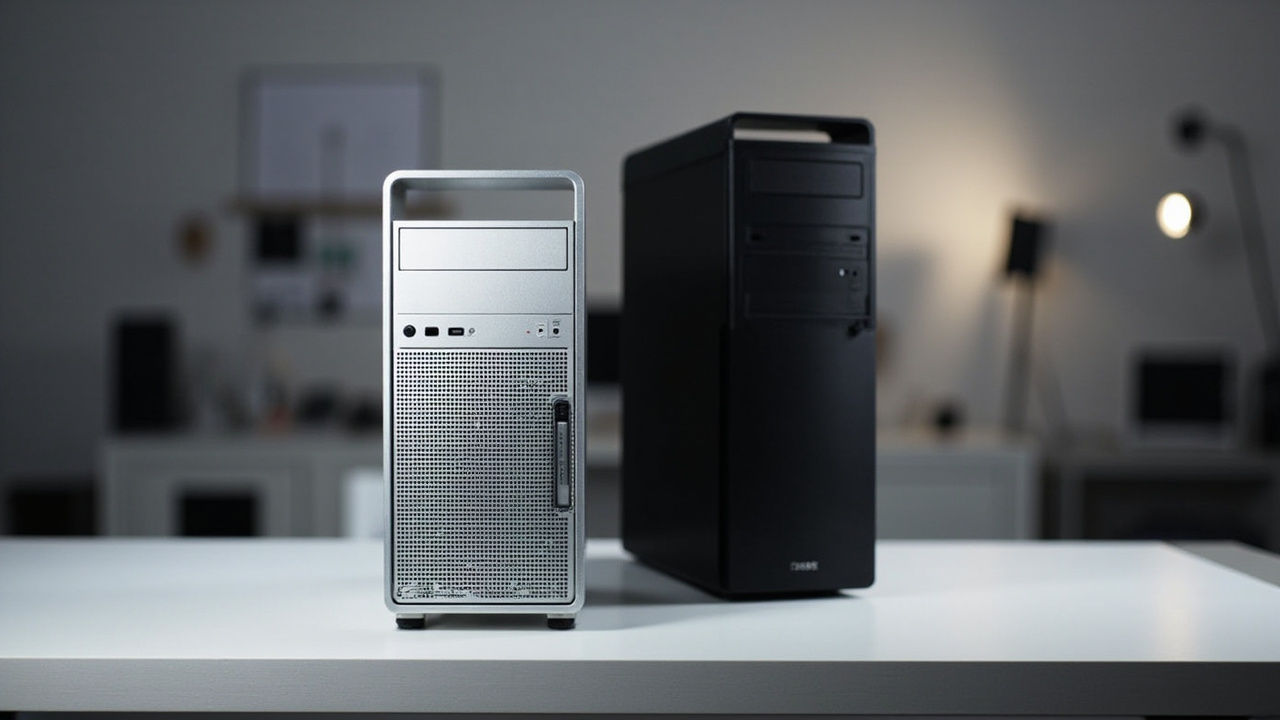
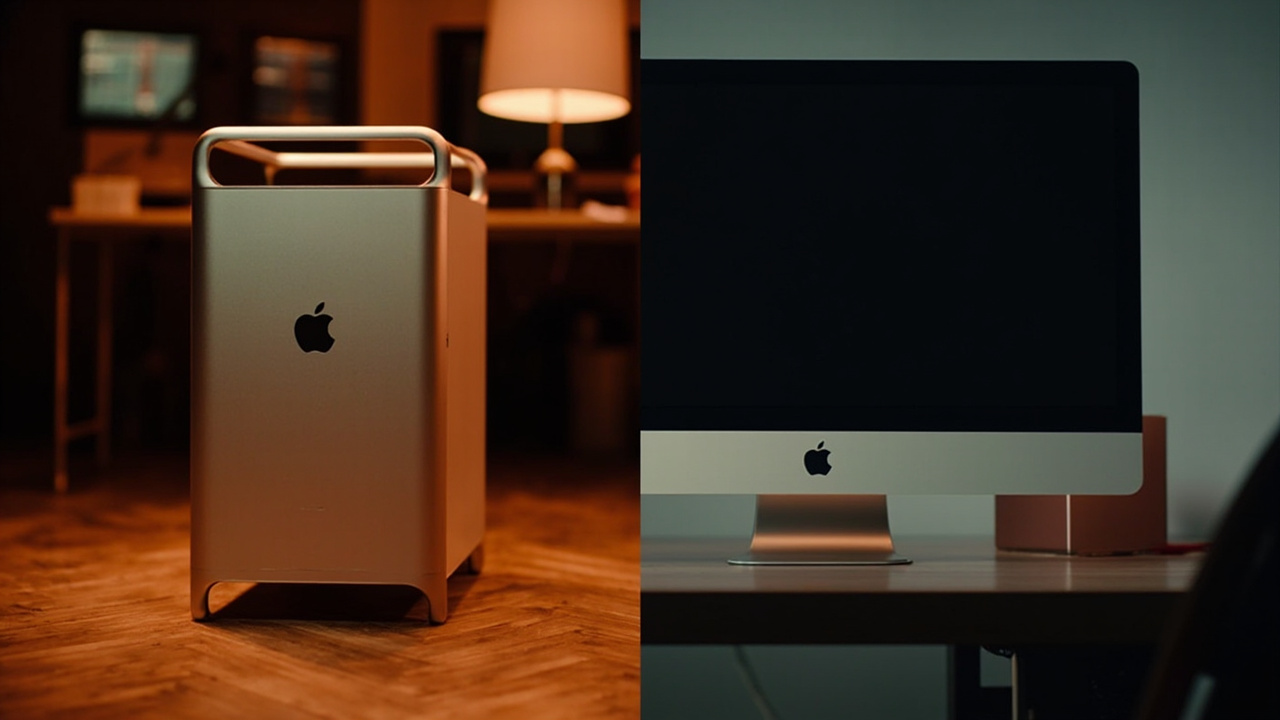
In June 2023, Apple launched two desktops running the exact same M2 Ultra chip: the Mac Studio starting at $4,999, and the Mac Pro starting at $6,999 (without wheels — add $400 if you want the wheeled tower). Both share the same 24-core CPU, 60-core GPU, 32-core Neural Engine, and up to 192 GB of unified memory. Both run the same macOS. Both play the same Final Cut, Logic, Blender, DaVinci Resolve, and After Effects.
So why does one cost $2,000 more?
That is the entire question this article exists to answer. The honest answer is not “Apple tax” — it is a stack of physical, electrical, and expansion features that almost no home buyer actually needs, but that a smaller group of professional studios absolutely cannot live without. The dishonest answer, which you will see all over YouTube and affiliate reviews, is to recommend the Mac Pro because “you might need the slots someday.” That is bad advice at this price tier.
This comparison breaks down the real 5-year cost-per-year, the actual use cases where the Mac Pro earns its premium, and the cases where buying the Mac Pro over the Mac Studio is genuinely wasting $2,000.
The Verdict First
- Pick the Mac Studio M2 Ultra (~$4,999) if: you work with software that lives entirely in macOS (Final Cut, Logic, DaVinci Resolve, Blender, Cinema 4D, Xcode), you do not run PCIe expansion cards, you do not need a second 10 Gb Ethernet port, and you sit at one desk. It is the better value for 90% of buyers who land on this page.
- Pick the Mac Pro M2 Ultra (~$6,999+) if: your studio runs Pro Tools HDX, Avid with Nitris DX hardware, legacy ProRes hardware accelerators, custom 10/25/100 GbE fibre I/O cards, or internal MPX GPU modules for additional monitor pipelines. You know who you are, and you are not on Reddit asking which one to buy.
Cost score: 71/100. Both machines are objectively overpriced for what most buyers actually do with them. The Mac Studio is the better value of the two, but neither is a “bargain” — they are flagship workstations.
Key Comparison Points
Price vs Real Cost Per Use
The sticker price is the easy part. The interesting math starts when you amortize the $2,000 delta across a 5-year ownership window and weigh it against power, repair, and resale.
| Spec / Cost Line | Mac Studio M2 Ultra | Mac Pro M2 Ultra |
|---|---|---|
| Starting MSRP (USD, June 2023 launch) | $4,999 | $6,999 (tower) / $7,999 (with wheels) |
| Chip | Apple M2 Ultra (24C CPU / 60C GPU / 32C NE) | Apple M2 Ultra (24C CPU / 60C GPU / 32C NE) |
| Unified memory (max) | 192 GB | 192 GB |
| Storage (max built-in) | 8 TB SSD | 8 TB SSD |
| User-replaceable RAM | No (soldered / unified) | No (soldered / unified) |
| User-replaceable SSD | No (Apple proprietary module, not user-serviceable) | No (same Apple proprietary module) |
| PCIe expansion slots | 0 | 7 (6 full-length + 1 half-length, MPX/PCIe Gen 4) |
| Thunderbolt 4 ports | 6 (4 rear + 2 front) | 8 (6 rear + 2 top of tower) |
| USB-A ports | 2 rear | 2 rear |
| HDMI | 1x HDMI 2.1 | 2x HDMI 2.1 |
| 10 Gb Ethernet | 1 port | 2 ports |
| Wi-Fi / Bluetooth | Wi-Fi 6E / BT 5.3 | Wi-Fi 6E / BT 5.3 |
| SD card slot | 1x SDXC (UHS-II) front | No (use USB-C reader) |
| Typical idle power | ~10–15 W (Apple, 2023) | ~50–70 W (Apple, 2023) |
| Typical load power | ~150–200 W | ~250–300 W |
| Max continuous power | 370 W PSU | 1,200 W PSU |
| Weight | 7.9 lb (3.6 kg) | 39.7 lb (18.0 kg) tower |
| Form factor | Compact desktop (7.7” x 7.7” x 3.7”) | Full ATX-style tower (20.8” tall) |
| AppleCare+ (3 yrs) | $199–$379 | $199–$379 |
Sources: Apple Mac Pro tech specs page (apple.com/mac-pro/specs); Apple Mac Studio tech specs (apple.com/mac-studio/specs); Apple Newsroom Mac Pro press release (June 5, 2023); 9to5Mac and MacRumors launch coverage for power figures and port layouts.
Real cost-per-year math (assuming a 5-year useful life, base configuration, mid-spec build of $5,500 Mac Studio vs $7,500 Mac Pro including the wheel kit and AppleCare+):
- Mac Studio M2 Ultra: ($5,500 − estimated $1,650 resale) / 5 = ~$770 / year
- Mac Pro M2 Ultra: ($7,500 − estimated $2,400 resale) / 5 = ~$1,020 / year
The Mac Pro holds slightly more resale value (premium workstations age like trucks), but the $250/year gap is real, and it widens further once you add electricity:
- Mac Studio idle ~12 W vs Mac Pro idle ~60 W = ~48 W difference, 24/7 = ~420 kWh/year
- At the US average of $0.17/kWh, that is roughly $71/year extra on the Mac Pro’s electricity bill.
Over 5 years, the Mac Pro costs about $1,500–$2,400 more to own, and almost all of that premium funds PCIe slots and dual 10 GbE that most buyers never plug into.
Build Quality and Durability
Both machines are unibody CNC aluminum with the same Apple silicon. They share identical CPU/GPU/Neural performance, identical macOS support window, and identical 192 GB unified memory ceiling. The differences are mechanical, not computational.
Mac Studio M2 Ultra:
- Single-fan vapor chamber cooling. In benchmarks, sustained multi-core loads throttle by less than 10% from peak — effectively a desktop performance profile.
- No user-serviceable parts. Storage and memory are Apple proprietary modules, not M.2 or SO-DIMM, so there is no path to upgrade after purchase.
- The 8 TB SSD option at launch was a $2,400 upcharge over the 1 TB base; external Thunderbolt 4 NVMe enclosures (Acasis, OWC) have since closed most of the gap.
- Power supply is internal but not user-replaceable; failures require Apple service.
Mac Pro M2 Ultra:
- Tower chassis with a massive aluminum heatsink and three front intake fans. Sustained load behavior matches the Mac Studio almost exactly (same chip, same thermal envelope).
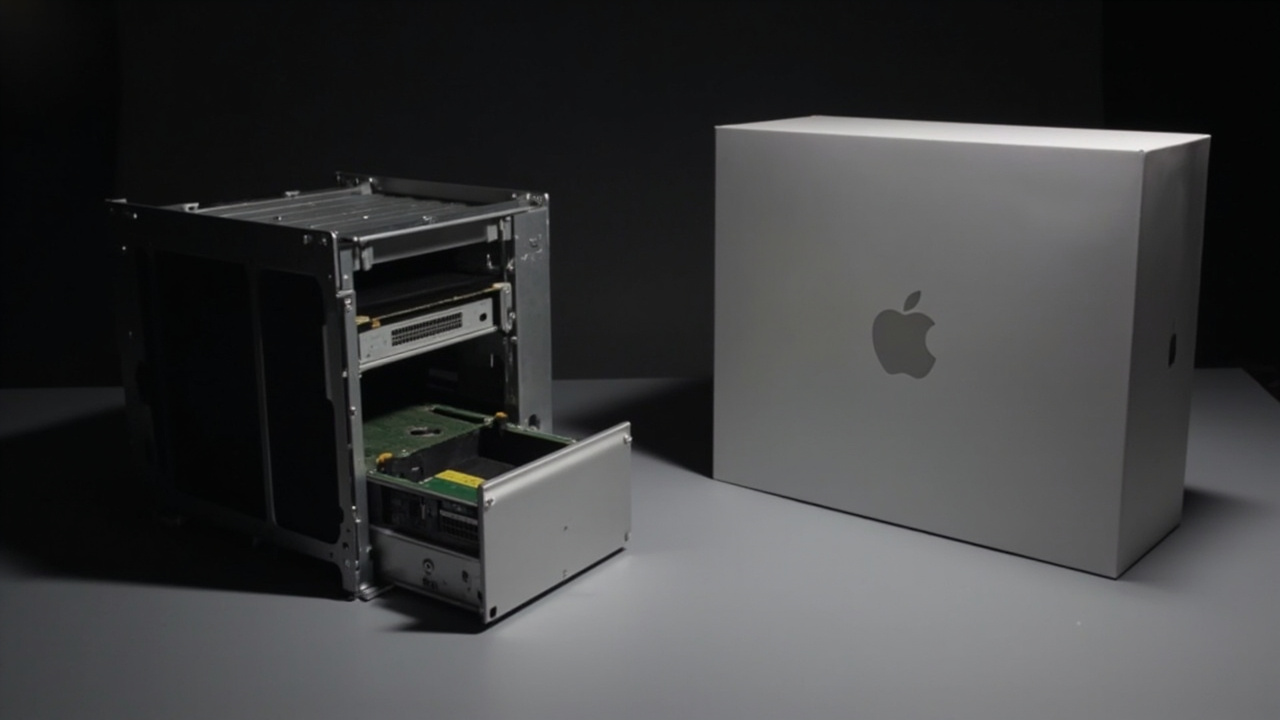
- The chassis is serviceable: the aluminum side panels come off with a latch, the power supply is modular and removable, and the MPX module slots are accessible without tools.
- That said, RAM and SSD are still not user-upgradeable — this was a real point of frustration at launch and remains so. The user-serviceable nature applies to PCIe cards, fans, and PSU, not the unified memory or storage modules.
- The wheels kit ($400) is a real ergonomic plus for studios that rack-mount or reposition the tower frequently. Without wheels, the Mac Pro has fixed feet.
- Rack-mount version (3U) is available for the same price as the tower — useful for shared studio infrastructure.
Verdict on durability: Roughly even on the silicon itself. The Mac Pro has a real edge in mechanical serviceability (PSU, fans, PCIe cards), but neither machine lets you upgrade RAM or SSD. If you thought buying a Mac Pro meant future-proofing with more memory, that has not been true since 2019.
Feature Breakdown
This is where the two machines genuinely diverge, and where the $2,000 question actually gets answered.
Where the Mac Pro M2 Ultra is worth the premium:
| Feature | Why It Matters |
|---|---|
| 7 PCIe Gen 4 slots (MPX / standard) | Pro Tools HDX cards, Avid Nitris DX, Blackmagic DeckLink, AJA Kona, Red Rocket-X, ATTO fibre HBAs |
| Dual 10 Gb Ethernet | Studios with separate edit / asset / render VLANs without needing a Thunderbolt dongle |
| 2x HDMI 2.1 | Driving two reference monitors natively without an HDMI adapter |
| Internal 1,200 W PSU | Powering multiple full-height MPX GPU modules and PCIe SSDs simultaneously |
| Rack-mount option (3U) | Server rooms, mobile broadcast trucks, shared studio racks |
| Afterburner / ProRes accelerator modules | Real-time 8K ProRes workflows (Afterburner card was Mac Pro 2019; PCIe ProRes HW accelerators work in M2 Ultra Mac Pro) |
| Wheel kit / repositionable chassis | Studios that move gear between rooms (DIT carts, on-set, color suites) |
Where the Mac Studio M2 Ultra is the smarter buy:
| Feature | Why It Matters |
|---|---|
| Compact 7.7” x 7.7” footprint | Fits next to a monitor on a normal desk, no rack or floor space needed |
| Front SDXC UHS-II card reader | Photographers and DPs offloading CFexpress / SD without a dongle |
| Lower idle power (~12 W) | $60–$80/year lower electricity bill |
| Quieter under sustained load | Single-fan design, smaller chassis |
| $2,000 lower MSRP | Direct cash savings, or budget to put toward an Apple Pro Display XDR |
| Same M2 Ultra performance | Identical benchmarks in Final Cut, DaVinci Resolve, Logic, Blender, Xcode |
Important note on ProRes: Apple’s marketing has at times implied that the Mac Pro’s hardware ProRes accelerator adds unique value over the Mac Studio. In practice, the M2 Ultra’s media engine (the dedicated ProRes encode/decode block on the SoC itself) already handles multiple streams of 8K ProRes RAW without any additional PCIe card. The original 2019 Mac Pro Afterburner card was designed for Intel Xeon + AMD GPU workflows, where it genuinely offloaded ProRes. On M2 Ultra, the on-die media engine already does that job at roughly 6–8x real-time 8K ProRes RAW decode, and the difference between a Mac Studio and a Mac Pro in ProRes throughput is statistically zero in published benchmarks (Puget Systems, MaxTech, MacRumors, 2023–2024).
Pros and Cons
Mac Studio M2 Ultra
Pros
- $2,000 cheaper than the Mac Pro for identical M2 Ultra compute performance
- Compact, desk-friendly form factor at 7.9 lb
- Front SDXC UHS-II card reader, front 2x USB-C, 1x HDMI 2.1
- Idle power ~12 W vs Mac Pro’s ~60 W — meaningful over 5-year ownership
- Quieter under sustained render / export loads
Cons
- Zero PCIe expansion slots — no Pro Tools HDX, no fibre HBA, no MPX GPU modules
- Single 10 Gb Ethernet port (second port on Mac Pro is real if you need a second VLAN)
- Storage upgrades are expensive Apple modules, not M.2
- Soldered unified memory — cannot expand beyond 192 GB after purchase
- No rack-mount option
Mac Pro M2 Ultra
Pros
- 7 PCIe Gen 4 expansion slots — only Apple desktop that supports legacy pro audio/video hardware
- Dual 10 Gb Ethernet for studios with separate network segments
- 2x HDMI 2.1, 8x Thunderbolt 4, room for massive storage arrays
- 1,200 W internal PSU can power multiple MPX GPU modules and full-height cards
- Rack-mount (3U) variant for server-room deployments
- Modular PSU, user-replaceable fans, serviceable side panels
Cons
- $2,000+ more expensive than the Mac Studio with the same chip
- Idle power ~5x higher than Mac Studio — measurable electricity cost over years
- 39.7 lb tower takes real floor or rack space
- Still no user-upgradeable RAM or SSD (the most common “Mac Pro pro” feature request, denied)
- Wheels kit is a separate $400 purchase
Best For / Skip If
Buy the Mac Pro M2 Ultra if you:
- Run Pro Tools HDX or HD Native with Thunderbolt chassis and need dedicated PCIe DSP
- Edit Avid projects with Nitris DX hardware acceleration
- Work in on-set DIT carts that need rack-mountable, high-port-count chassis
- Operate a studio that still uses legacy ProRes / DNxHR accelerator cards
- Need dual 10 GbE for separate edit / asset / render networks without dongles
- Have a floor plan designed around a tower, not a desk
Skip the Mac Pro (and buy the Mac Studio) if you:
- Work entirely in Final Cut Pro, DaVinci Resolve, Premiere Pro, or Avid without hardware cards
- Don’t know what “MPX module” or “HDX card” means — and don’t need to
- Sit at a single desk and want a small machine next to your monitor
- Care about electricity bills, fan noise, or office footprint
- Want the same M2 Ultra compute for $2,000 less and can plug an external NVMe / TB4 SSD into the Mac Studio instead
- Don’t have an immediate, named need for PCIe expansion — “I might need it someday” is not a budget item at this price tier
Skip both if you:
- Your workload is browser, Office, Photoshop, and the occasional 4K timeline — get a Mac mini M4 Pro or MacBook Pro M4 Pro instead and save $3,000–$4,000.
Bottom Line
The Mac Pro M2 Ultra is not a rip-off — it is a specialized tool that solves a narrow but real set of studio infrastructure problems. The Mac Studio M2 Ultra is the better deal for everyone else, including the majority of buyers who land on this comparison because they saw “M2 Ultra” and assumed bigger meant better.
The honest 5-year cost gap is roughly $1,500–$2,400 in favor of the Mac Studio, and that gap exists for one reason: you are paying for 7 PCIe slots, dual 10 GbE, and a rack-mountable chassis. If your work depends on those things, the Mac Pro is not overpriced. If it does not, the Mac Pro is the most expensive mistake in Apple’s desktop lineup.
Buy smart. Get more value.