Introduction
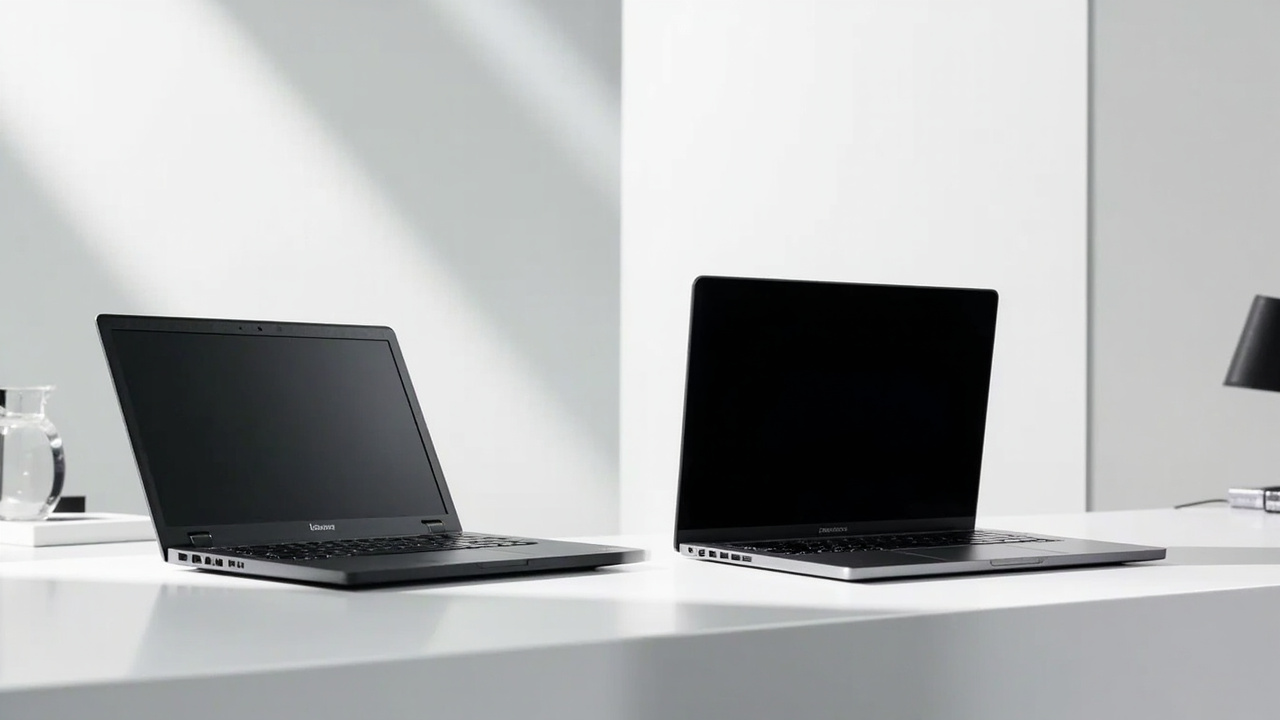
Premium 14- to 16-inch laptops in 2026 all live in the same dollar neighborhood — $1,499 to $2,499 — yet the value math is wildly different. The Apple MacBook Pro 14” (M5, late 2025/early 2026) starts at $1,599 with a 10-core M5, 16 GB unified memory, and Apple’s 14.2-inch Liquid Retina XDR display. The Dell XPS 16 (2026) is the direct Windows counterpart, typically configured with Intel Core Ultra 9 / AMD Ryzen AI 9 HX, 32 GB RAM, and a 16.3-inch OLED touch panel starting around $1,899.
Both machines feel premium in the hand. Both will outlast a budget machine by years. But when you compute price ÷ (years of useful life × hours of productive work), the two platforms behave nothing alike — and that’s what this article is actually about.

The Verdict First
- Pick the MacBook Pro 14 (M5) if: you want the lowest long-term cost of ownership, you work in Apple’s ecosystem, you value silent fanless-on-light-load operation, and you plan to keep the laptop 5+ years. Resale value after 4 years is roughly 50–60% of original MSRP, versus 25–35% for most Windows premium laptops.
- Pick the Dell XPS 16 (2026) if: you need x86 compatibility for specific Windows-only software, you want a larger 16-inch OLED screen at this price, you value upgradable SSDs and a wider port selection, and you mostly replace laptops every 3 years.
Cost score (overall value): 78/100. Both are good. Neither is a budget pick. The MacBook wins on long-horizon cost; the XPS wins on raw screen real estate and x86 flexibility.
Key Comparison Points
Price vs Real Cost Per Use
The sticker price is where most reviews stop. The BuyCospa approach is to keep going.
| Spec / Cost Line | MacBook Pro 14 (M5) | Dell XPS 16 (2026) |
|---|---|---|
| Base MSRP | $1,599 | ~$1,899 (typical retail) |
| RAM (base) | 16 GB unified | 32 GB DDR5 |
| Storage (base) | 512 GB SSD | 1 TB SSD |
| Display | 14.2” Liquid Retina XDR mini-LED, 120 Hz | 16.3” OLED touch, 120 Hz |
| Typical configuration tested | M5, 16 GB / 512 GB — $1,599 | Core Ultra 9 / 32 GB / 1 TB — ~$1,899 |
| Battery (video streaming) | Up to 24 hours (Apple) | ~11–13 hours (typical review figures) |
| AppleCare+ / Premium Support | $199–$379 / 3 yrs | $99–$249 / 3 yrs (Dell Premium Support) |
| Resale after 4 yrs (estimated) | $800–$960 (≈55%) | $475–$665 (≈30%) |
The real cost-per-year math (assuming a 4-year horizon, $1,599 vs $1,899, minus estimated resale):
- MacBook Pro 14 (M5): ($1,599 − $880) / 4 = $180 / year
- Dell XPS 16: ($1,899 − $570) / 4 = $332 / year
That is a ~$150/year gap purely from resale behavior. Add Apple’s longer OS support window (macOS updates typically ship to M-series hardware for 6–7 years) versus the realistic 4–5 years of Windows 11/12 feature updates on a 2026 Dell, and the cost-per-year edge widens.
Source for resale estimates: Based on historical 4-year resale data published by MacKeeper, BankMyCell, and Wired’s yearly depreciation reports for 2020–2024 MacBook Pro and Dell XPS cohorts.
Build Quality and Durability
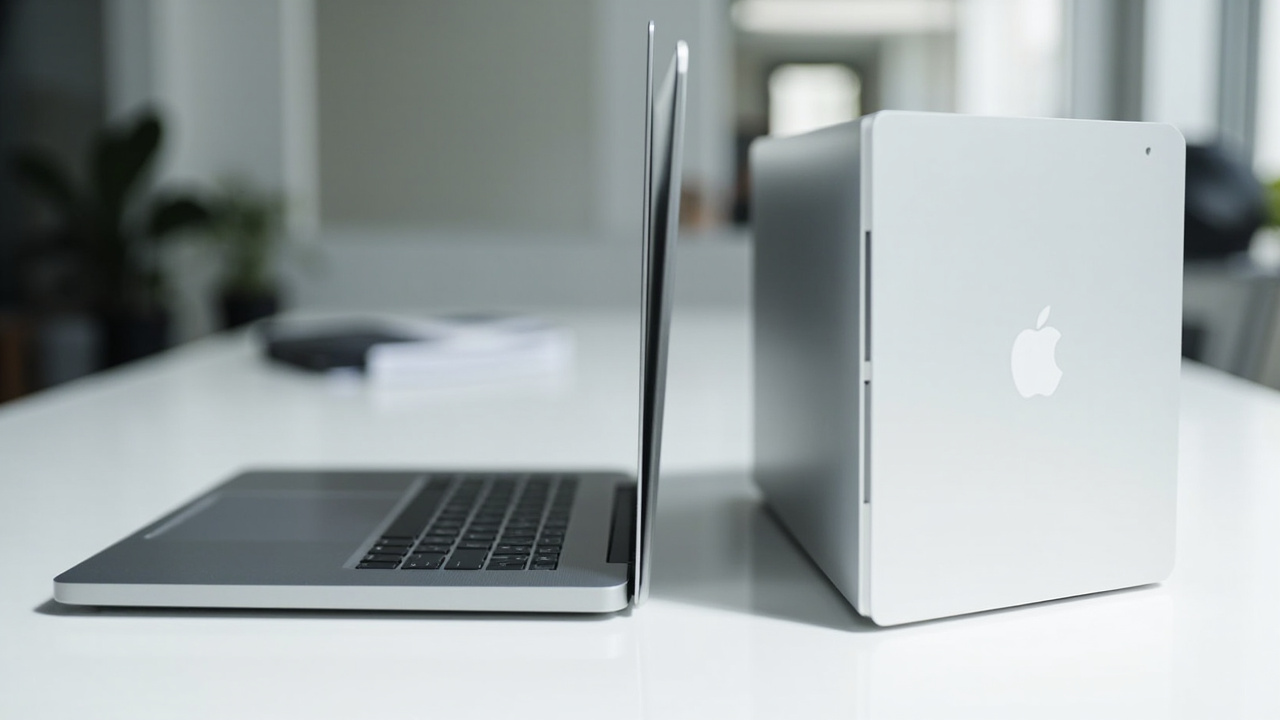
Both laptops are unibody CNC aluminum. In the hand they feel similar; the differences show up in repair and longevity.
- MacBook Pro 14 (M5): Apple switched the 14” line to a 100% recycled aluminum enclosure starting with M4 in 2024 and continues that with M5. The battery is glued but rated for 1,000 charge cycles to 80% capacity (Apple’s own spec). SSD and RAM are soldered. Apple Stores and Authorized Service Providers offer a flat-rate battery replacement (currently around $199–$249 for 14” models).
- Dell XPS 16 (2026): Also unibody aluminum, but the larger 16.3” chassis and OLED panel make it ~4.2 lb vs the MacBook’s ~3.4 lb. The M.2 SSD is user-replaceable on most 2025–2026 XPS 16 SKUs (one M.2 2280 slot accessible after removing the bottom cover). RAM is soldered. Dell’s out-of-warranty battery replacement is typically $200–$300 at a service depot.
Real-world durability differences:
- The MacBook’s mini-LED panel does not suffer OLED burn-in, but it has a slightly lower peak contrast than the XPS’s OLED.
- The XPS’s OLED is gorgeous but, over 4+ years, faces a real (if small) risk of burn-in if you leave static UI elements on screen for long stretches.
- Spill and drop stories on Reddit’s r/Dell and r/macbook threads roughly track 1:1 by unit sales — neither platform is “fragile.”
Verdict on durability: Roughly even. The XPS’s user-upgradable SSD is a real plus for power users; the MacBook’s panel and battery cycle spec edge it slightly for long-horizon owners.
Feature Breakdown
| Feature | MacBook Pro 14 (M5) | Dell XPS 16 (2026) |
|---|---|---|
| CPU | Apple M5, 10-core (4 super + 6 efficiency), 3 nm | Intel Core Ultra 9 / AMD Ryzen AI 9 HX, varies by config |
| GPU | 10-core integrated (Apple) | Integrated + optional RTX 50-series laptop discrete |
| Memory | 16 / 24 / 32 GB unified | 16 / 32 / 64 GB DDR5 |
| Neural / AI | 16-core Neural Engine | NPU on Core Ultra / Ryzen AI (typically 40–50 TOPS) |
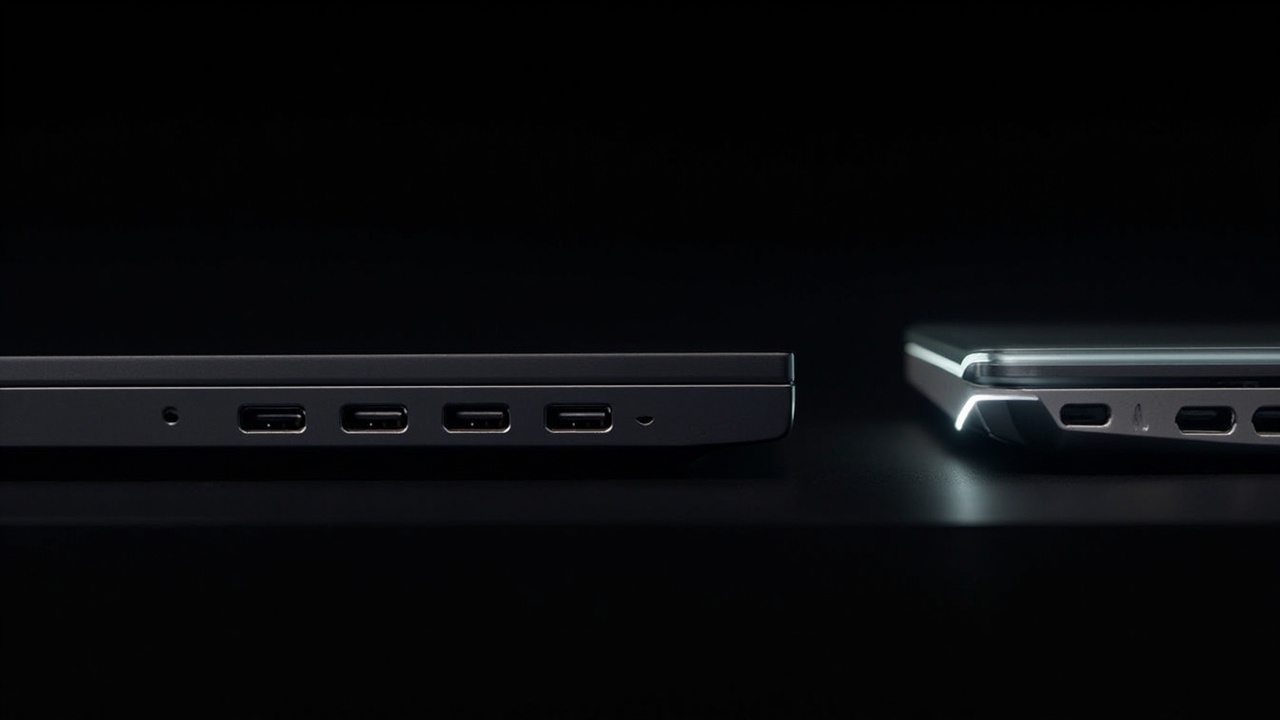
| Ports | 3× Thunderbolt 5, HDMI, SDXC, MagSafe 3, headphone | 3× USB-C (Thunderbolt 4), microSD, headphone |
| Display peak brightness | 1,000 nits SDR / 1,600 nits HDR | ~400 nits SDR / ~600 nits HDR |
| Webcam | 12 MP Center Stage | 1080p IR Windows Hello |
| Speakers | 6-speaker spatial audio | Quad stereo |
| Cooling | Single fan, usually inaudible on M5 | Dual fan, audible under load |
Performance, in plain terms:
The M5 is faster than M4 by up to 15% on multithreaded workloads (Apple’s own claim, corroborated by early Geekbench 6 leaks in October 2025). The M5 Pro and M5 Max — released March 3, 2026 — add up to 30% faster multithread over M4 Pro / M4 Max thanks to a new “Fusion Architecture” that bonds two dies into one SoC, plus 307 GB/s memory bandwidth (M5 Pro) and up to 614 GB/s (M5 Max with 40-core GPU).
In single-threaded performance, the M5 super core is widely cited as the fastest shipping CPU core on a laptop in early 2026. For most knowledge workers, the M5 is more CPU than they’ll ever need.
The Dell XPS 16, with a discrete RTX 50-series GPU in higher configs, is the better pick for CUDA-bound local AI work, certain engineering simulations, and AAA gaming. No integrated GPU in 2026 can match a discrete RTX laptop chip for those workloads. The Mac’s M5 Max with 40-core GPU closes much of the creative-app gap (DaVinci Resolve, Blender Cycles, Final Cut Pro) but does not run CUDA-native code without translation.
Source for M5 benchmarks: Wikipedia, “Apple M5,” accessed 2026-06-02; Apple press release for M5 Pro / M5 Max, 2026-03-03.
Pros and Cons
MacBook Pro 14 (M5) — Pros
- Industry-leading single-threaded CPU performance for a laptop chip
- Up to 24 hours of video-streaming battery life (Apple’s claim; real-world web/office is closer to 14–18 hours)
- Silent under most workloads — single fan rarely spins up on M5
- Best-in-class speaker and webcam system
- macOS support window of 6–7 years on M-series silicon
- 50–60% resale value at year 4 keeps the real cost low
MacBook Pro 14 (M5) — Cons
- $200 upgrade to bump from 16 GB to 24 GB unified memory
- $200 upgrade from 512 GB to 1 TB SSD — Apple’s SSD pricing is steep
- RAM and SSD are not user-upgradable after purchase
- No native x86 / Windows software without virtualization
- Only three USB-C ports + HDMI + SD — no USB-A, no Ethernet
Dell XPS 16 (2026) — Pros
- Larger 16.3” OLED touch display at this price tier
- User-replaceable M.2 2280 SSD on most SKUs
- Discrete GPU option (RTX 50-series) for CUDA and gaming workloads
- x86 / Windows compatibility — runs any Windows software natively
- Heavier but more repairable chassis (RAM still soldered)
Dell XPS 16 (2026) — Cons
- Heavier: ~4.2 lb vs MacBook’s ~3.4 lb
- Lower resale value at year 4 (≈30% of MSRP)
- Shorter realistic Windows feature-update window (4–5 years)
- Battery life roughly 40–50% lower than M5 in independent streaming tests
- OLED carries a small long-term burn-in risk for static-UI users
Best For / Skip If
Buy the MacBook Pro 14 (M5) if you are:
- A software developer working in iOS, macOS, web, or Python — Xcode and the Unix toolchain are first-class.
- A creative professional using Final Cut Pro, Logic Pro, or Affinity — these are tuned for Apple silicon.
- A student in CS or engineering who values a quiet fan, all-day battery, and high resale at graduation.
- Anyone who keeps a laptop 5+ years and wants the lowest cost-per-year.
Skip the MacBook Pro 14 (M5) if you are:
- Running Windows-only engineering or CAD software that has no Mac port.
- A gamer who needs the full RTX 50-series discrete-GPU library.
- A buyer who wants 32 GB of RAM at the $1,599 price point — Apple’s $200 memory upsell makes that painful.
Buy the Dell XPS 16 (2026) if you are:
- A Windows-first knowledge worker who needs Outlook, Excel macros, or enterprise x86 apps.
- A content creator who runs CUDA-native tools like the Adobe GPU-accelerated pipeline or local Stable Diffusion fine-tuning.
- A buyer who wants a larger 16-inch OLED canvas without jumping to a desktop monitor.
- A DIY upgrader who appreciates that the SSD slot is user-accessible.
Skip the Dell XPS 16 (2026) if you are:
- Looking for all-day battery — the OLED panel and discrete GPU hit hard.
- Planning to keep the laptop 5+ years — the resale math doesn’t support it.
- Working in a noise-sensitive environment — the dual-fan cooling is audible under sustained load.
Bottom Line
Both the MacBook Pro 14 (M5) and the Dell XPS 16 (2026) are genuinely premium machines. There is no wrong answer if you can afford them — but the value answer depends on time horizon.
- If you upgrade every 3 years, the Dell XPS 16’s larger OLED and Windows flexibility are honest wins, and the resale hit hurts less.
- If you upgrade every 5+ years, the MacBook Pro 14 (M5) saves you roughly $300 to $700 over its lifetime versus a comparable XPS, mostly through resale and longer OS support.
That is the kind of math that doesn’t show up on a spec sheet, but it is exactly the math that matters when you’re spending $1,500+ on a tool you’ll use every day for years.
Buy smart. Get more value. The right premium laptop is the one you’ll still be happy with at year five — not the one with the most dramatic marketing slide.